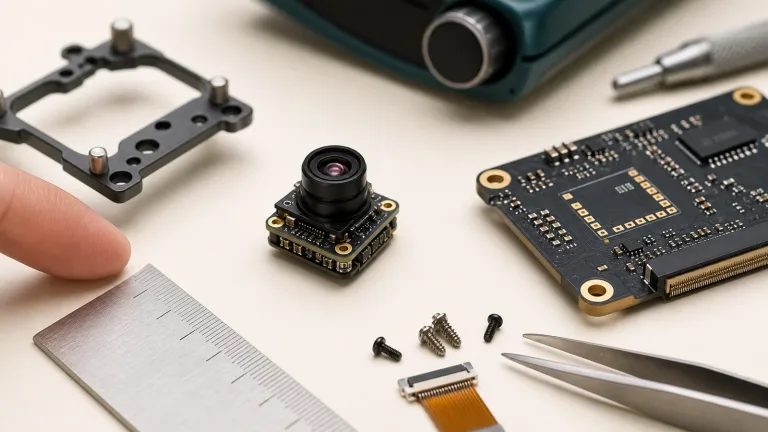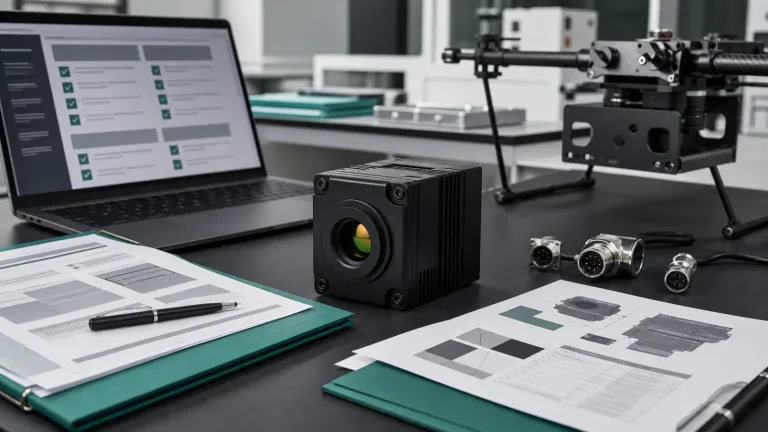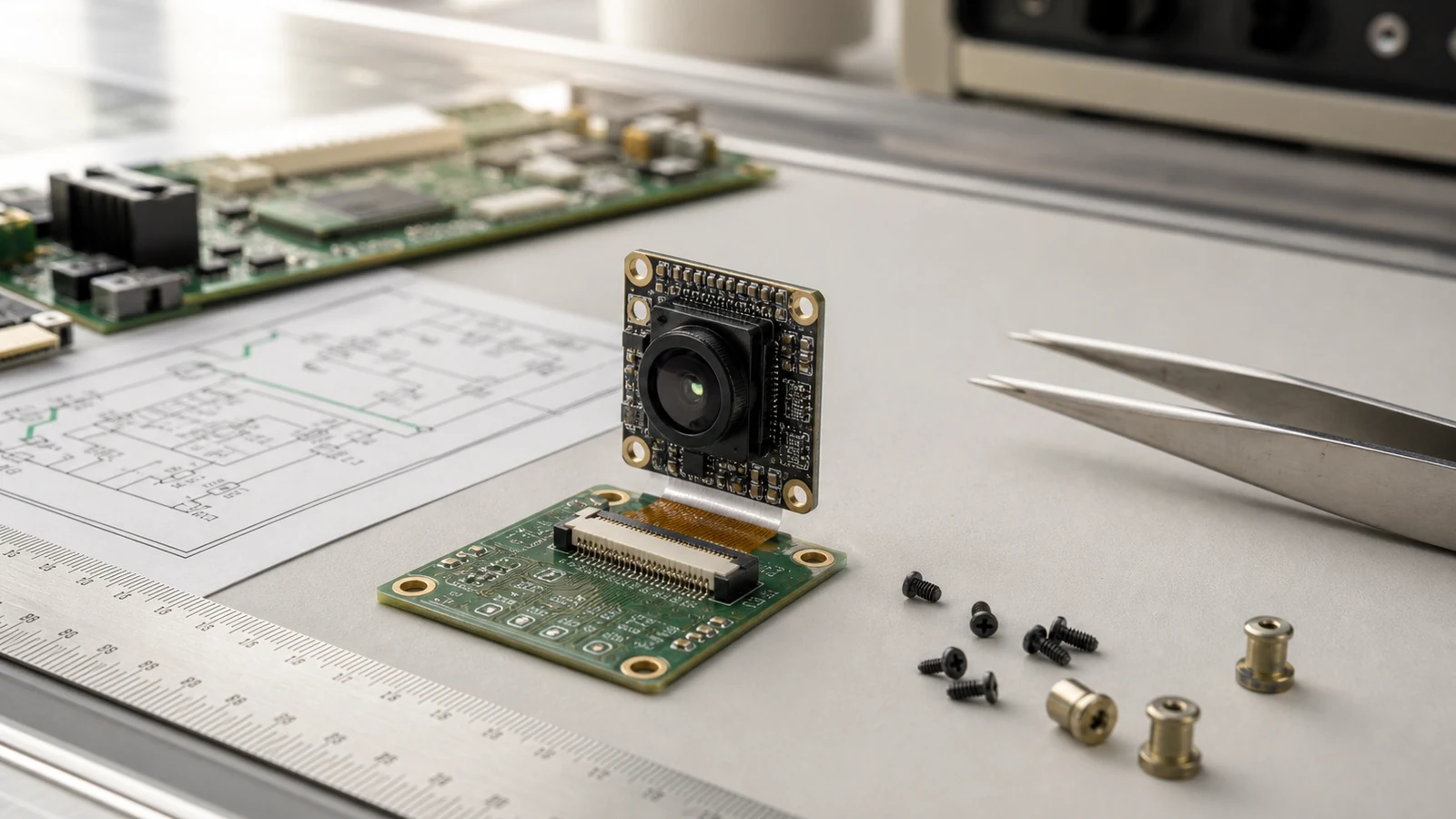
compact thermal camera core: 3 reliable board-fit questions before the sample order
Engineering memo for embedded thermal sensing buyers
compact thermal camera core: 3 reliable board-fit questions before the sample order
A compact thermal camera core can look like the easy part of an embedded sensing project. The core is small, a quotation is available, and the first sample seems close. Then the host-board review starts: the connector points the wrong way, the scene is wider than the optics can cover, the firmware team expected a ready-to-connect USB camera instead of a bare-core interface, or procurement asks for documents after the layout has already been frozen.
This memo is for engineers and buyers who want the sample order to answer real integration questions, not create a second board spin.
Quick answer
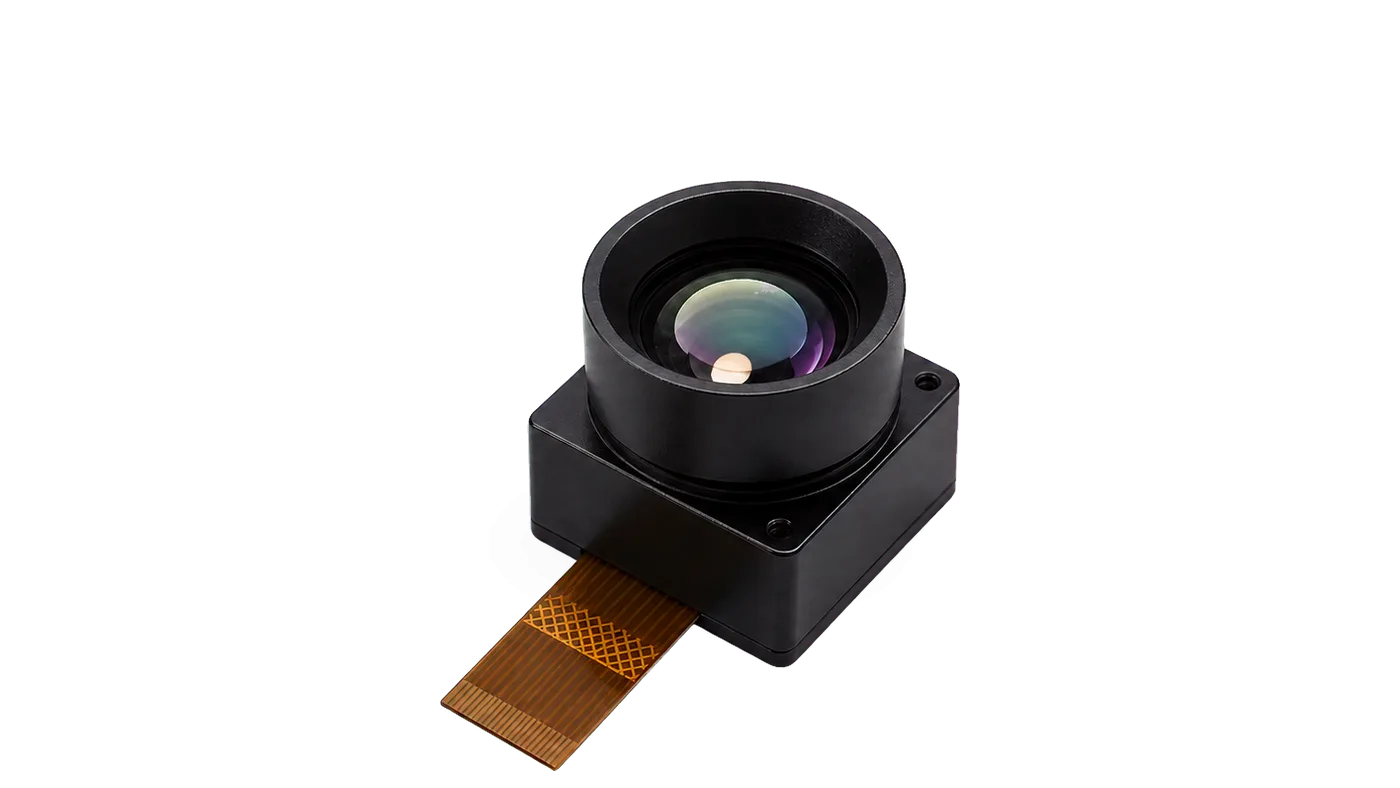
A compact thermal camera core should be selected only after the buyer confirms mechanical envelope, host interface, scene coverage, power budget, and documentation needs. CAMCUDA SuperMini 640 / 640T is the primary compact bare-core example here: both use a 640 x 512, 8 µm LWIR detector, with a 13 x 13 x 13.4 mm core and weight below 3.5 g, excluding optics and boards. SuperMini 640 provides 50 Hz imaging; 640T provides 30 Hz thermography. Its 30-pin interface, multiple power rails and host processing need an engineering review before ordering. If a simpler, lower-resolution sensor meets the task, compare its complete-system cost and power. If an interface kit would simplify evaluation, compare AeroMini 640, which also uses a 640 x 512 detector.
compact thermal camera core decisions start at the board edge
The first buyer moment is usually quiet. An embedded team has a device enclosure on the table, a PCB outline on the screen, and a thermal sensing feature that product management wants in the next prototype. Someone asks whether a compact thermal camera core can simply be ordered and tested. The engineering answer is: maybe, but only if the sample is ordered against the real board constraints.
Google’s helpful content guidance pushes publishers to write for people first. For this buyer, people-first content means naming the actual integration risk: a small LWIR module can still be the wrong module if the host interface, connector path, optics, or documentation package does not match the product.
NVIDIA’s Hannover Messe 2026 manufacturing coverage describes industrial AI through systems, simulation, robotics, and vision workflows rather than isolated sensors. That framing is useful here. A thermal core is part of a board, enclosure, firmware path, power budget, inspection workflow, and supplier handoff. The module is only small in physical size; the decision is still a system decision.
1. Do the connector and host interface match the first board?
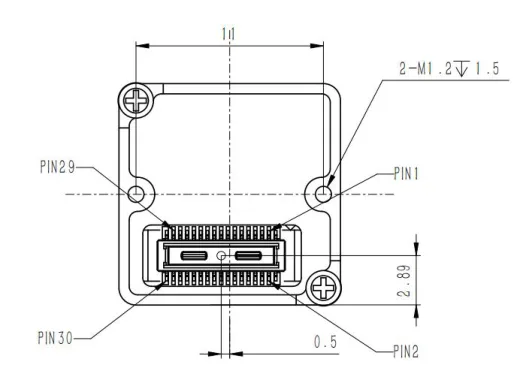
SuperMini 640 / 640T uses a Hirose DF40C-30DP-0.4V(51) 30-pin core connector. Review the orientation and complete signal table on PDF pages 6–7 of Product Manual V1.0.0 against the host connector, mating direction, board clearance and selected video path. These definitions apply to the bare core without an expansion board. A photograph of a cable or a USB socket cannot replace that connector review.
The core requires MAIN_POWER at 3.8–5.2 V, typical 5 V, plus a +3.3 V rail at 3.28–3.32 V and a +1.8 V rail at 1.78–1.82 V. Follow the manual’s power-on sequence, current and noise requirements on PDF page 8. UART uses 1.8 V logic, with TX/RX defined from the core. Confirm host capture for the selected LVCMOS, BT656/CDS3 or 2-lane MIPI path; BT656 and MIPI cannot operate simultaneously. USB 2.0 pins do not by themselves establish a supplied USB cable, driver or plug-and-play evaluation kit. Request the exact board and software package if that is your first-test plan.
2. Does the thermal scene match the optics and resolution?
A lower-resolution thermal core can be useful for presence sensing, heat distribution, HVAC monitoring, smart appliance feedback, compact security sensing, and event detection when the target occupies enough pixels. A compact core can also have 640 x 512 resolution, as SuperMini does. Choose resolution from the required scene and decision, then check whether the processor, memory, power supply and software can support the selected image stream.
Micron’s smart manufacturing article explains how image analytics can evaluate detailed process steps across manufacturing. The lesson for a CAMCUDA buyer is not to copy semiconductor examples; it is to define what the thermal image must decide. If the device only needs to detect heat zones or occupancy patterns, a lower-resolution sensor may be enough. If the product needs fine inspection detail at distance, the RFQ should say so before samples are ordered. For SuperMini, distinguish the 640 imaging-only model from the 640T thermographic model; image contrast alone does not supply calibrated temperature data.
Send target size, working distance and required scene width with the lens request. SuperMini’s manual lists 3.7, 6.1, 8.7 and 11 mm lenses; field of view depends on that optical configuration. Use the thermal imaging calculator for preliminary lens/FOV geometry, then validate the selected lens and scene with the sample. Geometry alone does not guarantee detection, identification or temperature accuracy.
3. Can procurement approve the sample package before the layout freezes?
A compact module can still fail a buying process if the documentation arrives too late. Ask for lens details, the ordered assembly drawing, connector orientation, host connector reference, interface and software documentation, quantity and availability notes, and compliance-related materials where applicable. For North America or government-adjacent projects, request an NDAA statement and available product-specific evidence during RFQ. Have procurement review those documents against its requirements; a document request is not a compliance certification.
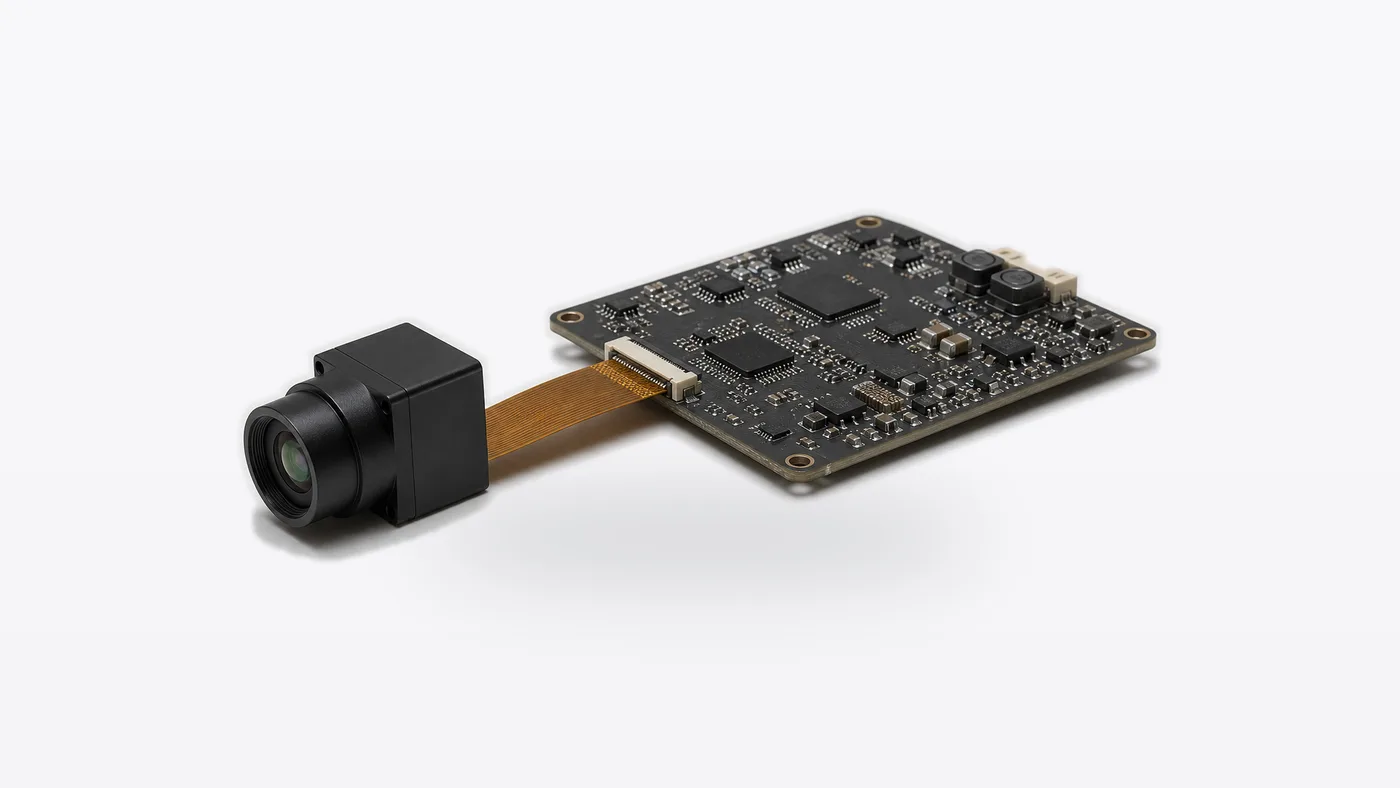
compact thermal camera core selection chart for sample planning
| Buyer question | What it means technically | SuperMini 640 / 640T fit | Next link |
|---|---|---|---|
| Can the module fit inside a small device? | Review board outline, connector direction, enclosure window, lens clearance, and cable path. | The 13 x 13 x 13.4 mm bare-core reference excludes optics and boards. Verify the complete ordered assembly. | View SuperMini 640 / 640T |
| Do we need USB video out of the module? | Separate bare-core signals from an evaluation board, cable, driver and host capture requirements. | The core has USB 2.0 pins; confirm the exact expansion board and supported software before choosing a USB evaluation path. | Compare interfaces |
| How much resolution does the task need? | Match resolution to target size, working distance, scene width and decision logic; include host integration and budget trade-offs. | Both models are 640 x 512. Select 640 for 50 Hz imaging or 640T for 30 Hz thermography; consider a lower-resolution alternative if sufficient. | Thermal imaging cores |
| Is this actually a drone payload project? | A payload also needs mounting, vibration, video-chain and complete-system validation. | Small bare-core dimensions can help a packaging review, but lens, carrier, power conversion and host processing must be included. | Drone thermal camera |
| Will the product be used outdoors? | Outdoor monitoring raises enclosure, target distance, window, mounting and environmental questions. | Confirm the full enclosure and optical assembly against the operating environment; bare-core dimensions do not establish outdoor protection. | Outdoor field thermal imaging |
SuperMini specifications for a compact thermal camera core RFQ
SuperMini 640 / 640T is the primary example because its bare-core dimensions make board fit, power design and host integration concrete. The two models share detector resolution and footprint, but only 640T provides thermography. The table below is a review starting point from the current product page and English Product Manual V1.0.0; confirm the lens, board and supplied items on the sample quotation.
| Product models | SuperMini 640: imaging only; SuperMini 640T: imaging and thermography |
|---|---|
| Detector class | VOx uncooled LWIR focal plane detector |
| Resolution and pixel pitch | 640 x 512; 8 µm, both models |
| Spectral range | 8–14 µm |
| Frame rate | 640: 50 Hz; 640T: 30 Hz |
| NETD | ≤40 mK at 25 °C, F/1.0 |
| Bare-core dimensions and weight | 13 x 13 x 13.4 mm; <3.5 g. Both exclude optical assemblies and expansion boards. |
| Lens and field of view | Manual lists 3.7, 6.1, 8.7 and 11 mm lenses. Confirm the ordered lens, its H x V field of view and the complete assembly drawing. |
| Core power rails | MAIN_POWER: 3.8–5.2 V, typical 5 V; +3.3 V: 3.28–3.32 V; +1.8 V: 1.78–1.82 V. Follow the manual’s sequencing, current and noise limits. |
| Typical core power | ≤0.5 W at 25 °C, excluding the expansion board. Budget the complete host and board system separately. |
| Core connector | Hirose DF40C-30DP-0.4V(51), 30 pins; verify the orientation and full signal table for the core without an expansion board. |
| Digital video | 8-bit LVCMOS; 2-lane MIPI. Model-specific parallel formats: BT656 for 640, CDS3 for 640T. LVCMOS does not support pseudocolor; BT656 and MIPI cannot operate simultaneously. |
| Control | UART, 1.8 V logic. TX/RX directions are referenced to the core. |
| USB / analog evaluation | USB 2.0 pins and a CVBS pin are documented. Bare-core CVBS requires an external video-buffer IC; confirm the expansion board, cabling and host support separately. |
| Thermography scope | 640T only. Confirm required temperature range, accuracy conditions, data output and calibration workflow against the manual and the sample configuration. |
| Operating environment | −40 °C to +70 °C operation; −20 °C to +60 °C for thermography. Confirm the enclosure and optical-window design for the deployment. |
These values start the engineering review. The buyer still needs the final lens and window specification, ordered assembly drawing, connector orientation, power design, host timing, GUI or SDK support, quantity, availability, and destination-market documents. Bare-core size and power are only part of the finished product; price the carrier, optics, cables, power conversion, host processing and firmware effort with the sample.
If you need an interface-kit starting point, AeroMini 640 also offers 640 x 512 imaging. Its non-radiometric configuration defaults to 60 Hz with a 30 Hz factory option; select the USB + CVBS + MIPI tailboard, Type-C + CVBS tailboard, or both according to the evaluation plan. The 25 Hz radiometric version is enquiry-only, with its interface to be confirmed. Use the AeroMini PDF and AeroMini SDK FAQ for that family only. The illustrated POWER_IN1 / POWER_IN2 inputs on its USB/MIPI board take 5 V, not 12 V; its 16/26-pin guides do not apply to the Type-C board or SuperMini.

Application case: a compact sensing board that almost ordered the wrong sample
Consider an illustrative sample-planning case: a smart-device team wants a thermal input for room-condition feedback. The enclosure already has a small front window, the MCU board is crowded, and the product manager wants a sample next week. The first email asks for a compact thermal camera core with “easy video output.”
That phrase is too vague. The engineer first checks whether a lower-resolution sensor can meet the room-zone task within the available budget. If the prototype needs SuperMini’s 640 x 512 detail, the RFQ specifies 640 imaging or 640T thermography, the selected lens and scene width, the 30-pin host connection, all three core power rails, required video format, and documentation before the second board layout. The acceptance plan checks connector access and lens clearance, stable power during startup, frame capture at the selected model’s rate, and useful coverage of the room zone.
The same discipline applies to HVAC monitoring, appliance sensing, compact security devices, and edge sensing nodes. Teledyne FLIR’s SIRAS page, now marked discontinued, provides a historical system-level comparison: a complete professional drone with an interchangeable thermal/visible payload. A bare-core sample addresses a different scope: the buyer still has to build and validate the host product around the LWIR input. This compact-board RFQ should stay focused on the intended embedded device.
Common mistakes with compact thermal camera core samples
- Ordering by bare-core size alone. Include lens, carrier board, connector access, enclosure window and cable clearance in the fit check.
- Assuming USB pins mean a complete evaluation kit. Confirm the expansion board, cable, driver, host software and image format before placing the sample order.
- Choosing resolution before defining the task. A lower-resolution sensor may cover simple presence or heat-zone work. A 640 x 512 core still needs sufficient target pixels, suitable optics and host capacity.
- Budgeting a single supply rail. SuperMini’s bare core needs MAIN_POWER, +3.3 V and +1.8 V with the documented sequencing and noise limits. Include external CVBS buffering if the analog pin is used.
- Skipping the documentation request. Mechanical drawings, matched pin definitions, software support and procurement evidence can decide whether the sample can be tested.
- Assuming similar resolution makes modules interchangeable. SuperMini and AeroMini use different connectors, optics, boards, power arrangements and software resources. Select the full configuration for the embedded product.
RFQ checklist for a compact thermal camera core sample
| RFQ item | Details to send |
|---|---|
| Application | Smart appliance, HVAC monitoring, embedded security sensing, IoT node, compact outdoor monitor, or another OEM device. |
| Scene requirement | Target size, working distance, scene width, event type, required pixels on target, and imaging-only versus thermographic output. Identify the selected lens. |
| Board constraints | Available PCB area, 30-pin connector orientation and mating reference, connector height, carrier board, enclosure window, lens clearance and cable route. Include the complete assembly drawing. |
| Electrical path | For SuperMini bare core: MAIN_POWER 3.8–5.2 V, typical 5 V; +3.3 V and +1.8 V rails within manual limits; sequencing, noise and startup-current budget. Name the MCU/processor, 1.8 V UART connection, selected video path and any USB board or external CVBS buffer. |
| Software needs | Host operating system, capture format and frame rate, model-specific GUI/SDK or sample-code needs, host processing, and temperature-data handling for 640T. Confirm support for the exact board and firmware. |
| Documents | Product manual, ordered assembly drawing, connector/power reference, software resources, applicable compliance-related materials and an NDAA statement with available supporting evidence when required by procurement. |
| Commercial notes | Prototype quantity, annual estimate, destination country, timeline, budget and complete supplied items. State SuperMini 640 or 640T, lens, carrier/evaluation board and required accessories, or ask for a lower-resolution alternative if sufficient. |
Start with the SuperMini 640 / 640T manual for the core, power and interface review. Use CAMCUDA support downloads and the support FAQ for the remaining support request, then send the application notes through CAMCUDA contact/RFQ.
Send the board constraints before sample money moves
If your project needs a compact thermal camera core for embedded sensing, send CAMCUDA the board outline, connector expectation, scene requirement, power budget, document needs, and prototype quantity. Ask the team to review whether SuperMini 640 or 640T, the selected lens and the host/evaluation arrangement fit the first test. Include a simpler sensing alternative if it can meet the same acceptance criteria within the available budget.
FAQ about compact thermal camera core sample orders
Is SuperMini 640 / 640T a complete thermal camera?
No. It is a compact thermal camera core for OEM integration. The 13 x 13 x 13.4 mm and <3.5 g figures exclude optics and boards. Select the lens, carrier or expansion board, power design, enclosure, host software and documentation package before treating the sample as a complete imaging system. Use the bare-core drawing only for its stated scope.
When is a lower-resolution core enough, and when should I choose 640 x 512?
A lower-resolution core may be sufficient for presence or heat-zone sensing if target size, distance and optics support the decision. Compare its complete-system power, budget and firmware effort. SuperMini shows that a compact core can also be 640 x 512; choose that resolution when the scene needs the detail and the host can process it. Select 640T separately if calibrated temperature output is required.
Can I evaluate SuperMini 640 / 640T over USB?
The manual documents USB 2.0 core pins and an optional USB expansion board. Confirm the exact supplied board, cable, power input, firmware, host software and output format before ordering. A bare 30-pin core does not establish a ready-to-connect USB kit. Use SuperMini-specific resources; AeroMini’s SDK and cable guides apply to a different family.
What do D, H and V mean in a thermal camera field-of-view specification?
D is diagonal, H is horizontal and V is vertical field of view. Read the stated order and the exact lens configuration; values from one module cannot be carried over to SuperMini. Its manual lists lens-specific H x V coverage. Send target size, distance and scene width, use the thermal imaging calculator for a preliminary geometry check, and validate the selected lens on the sample.
Can a compact thermal camera core support outdoor monitoring?
It can support compact outdoor or field sensing when the enclosure, LWIR window, temperature range, mounting, scene distance and optics fit the application. The bare core alone does not establish weather protection. Review the outdoor field thermal imaging requirements and validate the complete enclosed system.
Should CVBS be included in this compact-core RFQ?
Include CVBS if the product needs an analog display, recorder, transmitter or retrofit video chain. SuperMini’s bare-core CVBS pin requires an external video-buffer IC, so specify that circuitry or an appropriate expansion board and verify the host video path. AeroMini CVBS availability depends on its selected tailboard. Confirm the exact model, board and firmware rather than assuming an analog output is ready to connect.
What documents should procurement request before sample approval?
Ask for the current product manual, ordered lens-and-board assembly drawing, connector orientation and full pin table, power requirements, model-specific software resources and applicable compliance-related materials. Request an NDAA statement and available supporting evidence when the procurement process requires it, then review the documents for the actual product, configuration, destination and intended use.
How should we describe the host board in the RFQ?
Send the MCU or processor model, operating system, available PCB area, connector orientation and height, enclosure window, lens clearance and cable route. For SuperMini bare core, include all three power rails and sequencing/noise review, 1.8 V UART compatibility, required capture format and frame rate, and any USB evaluation board or CVBS-buffer needs. State the sample acceptance tests and software support required.
Can CAMCUDA help compare SuperMini 640 / 640T and AeroMini 640?
Yes. Keep SuperMini as the compact bare-core review when the project can support its connector, power rails and host design. Compare AeroMini 640 when a selected interface kit may better suit first-sample evaluation. Both families have 640 x 512 detectors, so compare the full lens-and-board assembly, imaging versus thermography, supported output, host work and quotation. Request each family’s own documentation and software resources.