Applications
Thermal imaging applications that lead buyers to the right module faster.
Start from the scene, then match resolution, interface, lens, enclosure, and buying path. CAMCUDA keeps application guidance close to products and RFQ support.
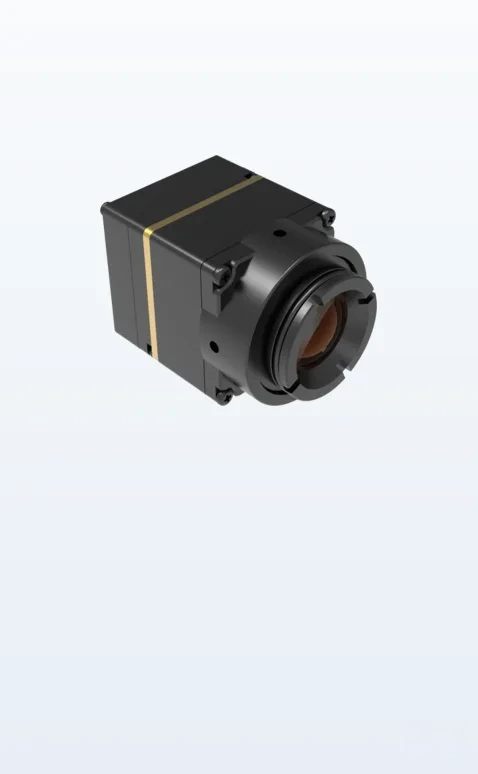
Application entry points
Three buying paths, one practical selection workflow.
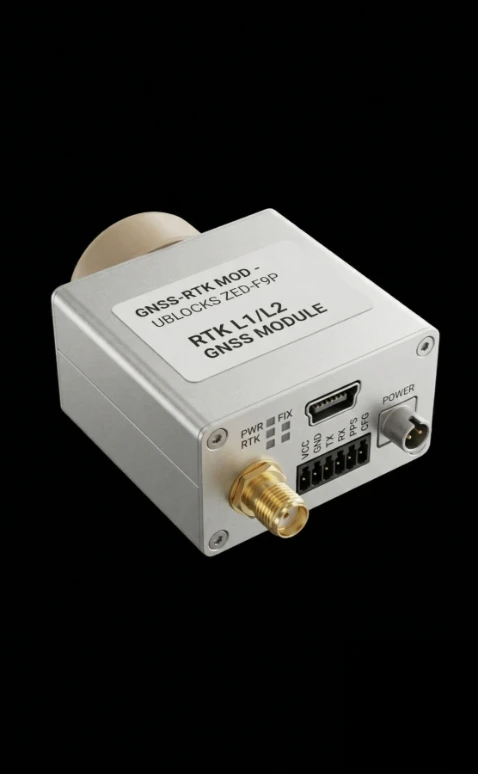
Drone Thermal Camera Application
Lightweight thermal modules for UAV inspection, patrol, agriculture, search, and tactical deployment workflows.
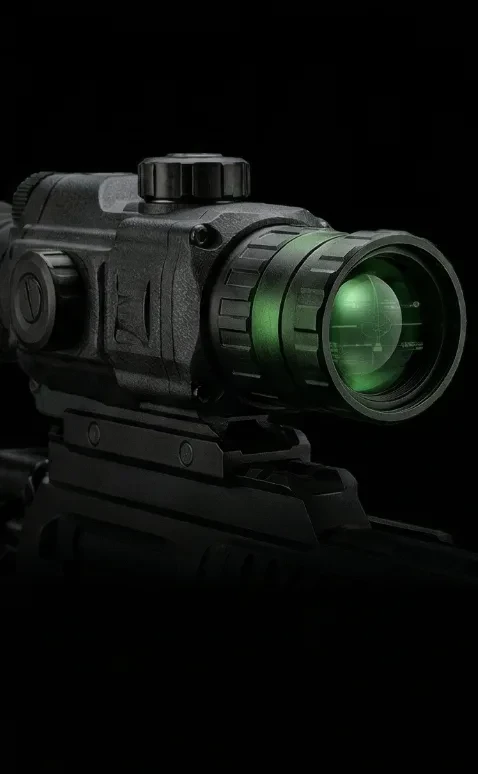
Outdoor / Field Thermal Imaging
Thermal visibility for handheld optics, night observation, wildlife search, perimeter awareness, and rugged field devices.
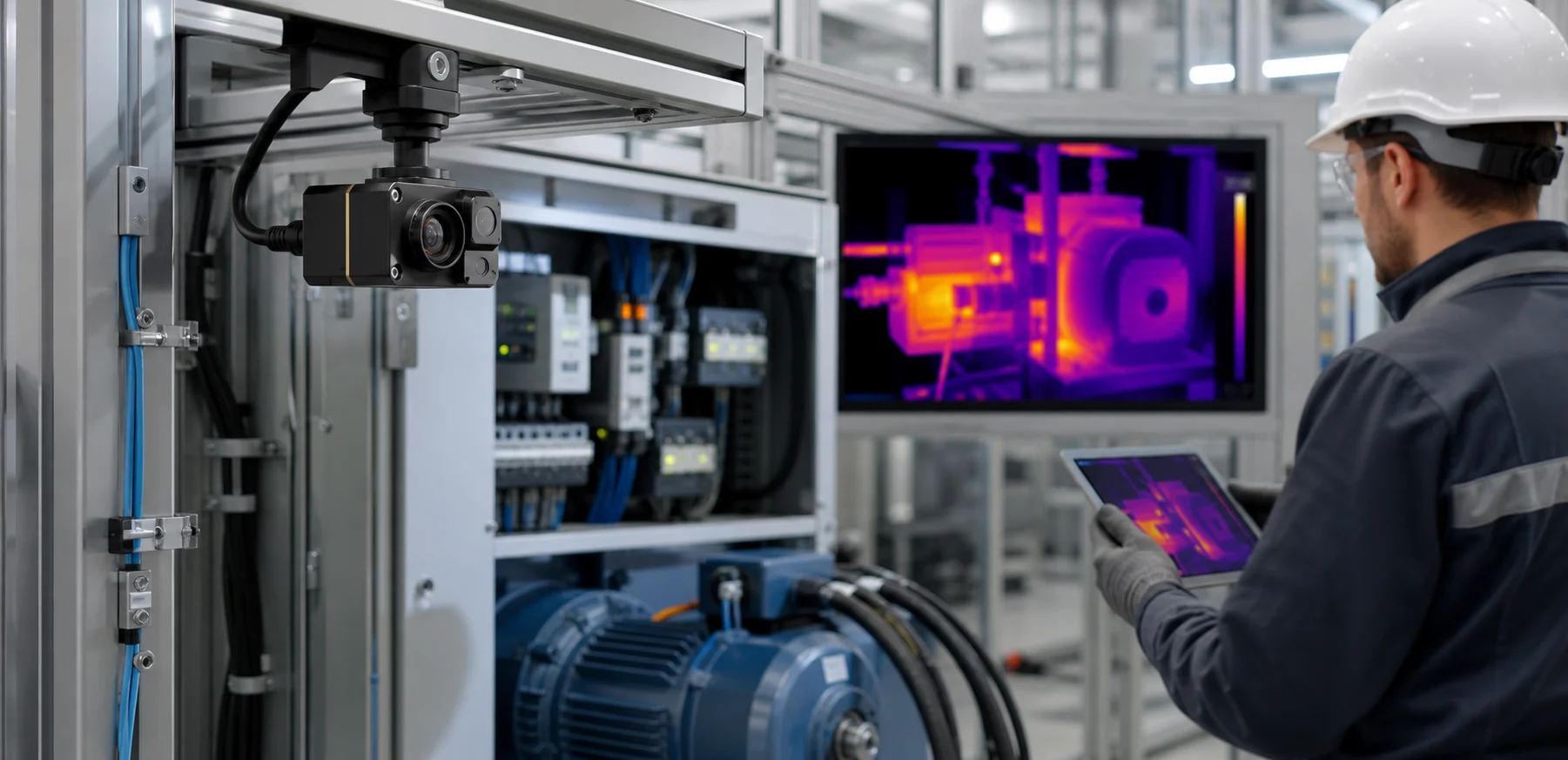
Industrial Thermal Inspection Module
Compact LWIR integration for electrical monitoring, predictive maintenance, fixed inspection cameras, and OEM machine systems.
Selection workflow
Convert application interest into a product or RFQ in three steps.
Drone payload, outdoor observation, inspection, field monitoring, or OEM device integration.
Resolution, interface, lens/FOV, size, weight, power, frame rate, and document needs.
Use the product catalog for standard modules or request engineering support for custom paths.
Send target device, quantity, destination market, and schedule for practical recommendation.
Decision factors
What buyers should decide before comparing products.
Image detail target
Choose 256×192, 384×288, 640×512, or higher based on detection distance and output detail.
Host integration
USB, MIPI, CVBS, and DVP routes support different embedded, display, and video workflows.
Field of view
Lens choice should follow viewing distance, target size, environment, and enclosure limits.
Deployment condition
Outdoor, aerial, industrial, and security scenes need different mechanical and document planning.
Engineering packet
Datasheets, drawings, interface notes, and compliance references should be requested by model.
Catalog or RFQ
Use product pages for standard buying and Contact / RFQ for configuration review.
Ready to choose?