CAMCUDA / UAV THERMAL INTEGRATION
Drone thermal camera modules.
Built for your payload.
LWIR imaging for aerial observation, inspection and OEM integration.
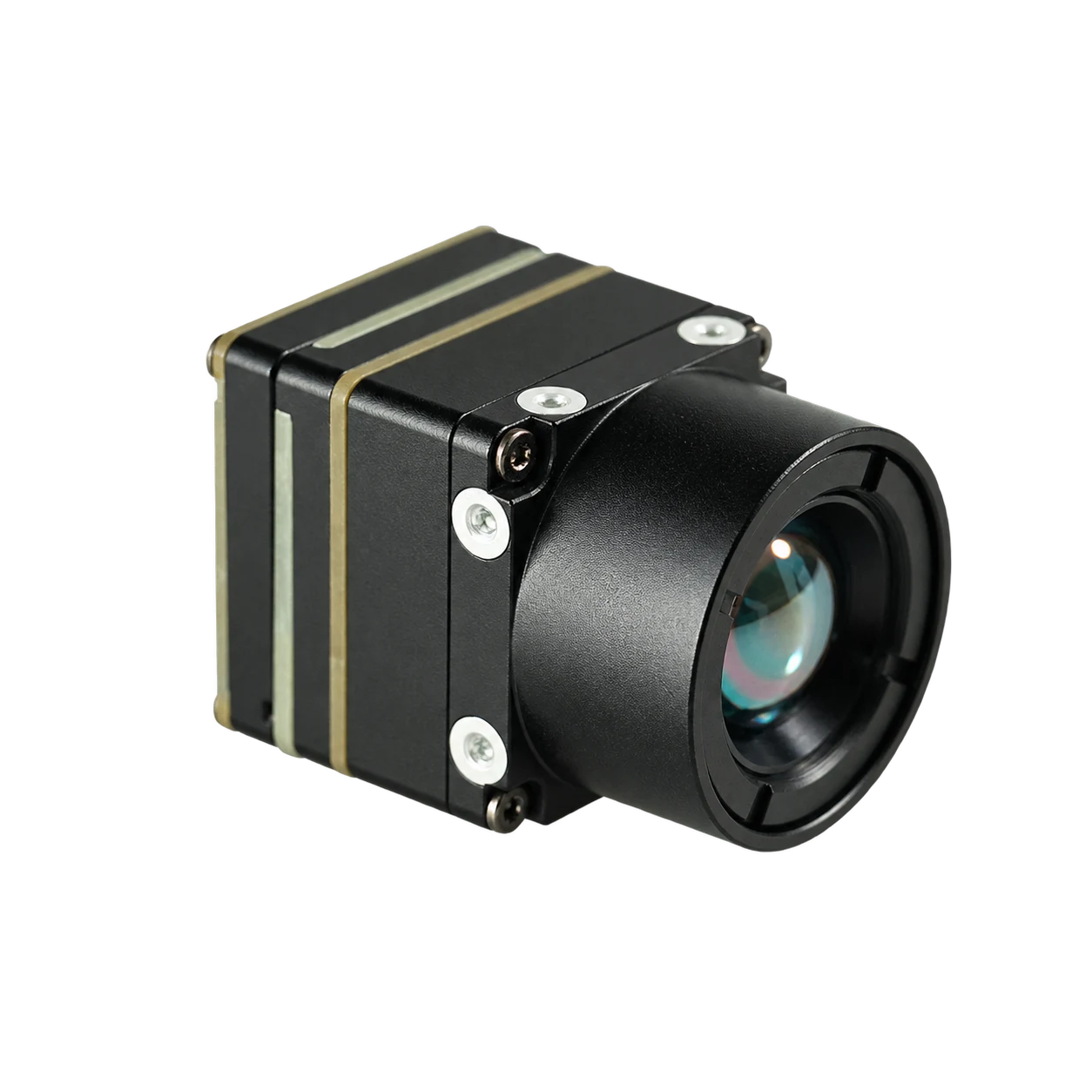
Build a UAV thermal payload around the image your application needs. Compare compact camera cores, non-radiometric video, RAW grayscale and thermographic configurations, then select the lens and USB or MIPI interface for your host.
OEM modules · Published technical resources · Sample-to-production sourcing
START WITH THE OUTPUT
Imaging, RAW data or temperature measurement.
A thermal image, a grayscale data stream and a calibrated temperature map serve different engineering tasks. Define the output before choosing the camera.
See thermal contrast.
For scene awareness and qualitative inspection, start with non-radiometric imagery. AeroMini 640 and SuperMini 640 provide image-first routes; lens coverage and host capture determine what your system sees.
Choose an imaging core →Process your own signal.
FlexMini 640 exposes Y14 grayscale in a 16-bit Y16 container through its documented USB workflow. Use firmware-supported RAW, pre-AGC or post-AGC paths for OEM image acquisition and processing.
Explore FlexMini 640 RAW →Specify temperature output.
For numerical temperature reporting, select a radiometric configuration such as SuperMini 640T. Match its stated measurement range, accuracy and operating conditions to the inspection requirement.
Review 640T thermography →AERIAL THERMAL IMAGING
Drone thermal imaging applications.
Riverbanks, waterside buildings and mixed vegetation create different viewing tasks. Start with the scene, identify the detail your team needs, then specify the thermal camera module, lens and host interface.
River, lake & reservoir patrol
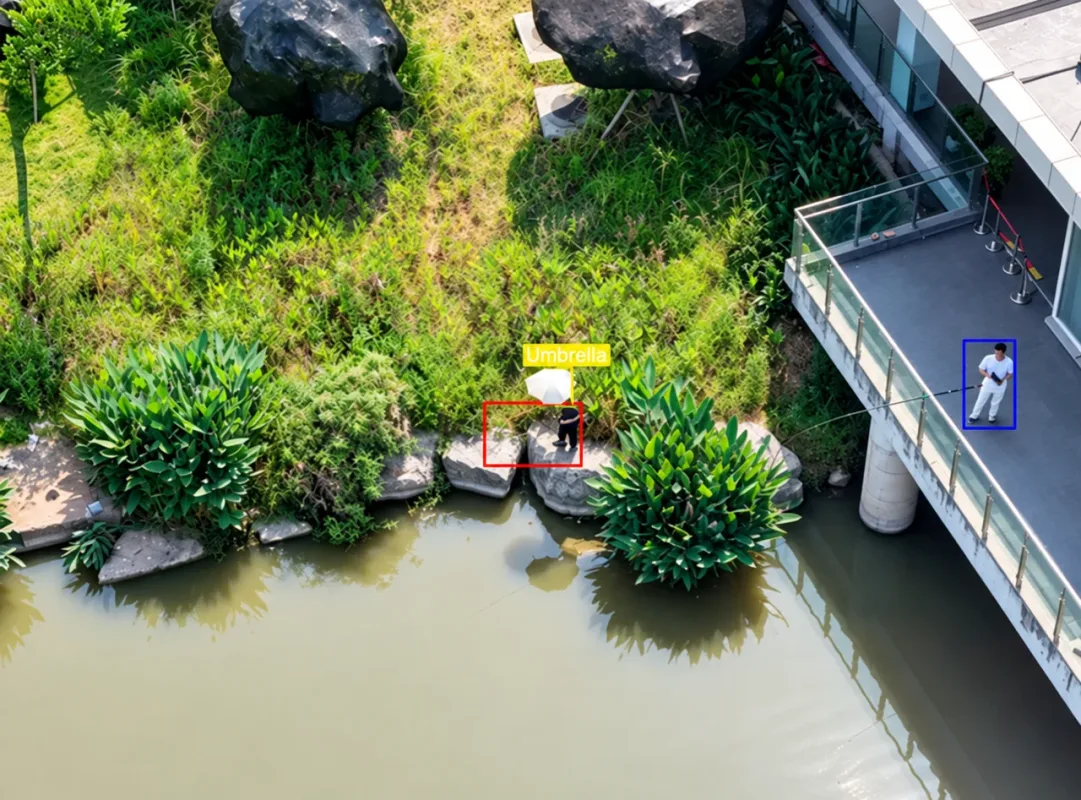
Aerial views put bank access, waterside paths and activity around buildings in the same frame. Visible-light imagery records the location and surrounding detail. Thermal imagery adds a separate view of heat contrast across people, vegetation, hard surfaces and water.
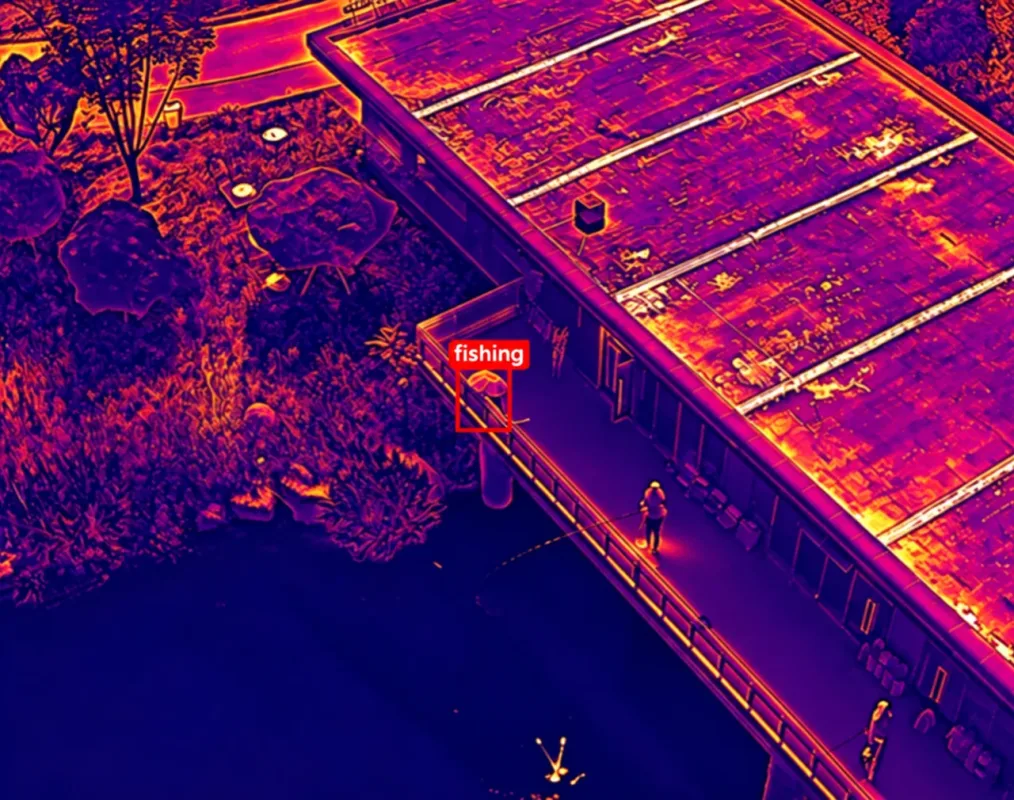
- Task: shoreline observation and patrol-image review.
- Selection: scene width, target size in pixels and the required recording rate.
People on waterside walkways
People near buildings and railings occupy a small part of a wide aerial image. Choose the lens around the detail that must remain visible. The reference views show why a thermal image and a visible image serve different parts of a people-observation workflow.
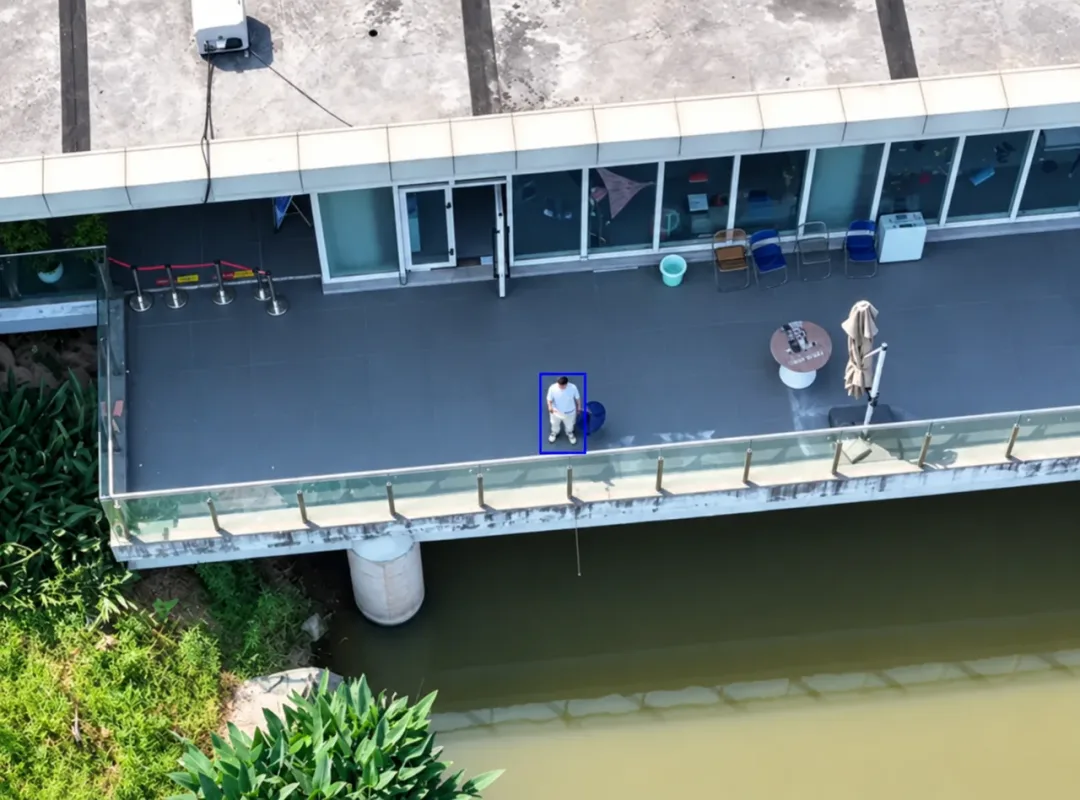
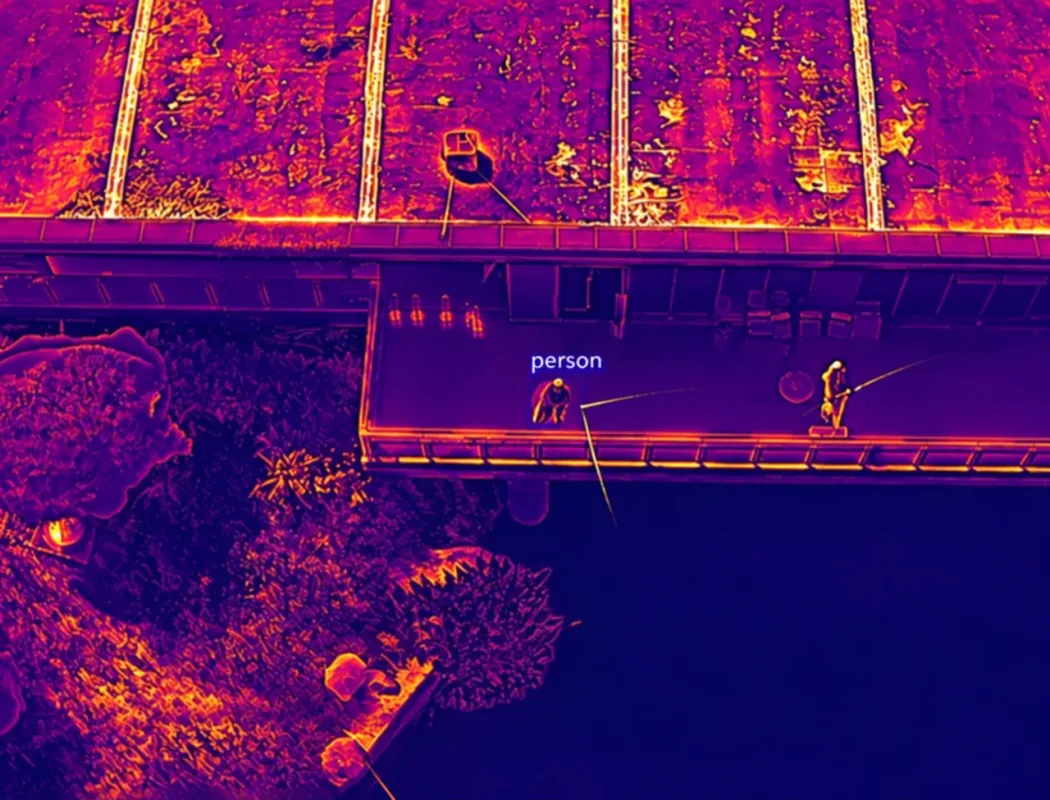
- Task: review people and activity along paths, jetties and building edges.
- Selection: viewing distance, framing, timestamp consistency and host-side analysis.
Bankside activity & small-object analysis
The supplied scenes include people, fishing activity, rods and umbrellas near rocks and vegetation. Use visible imagery for small contextual objects and thermal imagery for heat contrast. Object classes, annotation and detection thresholds are application-software requirements, separate from the camera-core specification.
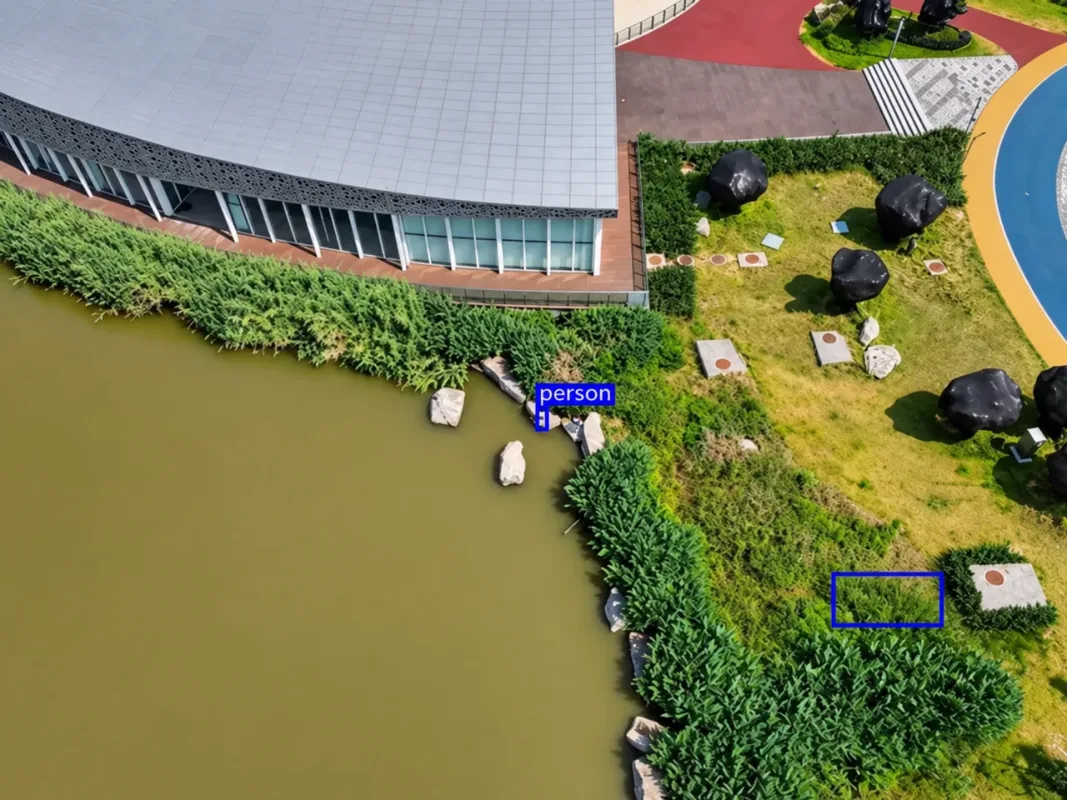
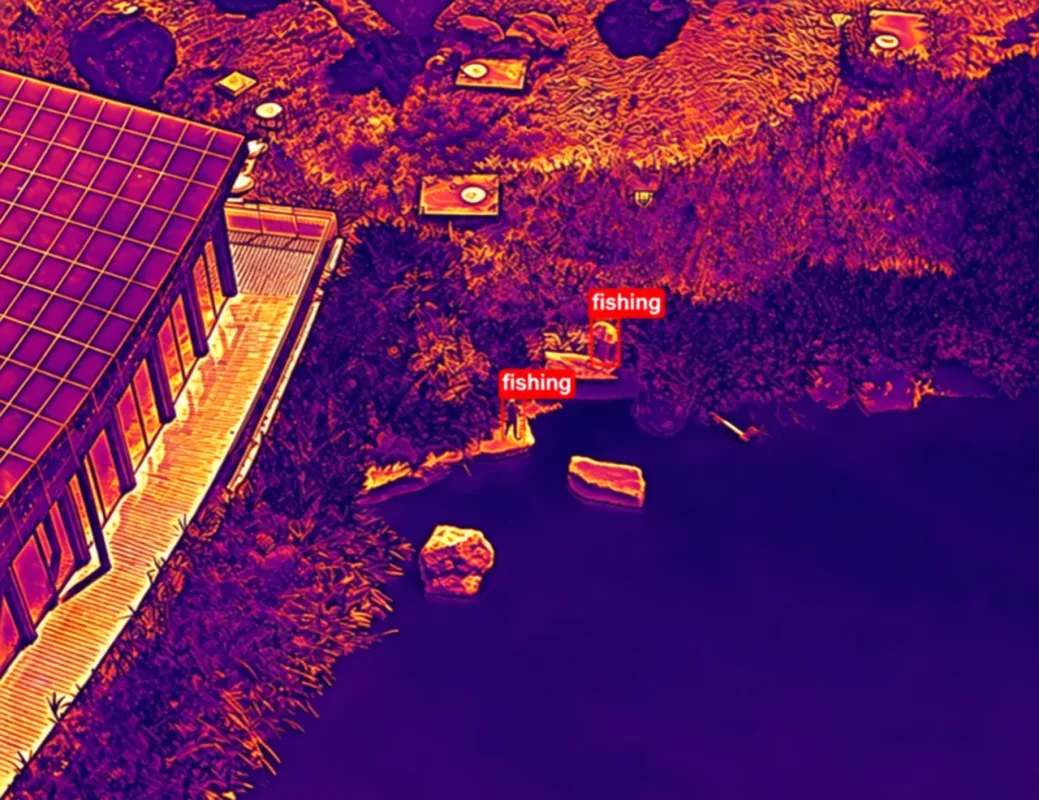
- Task: prepare visible/thermal inputs for activity-review and detection projects.
- Selection: lens coverage, recorded image format and the trained host model.
Application-reference imagery. Boxes and labels are example annotations, not CAMCUDA onboard detection results. Thermal colors show image contrast, not calibrated temperature values.
Compare thermal cores for your payload ↓CAMERA CORE SELECTION
Thermal cores for UAV payloads.
Start with AeroMini, SuperMini or MD. Compare shutterless, thermographic and smaller-resolution modules by data output, mechanical envelope and host connection.
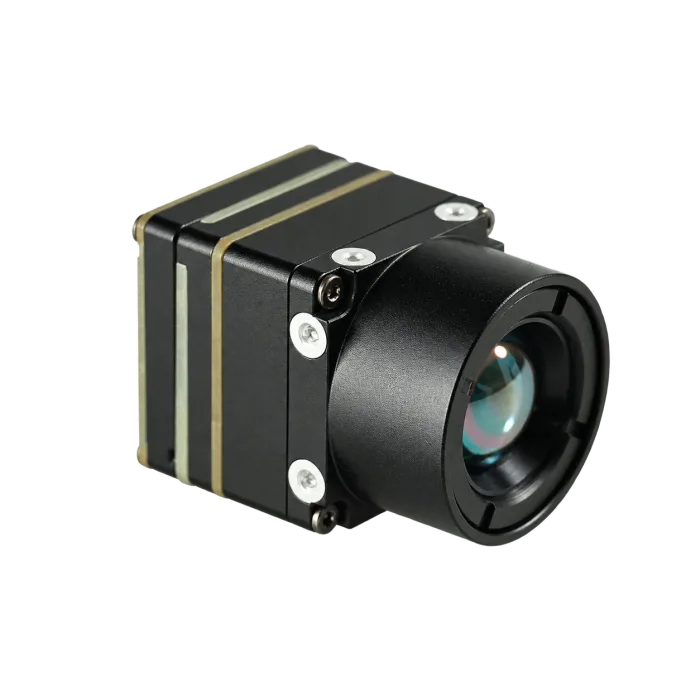
UAV imaging
AeroMini 64060 Hz imaging
Configurable optics and tailboards.
640 × 512 · 12 μm
Non-radiometric imaging with factory-set 30 or 60 Hz firmware. The product configurator lists the lens and USB + CVBS + MIPI, Type-C + CVBS, CVBS-only and both-tailboard packages.
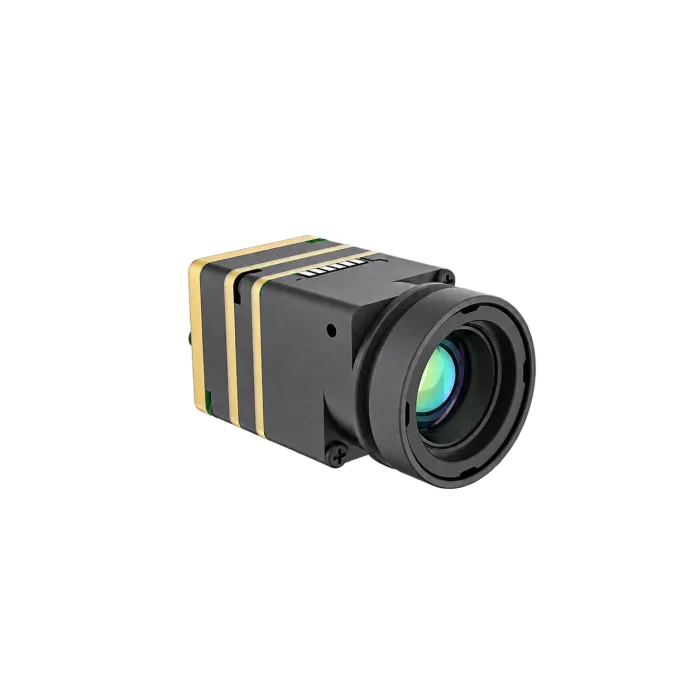
Low core mass
SuperMini 640 / 640TUltra-light core
Low core mass. Two imaging requirements.
640 × 512 · 8 μm
The 13 × 13 × 13.4 mm bare core weighs under 3.5 g, excluding optics and expansion boards. SuperMini 640 provides 50 Hz imaging; 640T provides 30 Hz thermography.
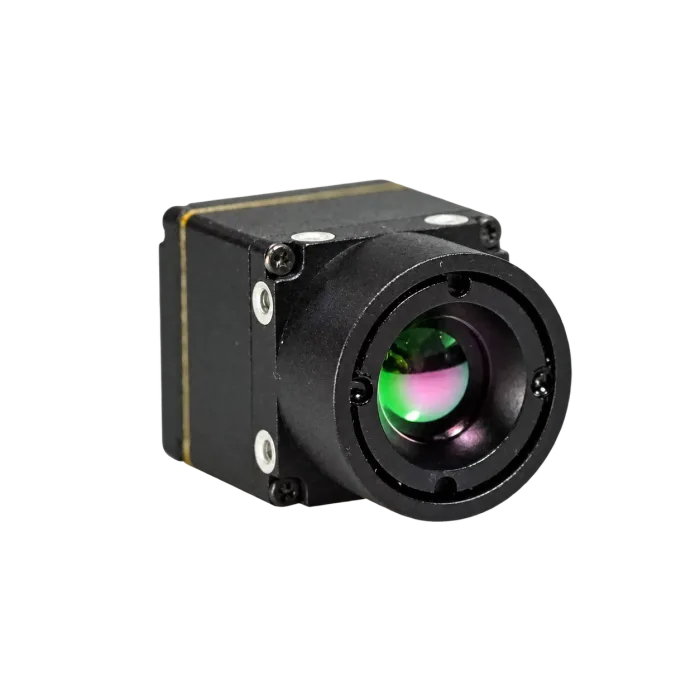
RAW integration
FlexMini 64014-bit RAW · Y16
Grayscale acquisition for host processing.
640 × 512 · USB UVC Y16
Y14 grayscale data travels in a 16-bit Y16 container. Matching firmware exposes RAW, pre-AGC and post-AGC paths according to its capabilities. The output is non-radiometric.
Shutterless NUC
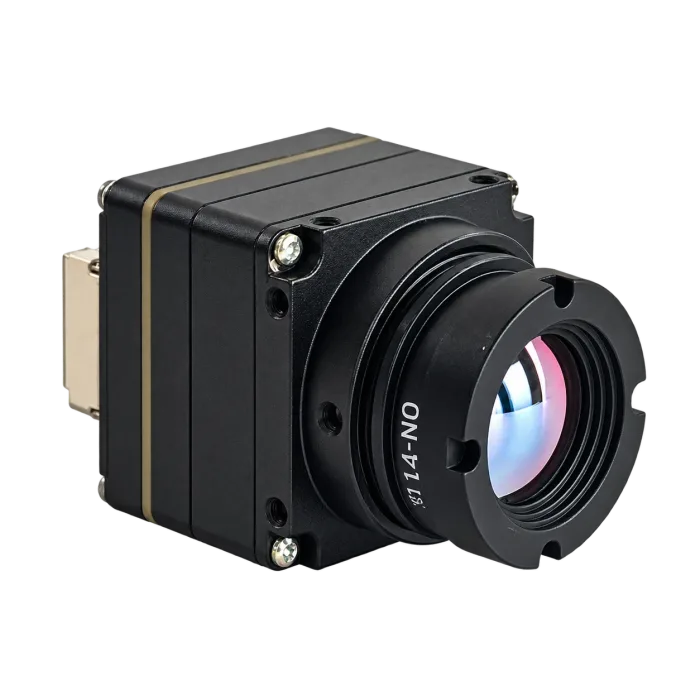
HI640Shutterless imaging
Shutterless correction for OEM imaging.
640 × 512 · 12 μm
Shutterless NUC with a 50 Hz detector frame rate and 21 × 21 mm PCB. Lens options are 4.8, 6.8 and 9 mm. USB capture format and rate are specified separately from detector timing.
USB & thermography
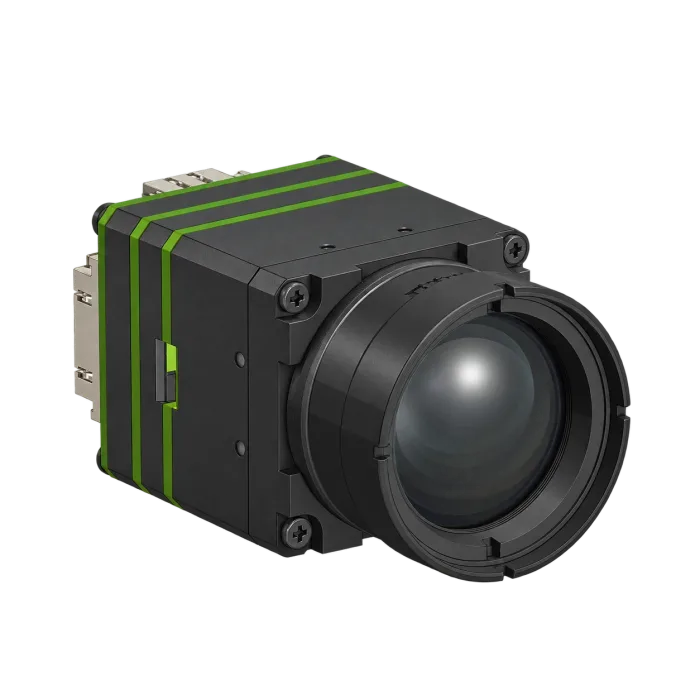
ThermoCore 640Radiometric USB RAW
USB capture and thermographic configurations.
640 × 512 · 25 Hz
The 21 mm and 26 mm cores use compatible lens assemblies. Select the USB RAW and thermometry configuration on the product page, including its measurement requirements.
Compact embedded
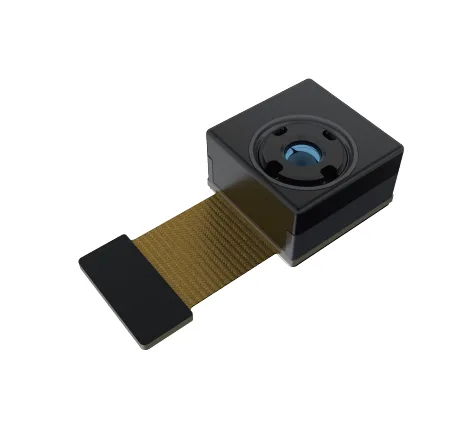
AirTiny213 mm core
Compact embedded thermal imaging.
256 × 192 · 12 μm
A VOx module with a detector rate up to 25 Hz. Product resources cover DVP, VOSPI, MIPI and USB interfaces, hardware integration and lens-specific mechanical drawings.
MORE UAV INTEGRATION OPTIONS
AeroCore USB modules
Compare the current AeroCore 640 and 384 families for USB UVC / BT.656 integration. Their product pages carry the exact lens, output and accessory configuration.
COMPARE THE ENGINEERING PATH
Compare drone thermal camera modules.
Compare the specified core and data path first. Use the selected assembly drawing and interface guide to complete the payload design.
| Module | Detector / timing | Data and interface path | Design focus |
|---|---|---|---|
| AeroMini 640 Non-radiometric | 640 × 512 · 12 μm 30 / 60 Hz factory configurations | USB / Type-C, CVBS and MIPI interface-board packages | Lens selection and configurable UAV imaging |
| SuperMini 640 / 640T Ultra-light core | 640 × 512 · 8 μm 640: 50 Hz · 640T: 30 Hz | 2-lane MIPI; LVCMOS and expansion-board paths specified by model | <3.5 g bare core; 640T adds thermography |
| FlexMini 640 14-bit RAW · Y16 | 640 × 512 · 12 μm 50 Hz hardware specification | USB UVC Y16 grayscale; CVBS / MIPI board configurations | Y14 payload in a 16-bit container; non-radiometric |
| HI640 Shutterless imaging | 640 × 512 · 12 μm 50 Hz detector frame rate | USB, MIPI-CSI and CVBS; RS-232 control | Shutterless NUC; 21 × 21 mm PCB |
| ThermoCore 640 Radiometric USB RAW | 640 × 512 · 12 μm 25 Hz listed video modes | USB UVC; RAW and thermometry configuration details on product page | 21 mm / 26 mm core and lens selection |
| AirTiny2 13 mm core | 256 × 192 · 12 μm ≤25 Hz detector rate | DVP / VOSPI / MIPI / USB documentation | Compact embedded imaging and temperature-data architecture |
Detector rates are distinct from host capture rates. USB format, resolution and sampling rate follow the delivered board and firmware. Core-only dimensions and mass exclude optics, expansion boards, cables and the final enclosure.
FROM CAMERA CORE TO UAV PAYLOAD
Design the assembly.
Not just the sensor.
The useful specification is the complete configuration: optics, electronics, capture mode and mechanical envelope.
Open the thermal imaging calculator ↗Lens & scene coverage
Define flight height, scene width and target detail. AeroMini’s non-radiometric 9 mm lens lists a 48.7° × 38.6° field of view. Use geometric calculations to narrow the lens choice, then inspect the image from the selected assembly.
Host & video interface
Specify the processor, carrier board, operating system and capture application. For USB, enumerate supported formats and rates. For MIPI, align the lane configuration, timing, electrical levels, connector and host driver. Use the wiring guide for that board.
Mass, power & mounting
Budget for the lens, tailboard, cables, mount and enclosure. A SuperMini bare-core figure is not the final payload mass. Supply each board at its rated input; wide-range adapter inputs and USB power pins are different connections.
Capture continuity & acceptance
Evaluate startup, NUC behavior, motion, timestamps and repeated samples on the host. Shutterless correction removes a mechanical shutter; it does not eliminate transport or software interruptions. Use your measured timings in the continuity calculator.
Plan the observable-time budget ↗
VISIBLE + THERMAL UAV IMAGING
Build the capture and analysis workflow.
A thermal camera core supplies the image or data stream. Your payload design connects that stream to a visible camera, host processor and application software.
- 01 / CAPTURE
Choose the required output
Use processed thermal video for viewing and recording, FlexMini 640 Y16 grayscale for host-side image processing, or a specified radiometric configuration for temperature reporting. These outputs are different requirements.
- 02 / INTEGRATE
Connect the host and channels
Match the USB UVC or MIPI path to the board and driver. A dual-camera payload also needs defined timestamps, mounting alignment and image registration. Match the actual frame formats of both channels.
- 03 / EVALUATE
Test against the scene
Use representative viewing distances, motion, vegetation and building backgrounds. Review target size, repeat frames and recorded timestamps. People and activity detection require a trained application model; the camera core does not supply those labels.
Need embedded camera processing?
Compare the visible-only and visible-plus-thermal configurations in CAMCUDA VisionCube and AI Track. Choose the camera arrangement and processing platform before defining the application model.
ADDITIONAL OEM APPLICATIONS
Inspection, observation and custom payloads.
Roof & solar inspection
Record surface heat patterns with an imaging configuration. Specify calibrated temperature output, measurement range and accuracy when the inspection report requires numerical readings.
Environmental observation
Build a recorded view of shorelines, vegetation and field structures. Use a fixed scene-coverage requirement and repeatable camera positioning to compare observations.
Custom gimbals & robotics
Integrate a low-SWaP LWIR camera core with the lens, tailboard, mount, power system and enclosure. Use the full assembly drawing to budget payload space and mass.
TECHNICAL DOCUMENTATION
The right files.
For the right hardware.
Open the CAMCUDA documentation library for specifications, manuals, wiring and development resources. Read the version that matches your selected camera and board.
AeroMini 640
Non-radiometric and radiometric document sets, interface-board wiring and mechanical drawings.
Specifications / manuals / developmentSuperMini 640 / 640T
Separate imaging and thermography specifications, core power rails, expansion boards and optics.
Specifications / manuals / developmentFlexMini 640
Specifications, USB user manuals, serial commands, host applications and mechanical drawings.
Specifications / manuals / developmentHI640 shutterless
Detector and interface specifications, the user manual and lens-specific mechanical references.
Specifications / manuals / developmentThermoCore 640
21 mm / 26 mm specifications, lens drawings, USB software and SDK documentation.
Specifications / manuals / developmentAirTiny2
Product specifications, host integration, hardware design and video-format references.
Specifications / manuals / developmentFlexMini 640 downloads
Product specifications · English user manual · Chinese user manual · View all FlexMini 640 PDFs
SAMPLE TO PRODUCTION
Validate the configuration.
Then scale the order.
Start with the exact module, lens and interface that your project will use. Carry the approved configuration into the production quotation.
Define the sample
Select the lens, board, cable and data path. Use the product page for current sample prices and stock status. Share the host platform and enclosure limits with the inquiry.
Evaluate on your host
Review image coverage, capture format, electrical integration and startup behavior. For thermography, check the specified measurement range and calibration conditions.
Request 100+ pricing
Send the approved configuration, order quantity, forecast, destination and required schedule. The quotation states production timing, payment, dispatch and freight terms.
The commercial quotation identifies the beneficiary, currency, payment method and dispatch route. Production lead time and international transit are stated separately.
Inside Our Facility (BBP Industrial Standard)
Precision Optical Manufacturing & Multi-Stage Calibration
Every thermal imaging module and camera produced by CAMCUDA passes through strict optical alignment, radiometric blackbody calibration, and environmental stress screening before shipment.
- Class 10,000 Dust-Free Optical Cleanroom
- 24+ NIST-Traceable Blackbody Sources
- -40°C to +85°C Thermal Shock Chambers
- Automated MTF Focus & Dead-Pixel Calibration
- IP67 Airtight Nitrogen-Purged Testing
- Serialized Final QC Report per Unit
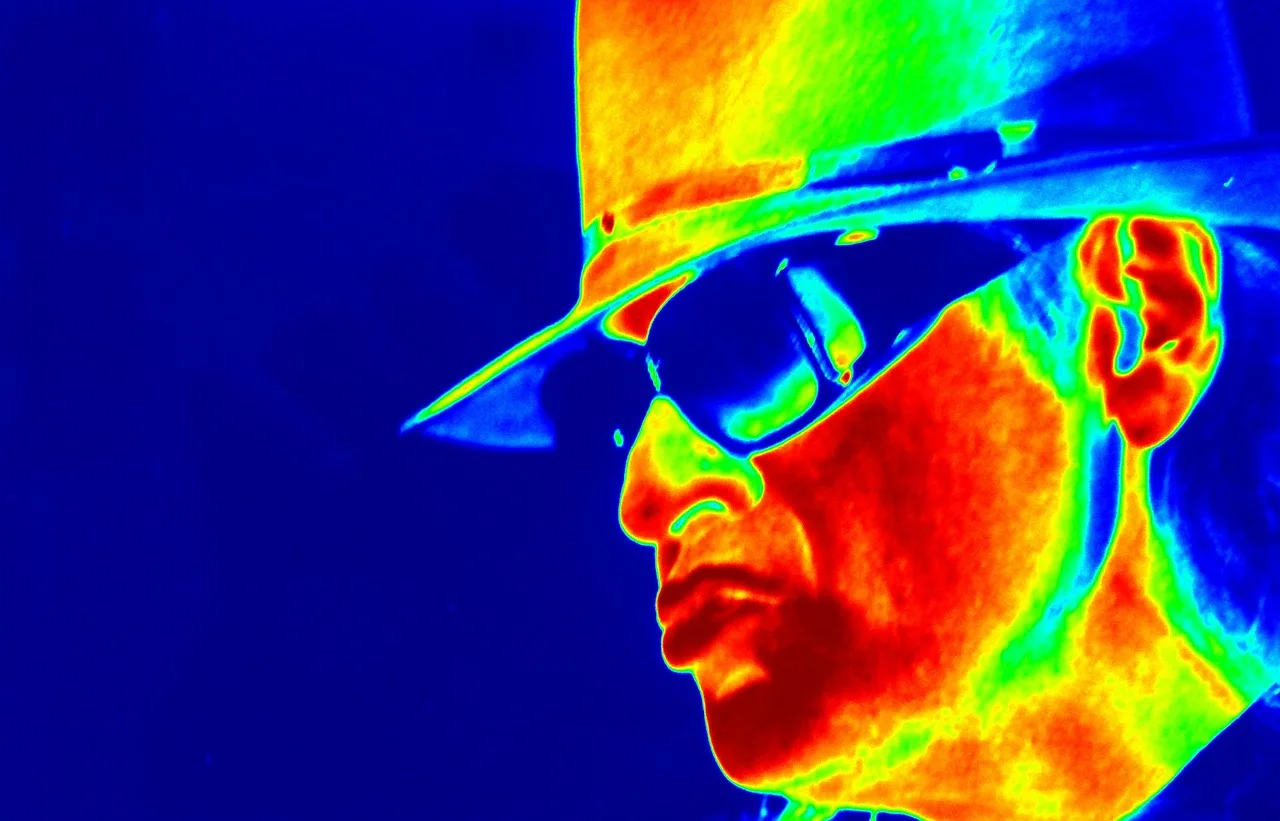 STAGE 01 | CLEANROOM
1. Optical & Sensor Assembly
Microbolometer FPA sensors and DLC-coated Germanium lenses are assembled in a humidity-controlled Class 10,000 cleanroom to prevent particle contamination.
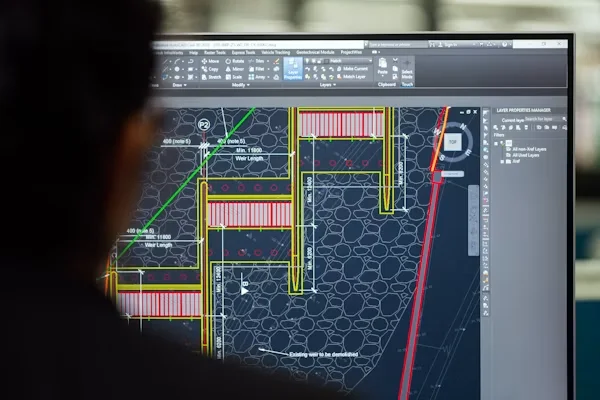 STAGE 02 | RADIOMETRIC LAB
2. Blackbody Temperature Calibration
Each camera undergoes Non-Uniformity Correction (NUC) and multi-point radiometric curve fitting against high-precision cavity blackbodies.
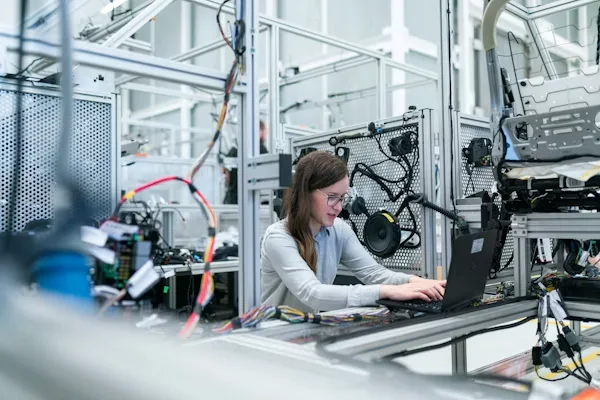 STAGE 03 | RELIABILITY LAB
3. High/Low Temp & Vibration Test
72-hour continuous burn-in aging across -40°C to +85°C environmental chambers and 3-axis vibration tables to guarantee mission-critical durability.
SAMPLE & OEM QUOTE
Tell us what
your payload needs.
Send the module or output requirement, lens or scene width, host interface, quantity, destination and project schedule. For temperature measurement, include the required range and accuracy.
Civilian and commercial end use only.
- Exact camera, lens and interface configuration
- Sample availability and production quotation
- Documentation and host-integration requirements
FREQUENTLY ASKED QUESTIONS
Thermal camera module FAQs.
Is this a complete drone camera or an OEM module?
These are OEM camera modules and cores. The aircraft, gimbal, enclosure, host electronics and final system validation are separate. Select the complete lens, interface-board and cable configuration for your payload.
Which thermal camera module should I choose for a drone?
Start with AeroMini 640 for configurable UAV imaging, SuperMini for low core mass, FlexMini 640 for non-radiometric Y16 grayscale acquisition, or HI640 for shutterless NUC. Choose a radiometric configuration when your inspection requires calibrated temperatures.
Does Y16 mean native 16-bit precision or calibrated temperature data?
No. FlexMini 640 carries 14-bit original grayscale data in a 16-bit Y16 container; it is non-radiometric. Y16 storage does not establish 16-bit original precision. A bit depth or transport format alone does not establish thermometry. Temperature reporting requires a specified radiometric model, calibration range and accuracy.
How do 30, 50 and 60 Hz specifications affect USB capture?
Detector timing, factory firmware and host video capture are separate specifications. AeroMini non-radiometric firmware offers 30 or 60 Hz configurations. HI640 lists a 50 Hz detector rate. Select a supported USB format, resolution and capture rate for the actual board, firmware and host.
Can I connect a module directly to a Raspberry Pi or Jetson?
Use the interface documentation for the exact host board and camera configuration. USB UVC requires a supported capture mode; MIPI requires the correct lane arrangement, electrical levels, connector, driver and host configuration. A matching connector alone does not establish compatibility.
What is included in an AeroMini interface package?
The product configurator lists the camera, selected tailboard and supplied cable. USB + CVBS + MIPI, Type-C + CVBS, CVBS-only and both-tailboard packages have different contents. Read the selected package list before ordering; USB cable soldering is required for the listed solder-wire option.
How do I choose a lens for flight height and scene coverage?
Start with the required scene width, working distance and target detail. For example, the AeroMini non-radiometric 9 mm lens lists a 48.7° horizontal field of view. Use the thermal imaging calculator for geometric planning, then evaluate the selected lens on your host.
Does a shutterless module guarantee interruption-free video?
No. Shutterless describes the absence of a mechanical shutter in the correction architecture. Startup calibration, processing, transport and host behavior still affect the captured stream. Evaluate motion, timestamps and repeated samples on the complete system.
Can a thermal module identify fishing activity by itself?
No. A camera core supplies video or grayscale data. People, fishing-rod and umbrella detection runs in the host application or a separately configured AI system. Define object classes, minimum target size and acceptance conditions before evaluation.
Can visible and thermal cameras share a UAV payload?
Yes. A payload can use a visible camera for scene detail and an LWIR module for thermal contrast. Registration, timing and image fusion are part of the integration design. Use each channel’s actual resolution and host capture mode.
How do I buy samples or request an OEM production quote?
Open the product page for current sample pricing, available lens and interface options, and stock status. Orders of 100 or more units use the quotation route. Send the configuration, quantity, destination and required schedule; Hong Kong payment and dispatch terms are stated in the quotation.
AEROMINI 640 VISIBLE LIGHT & THERMAL IMAGING
See the difference.
Rain droplets. Wet clothing. A different perspective through thermal imaging.
Compare the same scene in visible light and through AeroMini 640.
640 × 512 VOx LWIR
Explore AeroMini 640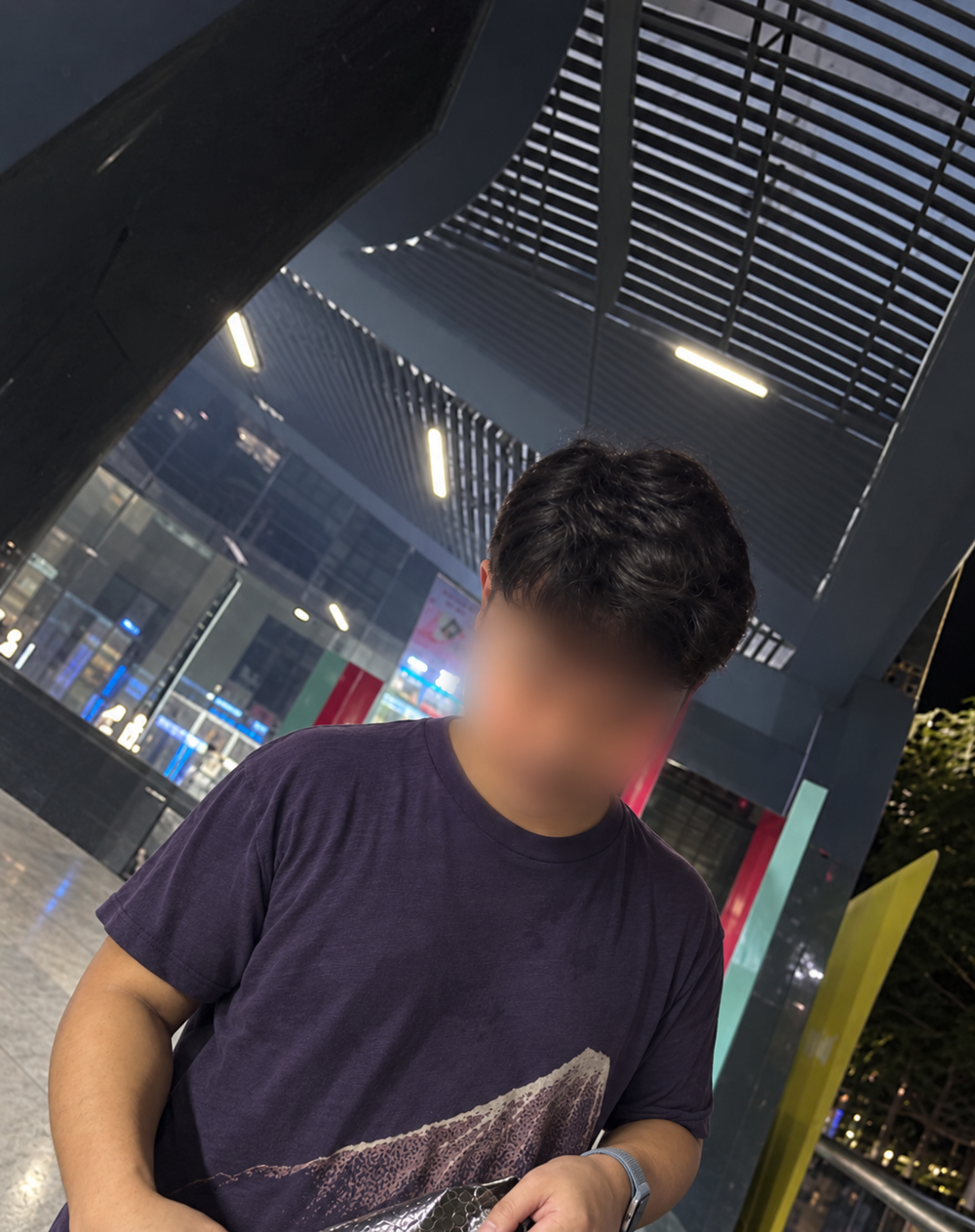
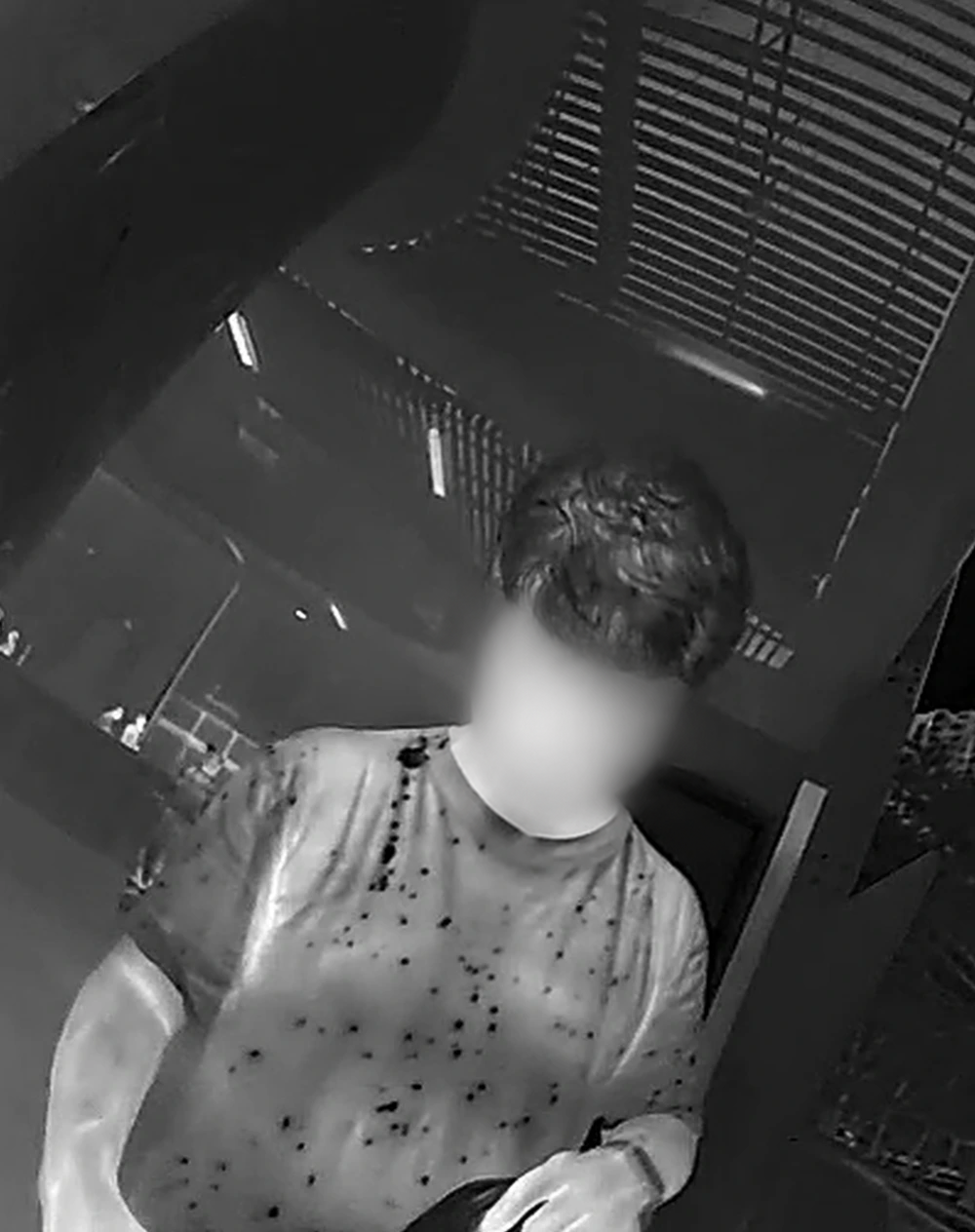
No temperature values are inferred. Faces anonymized for privacy. Visible-light portrait adjusted with AI to align with the original thermal capture.