thermal drone: 4 practical notes from the utility truck tailgate
Field note for UAV payload buyers
thermal drone: 4 practical notes from the utility truck tailgate
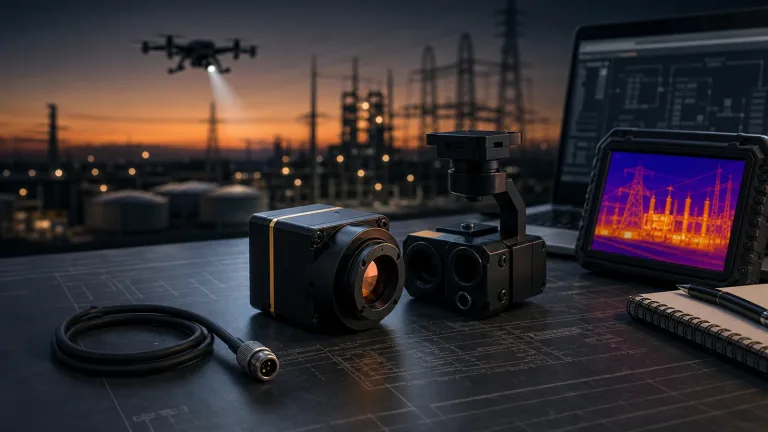
A thermal drone demo can look convincing while the RFQ behind it is still too thin. The pilot may have useful thermal video. The procurement team may have a target price. The engineer at the truck tailgate still needs four notes before a compact module choice becomes safe: payload fit, video path, field workflow, and documentation.
Quick answer
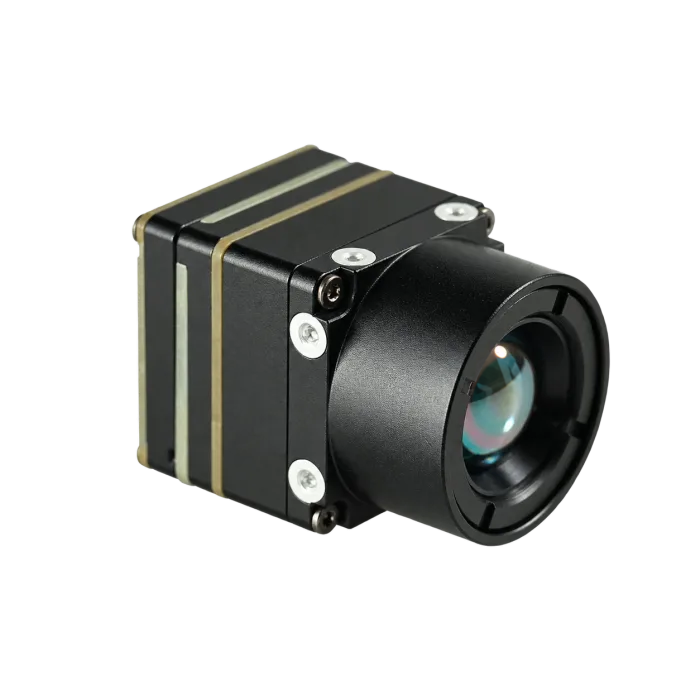
A thermal drone buyer should leave a field demo with four practical notes: the payload envelope, the video and control path, the operating environment, and the documents required for sourcing. A current compact OEM reference is CAMCUDA’s Featured AeroMini 640, selected here as the non-radiometric 9 mm model with USB + CVBS + MIPI. It provides 640 x 512 uncooled LWIR imagery without calibrated temperature measurement. Published module dimensions are 21 x 21 x 28 mm and weight is <20 g, excluding lens and flange; confirm the complete assembly, selected interfaces, and required sourcing documents during RFQ.
thermal drone demos are not the same as sourcing evidence
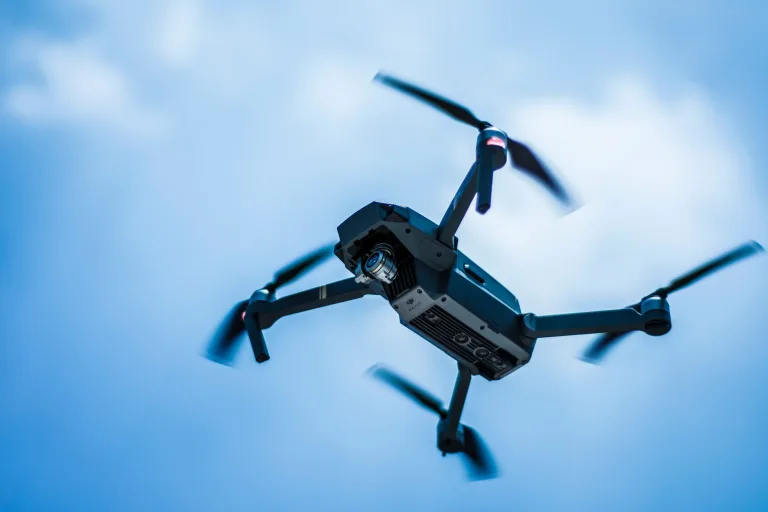
The useful conversation often starts after the aircraft is already back in the case. In an illustrative field-demo scenario, a utility crew has inspected a roof line, a substation fence, or a warm transformer cabinet. The pilot shows the recording on a tablet. Everyone agrees that the thermal drone workflow could help. Then the buyer asks the awkward question: can this become a repeatable payload or OEM module quote?
That is where many RFQs become vague. “We need a thermal drone camera” does not tell the supplier the bracket volume, lens/FOV expectation, video route, control interface, power budget, documentation package, or destination market. If those details are missing, a sample can be technically impressive and still arrive as the wrong integration path.
Industry coverage of machine vision and robotics keeps returning to the same systems lesson. NVIDIA’s April 2026 Hannover Messe reporting describes industrial vision AI combining camera feeds and other data to support factory operations. Micron’s computer vision explainer describes the path from visual input through algorithms to interpretation and output. For a thermal drone buyer, these are useful workflow analogies; they do not establish CAMCUDA module performance or host compatibility.
For CAMCUDA buyers, that means the post-demo handoff should be concrete. The field team should not merely say the thermal image looked good. They should bring engineering a short, physical set of notes that can be compared with the selected AeroMini 640 9 mm module and its matched documentation.
Four notes a thermal drone buyer should write before requesting price
1. Payload envelope and mounting reality
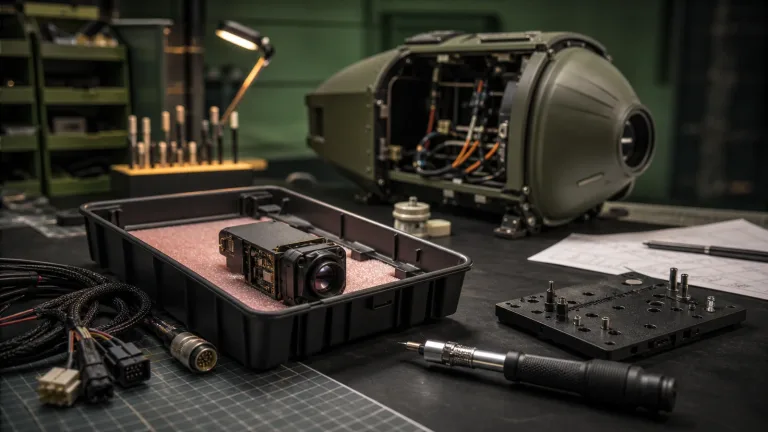
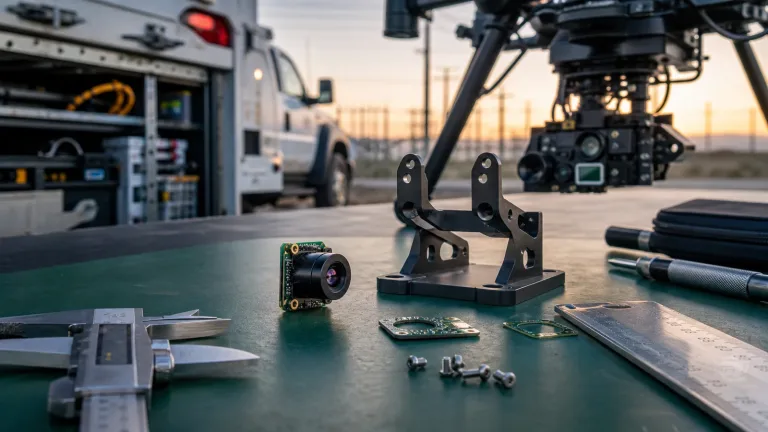
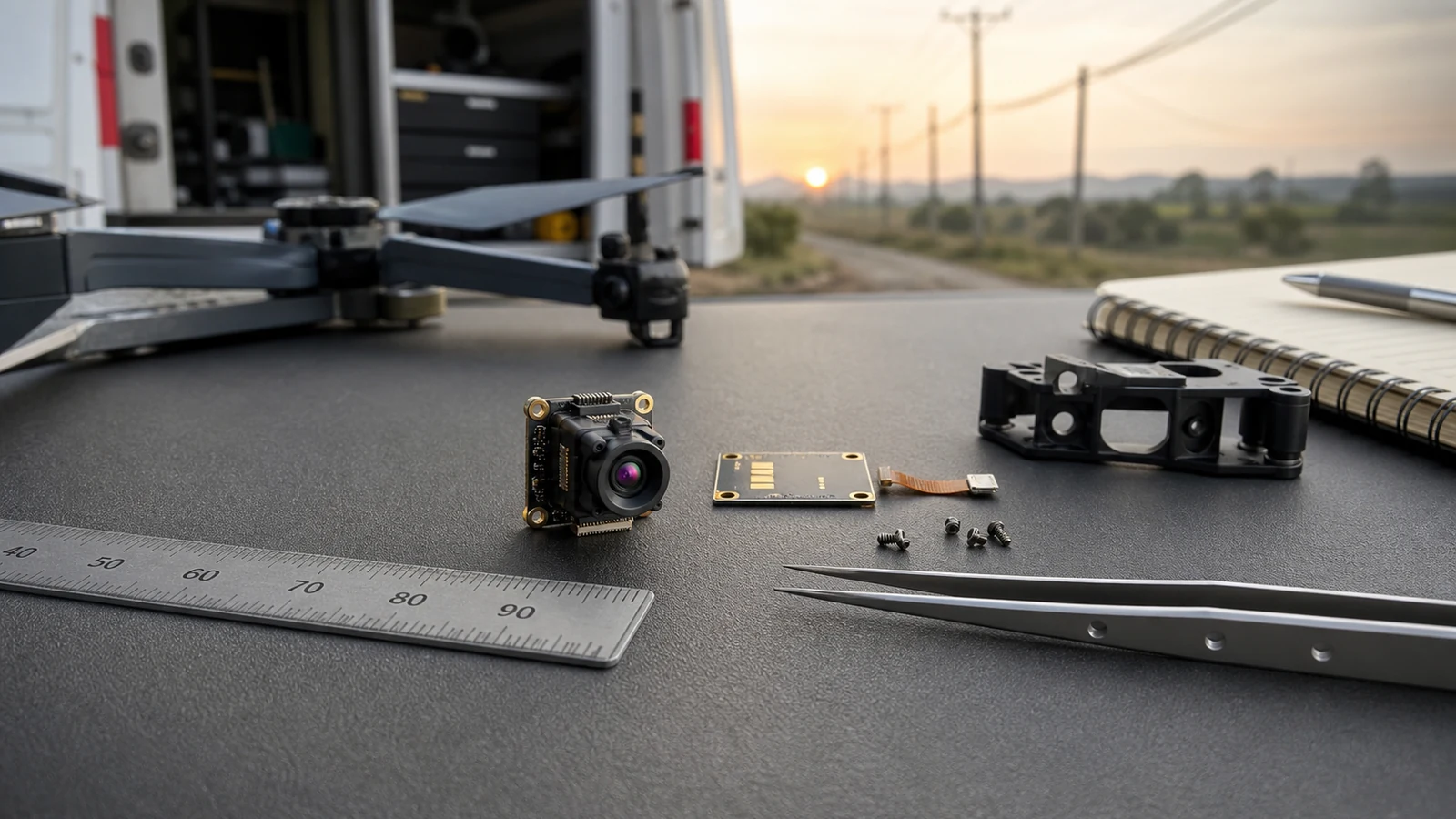
Start with the physical space. A compact module is only useful if the lens, connector, board stack, mounting points, cable route, and enclosure window can coexist. AeroMini 640 is listed at 21 x 21 x 28 mm and <20 g, excluding lens and flange. These module figures do not describe the complete 9 mm assembly. A field note should still record the available bracket volume, whether the module sits inside a gimbal or fixed mount, and which side the connector can exit. Request the drawing and mass of the ordered assembly; the separate AeroMini 7 mm STEP model does not establish the 9 mm fit.
2. Video path and operator viewing
The second note is the video path. A thermal drone team may need USB video into a processor, MIPI integration, or CVBS for existing displays, recorders, or transmitters. The selected AeroMini package includes USB + CVBS + MIPI; confirm format, delivered rate, host support, and which outputs can operate together. Check serial control separately against the selected board’s pin reference. USB video does not by itself establish a USB serial port, and a family-level interface list does not establish every connection on the ordered board.
3. Field environment and inspection workflow
The third note captures where the system will work. Utility inspection, outdoor field monitoring, perimeter review, solar/roof checking, and industrial patrols do not stress a payload in the same way. A buyer should record expected temperature range, vibration, enclosure exposure, operating distance, target size, and whether the operator needs live viewing, recording, or data for later analysis. Use CAMCUDA’s Thermal Imaging Calculator to compare scene coverage and target sampling for the proposed lens and distance. Its geometry and DRI estimates are planning aids, not guarantees of detection, recognition, or inspection success. If calibrated temperature readings are required, specify that separately from the selected non-radiometric imaging configuration.
4. Procurement and compliance documents
The final note is paperwork, not decoration. North America and Europe buyers may need datasheets, mechanical drawings, electrical interface references, and configuration-specific sourcing documents before they can approve samples. Ask which NDAA-related statements and CE/RoHS documents can be supplied for the exact configuration, destination, and intended use. The buyer’s procurement and legal teams should review their scope against the program requirements; a requested statement alone does not establish eligibility or certify the assembled aircraft. For a thermal drone project near security monitoring, utility inspection, public-sector-adjacent work, or industrial monitoring, raise these document needs in the first RFQ.
thermal drone selection chart: field note to RFQ question
| Field note | Question for the supplier | Why it matters | CAMCUDA page to review |
|---|---|---|---|
| Payload envelope | Can the module, lens, connector, cable, and bracket fit inside the available volume? | Prevents a late mechanical redesign after samples arrive. | AeroMini 640 product page |
| Operator viewing | Which USB, CVBS, or MIPI path is needed, and which board-specific serial control, signal levels, and delivered rates must be confirmed? | Separates digital capture from legacy monitor/transmitter compatibility. | Interface guide |
| Mission setting | Is this aerial inspection, outdoor fixed monitoring, field service, or industrial patrol? | Changes lens/FOV, enclosure, cable, and support-document needs. | Drone thermal camera applications |
| Weather and site exposure | What temperature, humidity, vibration, and enclosure assumptions should the sample be reviewed against? | Field reliability depends on more than detector resolution. | Outdoor field thermal imaging |
| Procurement documents | Which drawings and interface references are required, and which NDAA-related and CE/RoHS documents can be supplied for buyer review? | Stops a promising payload from stalling in purchasing review. | Support downloads |

The separate 26-pin MIPI/DVP interface uses UART0 TX at pin 19 and RX at pin 20, both 3.3 V; POWER_IN2 pins 12, 25, and 26 are 5 V inputs. Do not transfer those UART levels to the 16-pin RS232 connection. Use the current AeroMini datasheet, matched interface reference, product FAQ, and official SDK and developer-resource directory to identify the board, firmware, commands, and host package. Resource availability alone does not establish compatibility; validate the selected capture and control path on the intended host.
Product evidence: AeroMini 640 as a compact thermal drone module path
AeroMini 640 is a module-level thermal imaging core, not a complete aircraft. That distinction is important. A finished thermal drone bundle may be the right purchase for a service team that wants a ready-to-fly tool. A compact module path is more relevant for UAV payload engineers, robotics developers, inspection-device manufacturers, and OEM teams building their own enclosure, host board, or platform.
The product facts that matter most at RFQ stage are concrete. The selected AeroMini 640 provides a 640 x 512 uncooled VOx LWIR detector, 12 um pixel pitch, 8-14 um spectral range, and a non-radiometric factory rate of 60 Hz by default with an optional 30 Hz factory configuration. Confirm the delivered rate for each required output and host. The selected 9 mm USB + CVBS + MIPI package supplies imagery without calibrated temperature measurement; its module-level dimensions, mass, and typical power must be carried into a separate complete-payload budget.
| Product model | AeroMini 640, non-radiometric, 9 mm, USB + CVBS + MIPI |
|---|---|
| Detector type | Vanadium oxide uncooled infrared focal plane detector |
| Resolution | 640 x 512 |
| Pixel pitch | 12 um |
| Spectral range | 8-14 um |
| Non-radiometric factory frame rate | 60 Hz factory default; optional 30 Hz factory configuration. Confirm the delivered rate for each output and host. |
| NETD | ≤30 mK at 25°C, F/1.0 |
| Supply voltage | Illustrated POWER_IN1 and POWER_IN2 pins: 5 V only. Confirm the selected board’s complete power requirements before wiring. |
| Typical power consumption | <0.5 W typical module consumption at 25°C; complete-kit consumption may differ |
| Digital video | USB and MIPI paths in the selected package; confirm format, firmware, host support, and simultaneous-output limits |
| Communication | 16-pin board: RS232_RX/TX at pins 3/4; signal levels are not specified in that pin table. Separate 26-pin interface: UART0 TX/RX at pins 19/20, both 3.3 V. |
| Analog video | CVBS in the selected package; confirm PAL/NTSC mode, board revision, and delivered output rate |
| Dimensions | 21 x 21 x 28 mm, excluding lens and flange; request the complete 9 mm assembly drawing |
| Weight | <20 g, excluding lens and flange; request the mass of the complete ordered assembly |
| Operating temperature | −40°C to +80°C |
External examples can help buyers frame the project correctly. Teledyne FLIR’s September 2022 SIRAS announcement is a historical example of a complete drone built around professional inspection and public-safety workflows; the current SIRAS product page marks it discontinued. FLIR’s December 2024 Gremsy Vio F1 coverage describes a payload combining visible and thermal cameras, a laser rangefinder, and a gimbal. These are architecture examples, not evidence of the selected CAMCUDA module’s radiometry, compatibility, performance, or procurement eligibility. The useful lesson is that a module quote should describe the payload architecture clearly enough for engineering and purchasing to agree.
If the core envelope or mass is the limiting requirement, compare the Featured SuperMini 640 imaging-only model at 50 Hz as a separate design route. Its published bare core is 13 x 13 x 13.4 mm and <3.5 g, excluding lens, flange, and user expansion board. The following drawing is Figure 4.1 on physical page 13 of the SuperMini V1.0.0 product manual. It describes the SuperMini bare core; it does not establish the dimensions or mass of the AeroMini 9 mm assembly.

Common mistakes after a thermal drone field demo
- Quoting from the video clip alone. A useful thermal image does not prove the module can fit the final bracket, cable route, host board, or enclosure.
- Forgetting the analog-video question. If the system uses legacy displays, recorders, or transmitters, specify the CVBS mode and confirm the selected board and output rate before the RFQ is priced.
- Mixing complete drone and module decisions. A ready-to-fly thermal drone and an OEM LWIR module solve different sourcing problems.
- Ignoring support documents until purchasing asks. Drawings, interface references, and the availability and scope of NDAA-related and CE/RoHS documents for buyer review should be part of the first sourcing conversation.
- Using one mission to represent every mission. Roof, utility, perimeter, and industrial patrol workflows need different lens/FOV and operator-viewing assumptions.
RFQ checklist for a thermal drone module conversation
| RFQ field | Details to include |
|---|---|
| Application | Utility inspection, outdoor field monitoring, roof/solar review, industrial patrol, security monitoring, search workflow, or OEM payload. |
| Module path | AeroMini 640 non-radiometric 9 mm with USB + CVBS + MIPI, or a separately specified compact LWIR path; state the required resolution and whether calibrated temperature measurement is needed. |
| Mechanical limits | Bracket volume, weight target, lens clearance, connector direction, cable route, and enclosure window. |
| Video/control path | Selected USB/CVBS/MIPI path, output mode and delivered rate, host requirements, board revision, and separately verified control pins and signal levels. |
| Field conditions | Temperature, vibration, humidity, operating distance, target size, and whether the payload is fixed or gimbaled. |
| Documents | Current datasheet, complete-assembly drawing, matched electrical and firmware references, and support resources; ask which NDAA-related and CE/RoHS documents can be supplied for buyer review. |
| Commercial review | Prototype quantity, annual estimate, destination country, schedule, and engineering support needs. |
For next steps, compare thermal imaging cores and thermal modules, then use support FAQ and CAMCUDA contact/RFQ to send the field notes with the request.
Turn the demo into a usable payload RFQ
Share the aircraft/payload constraints, bracket space, video path, control path, inspection workflow, destination market, and document requirements. CAMCUDA can help review whether the selected AeroMini 640 or another LWIR module path fits the thermal drone project before sample money moves.
Review AeroMini 640 | Drone thermal camera applications | Request RFQ
FAQ: thermal drone module sourcing after a field demo
What should a thermal drone buyer write down after a demo?
Record the payload envelope, video/control path, field conditions, operator viewing needs, target distance, bracket assumptions, and required documents. Those notes make the RFQ much more useful than a general request for a thermal drone camera.
Is AeroMini 640 a complete thermal drone?
No. AeroMini 640 is a compact 640 x 512 uncooled LWIR module for OEM and payload integration. The selected non-radiometric 9 mm USB + CVBS + MIPI configuration provides thermal imagery without calibrated temperature measurement. The aircraft, gimbal or bracket, enclosure, host electronics, and final system integration are separate project decisions.
Why does module size matter for UAV payload work?
Small aircraft and compact payload brackets leave little room for lens clearance, connector exit, cable routing, and mounting hardware. AeroMini 640 is listed at 21 x 21 x 28 mm and <20 g excluding lens and flange. Request the complete selected 9 mm assembly drawing and mass; the separate 7 mm STEP model does not establish that fit.
Does a thermal drone payload always need CVBS?
No. Many OEM paths use digital video or processor capture. CVBS analog output matters when the buyer needs compatibility with older displays, recorders, or transmitters. The selected AeroMini USB + CVBS + MIPI package includes a CVBS path; confirm PAL/NTSC mode, board revision, delivered rate, and permitted simultaneous outputs.
What interface details should be confirmed first?
Confirm the selected USB/CVBS/MIPI video path, output format and rate, host support, connector orientation, and board revision. Check control separately: the 16-pin reference lists RS232_RX at pin 3 and RS232_TX at pin 4 without specifying signal levels; the separate 26-pin interface lists UART0 TX at pin 19 and RX at pin 20, both 3.3 V. Illustrated POWER_IN1 and POWER_IN2 pins are 5 V only. USB video does not establish a USB serial port.
What documents help North America procurement?
Ask for the current datasheet, complete-assembly drawing, matched interface and firmware references, and the program’s required sourcing documents. Ask which NDAA-related statements and CE/RoHS documents can be supplied for the exact configuration, destination, and intended use. The buyer’s procurement and legal teams should assess their scope; a statement alone does not establish program eligibility or complete-aircraft compliance.
Should a buyer choose a finished drone bundle or an OEM module?
Choose a finished bundle when the team wants a ready-to-fly tool. Choose an OEM module path when the team is building a payload, embedded device, robotics system, or custom platform and needs control over enclosure, interface, and sourcing.
How can CAMCUDA help after the field notes are ready?
CAMCUDA can review the target application, module fit, interface path, documentation needs, and RFQ details so the buyer can compare compact LWIR module options without treating all thermal drone quotes as equivalent.
Technical author: Daniel · Hardware Support; Sales contributors: Vivian, Lena and Sophie.