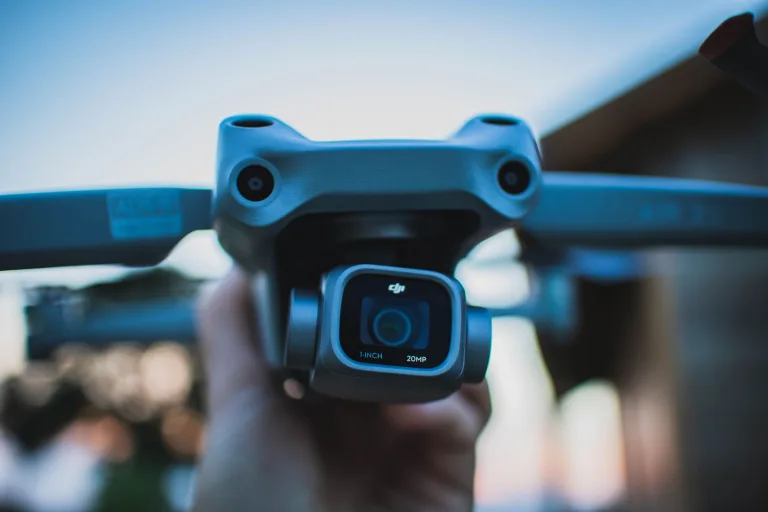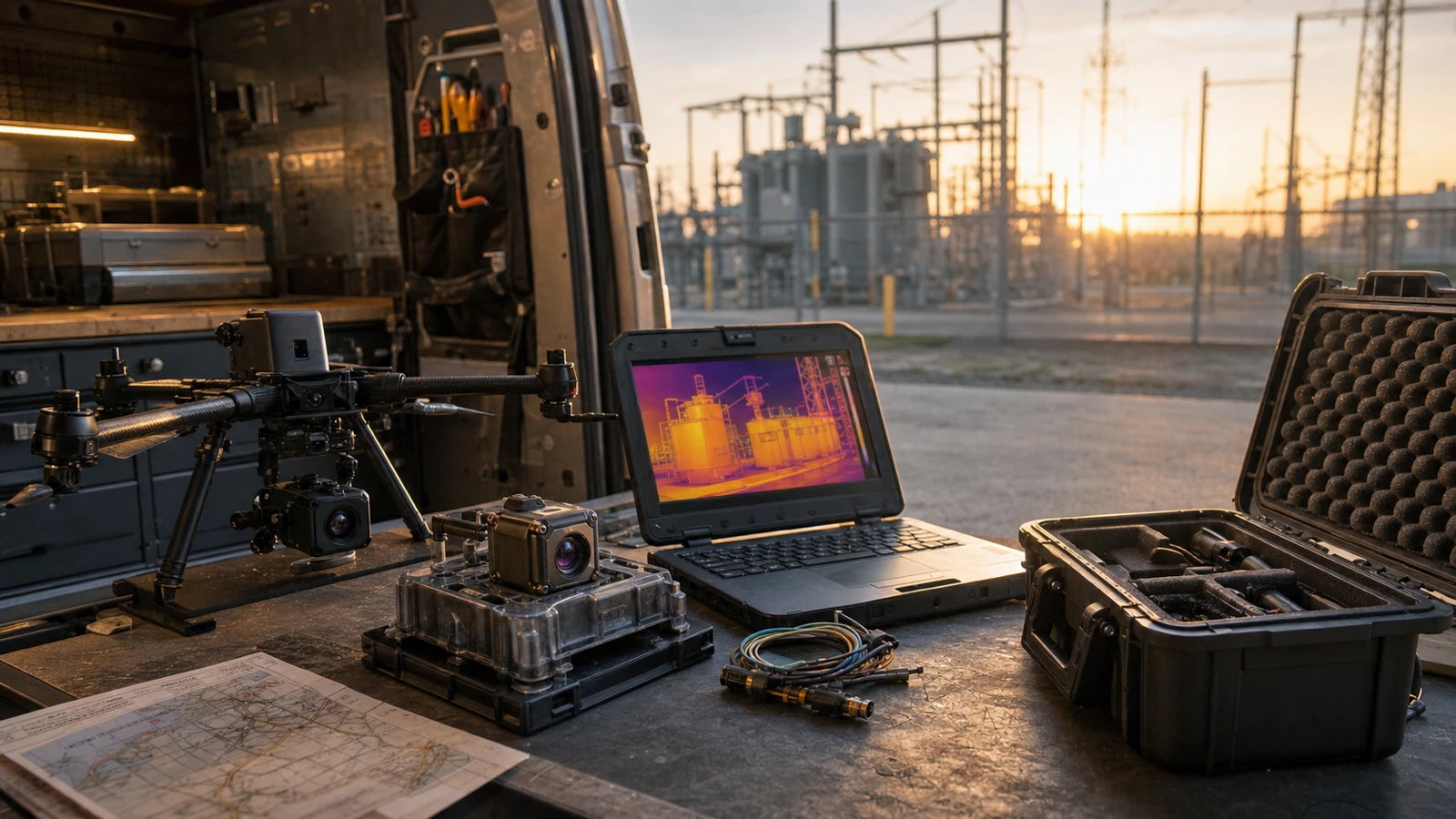
OEM camera in 2026: one thermal sample, two deployment paths, and a risky RFQ split
In this illustrative scenario, at 7:12 a.m. the payload engineer says the thermal sample already passed. Two minutes later, the field-service manager asks whether the same module can also feed a simple live view during substation maintenance. That is when the easy answer disappears.
OEM camera in 2026: one thermal sample, two deployment paths, and a risky RFQ split
OEM camera selection often starts with broad capability claims, but the real test comes when the sample enters a specific workflow. A thermal sample that looks perfect on a laptop can become a weak procurement document once one team wants it on a drone and another wants the same sensing path in a fixed outdoor proof.
This article uses CAMCUDA AeroMini 640 non-radiometric imaging as the concrete example: 9 mm lens, 60 Hz factory configuration, and the USB + CVBS + MIPI package. The goal is to show why one shared oem camera sample can create two different approval paths long before the second order is placed. This version provides thermal images; it does not measure temperature.
Quick answer: If one oem camera sample is being evaluated for both a drone payload and a fixed outdoor monitoring proof, lock the deployment split early. The payload team will care about weight, power, and flight-side live view. The field team will care about enclosure, service viewing, documents, and site review. Treating those as one vague sample order is a mistake that can delay the RFQ.
Where the OEM camera split starts
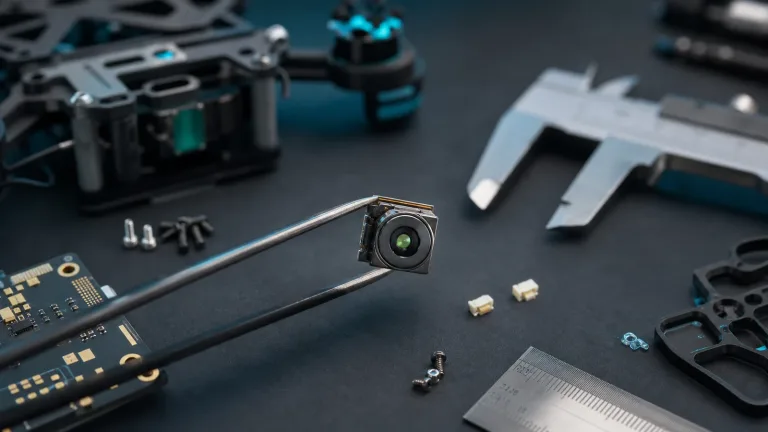
The first team usually meets the module in a controlled way. A developer connects the matched interface board to a validated USB host, powers it through the approved input, and confirms that the thermal scene has enough contrast for the civil inspection task. If the mission is a drone payload, that can feel like fast progress. If the mission is a fixed outdoor trial, it also feels promising. The problem is that the sample has only been proven inside one viewing setup, not inside both.
NVIDIA’s Jetson discussion of edge AI and the physical world provides broader context for choosing a host and software workflow alongside a sensor. It does not establish AeroMini compatibility with Jetson or an AI stack. For a shared oem camera sample, the practical handoff is the moment two different deployment teams start assuming the module already answers their questions: each needs its own host, viewing, and acceptance plan.
The trade-off is practical. Reusing one thermal module can simplify sourcing, software baselines, and initial image review. At the same time, it can leave unclear which workflow owns live viewing, which workflow owns enclosure assumptions, and which workflow needs procurement documents first. A shared sample saves time only when the split is declared early.
A realistic mistake looks small on paper: the RFQ says the buyer needs a compact 640 × 512 thermal module for “drone and site monitoring evaluation.” That line sounds efficient, but it leaves out the important differences. The payload team may need the lowest possible integration weight and a clear path to the airborne video workflow. The field team may need a simple local monitor during commissioning, support files for an outdoor housing review, and compliance-related documents before the site visit is approved.
| Question before reorder | Drone payload answer | Fixed field answer | Why the split matters |
|---|---|---|---|
| Who needs the live image first? | Pilot, payload engineer, or ground-review station | Installer, maintenance technician, or control-room reviewer | The same oem camera sample may meet both goals after separate validation; the viewing path should not be assumed to be identical. |
| What is the strictest mechanical constraint? | Payload mass, connector routing, gimbal balance | Enclosure depth, cable strain, service access, sealing | A compact module helps both teams, but each team stresses a different part of the integration plan. |
| What is the simplest initial video path? | USB bench review or payload integration test | USB host review plus possible local service-view requirement | USB is often enough for evaluation. It may not answer every commissioning or legacy-view question. |
| What document request appears first? | Payload dimensions, interface notes, power envelope | Mechanical drawing, support files, compliance review, RFQ notes | The earlier team often sets the tone for the RFQ, even when the later team has stricter paperwork. |
| What is the practical failure mode? | The payload fits, but the live-view or control expectation was vague | The site accepts the image, but the service workflow or documents arrive late | The shared sample did not fail technically. The shared workflow failed administratively. |
AeroMini 640 parameter table for shared-sample review
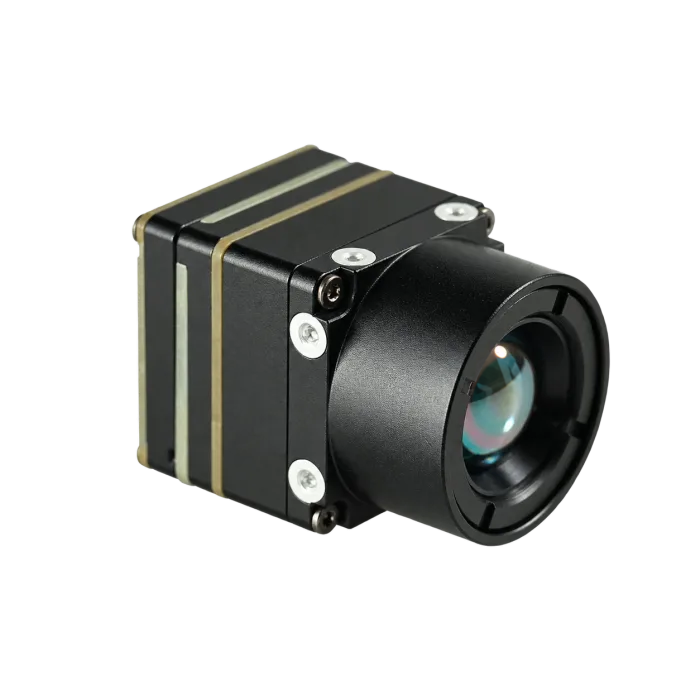
The AeroMini 640 configuration page currently offers online checkout for the non-radiometric 60 Hz / 9 mm / USB + CVBS + MIPI selection. If your team is comparing one oem camera sample across civil drone inspection and outdoor field workflows, use the following published values to plan each review, then confirm the ordered lens, board, firmware, and complete assembly.
| Detector | |
|---|---|
| Component model | AeroMini 640 non-radiometric; 9 mm / 60 Hz / USB + CVBS + MIPI selection |
| Detector type | Vanadium oxide uncooled infrared focal plane detector |
| Resolution | 640 × 512 |
| Pixel pitch | 12 μm |
| Spectral range | 8–14 μm |
| Detector frame rate | 60 Hz factory default / 30 Hz factory option; validate actual output timing with the selected interface, firmware, and host |
| NETD | ≤30 mK at 25°C, F/1.0; sensitivity is not calibrated temperature accuracy |
| Image adjustment | |
| Brightness / contrast / enhancement | Request the selected firmware’s supported controls, ranges, and commands before defining image-adjustment acceptance |
| Pseudo color palettes | White hot / Black hot verified; confirm any additional palettes for the selected firmware |
| Image processing | |
| Functions | Supported NUC/FFC settings, such as automatic triggering behavior, can be adjusted through PC software according to the operating environment; confirm whether temporal/spatial filtering, detail enhancement, and histogram controls are supported, then request matched firmware commands and modes if supported |
| Power and interface | |
| Supply voltage | 5 V at illustrated 16-pin POWER_IN1 and 26-pin POWER_IN2 inputs; do not connect either input to 12 V |
| Typical power consumption | <0.5 W at 25°C for the module; confirm complete-kit consumption and power-conversion budget |
| Digital video | USB and MIPI on the selected USB + CVBS + MIPI board; confirm host, format, firmware, and output timing; Type-C + CVBS is a distinct board package |
| Communication interface | Illustrated 16-pin RS232_RX/TX and 26-pin UART0_TX/RX; match board revision, electrical levels, transceiver, and command protocol; do not assume USB serial or RS-422 on every kit |
| Analog video support | CVBS on the selected board; confirm PAL/NTSC mode and the monitor or recorder chain; factory imaging rate does not guarantee simultaneous 60 Hz on all outputs |
| Mechanical | |
| Weight | <20 g, excluding lens and flange; confirm complete assembly mass |
| Dimensions | 21 × 21 × 28 mm, excluding lens and flange; request ordered lens/board assembly dimensions |
| Environmental adaptability | |
| Operating temperature | −40°C to +80°C; module range is not an enclosure or weatherproofing rating |
| Storage temperature | −50°C to +85°C |
| Humidity | 5–95%, non-condensing; assess installed condensation and ingress control separately |
| Vibration | Request the selected assembly’s test profile, mounting conditions, axes, report, and acceptance limits; no AeroMini rating established here |
| Shock | Request the selected assembly’s shock profile, duration, axes, report, and acceptance limits; no AeroMini rating established here |
These values turn a shared oem camera review into a discussion of actual constraints. The <20 g mass and 21 × 21 × 28 mm envelope exclude the lens and flange, so neither proves payload balance or enclosure fit. The selected USB/MIPI video and board-specific control path need separate validation. The published operating range matters when the sample moves from an indoor bench toward a field cabinet, but it does not establish weatherproofing, an IP rating, or mechanical, pin, or protocol interchangeability with another module.
One sample, two teams: an illustrative utility-inspection case
An illustrative civil utility-inspection example
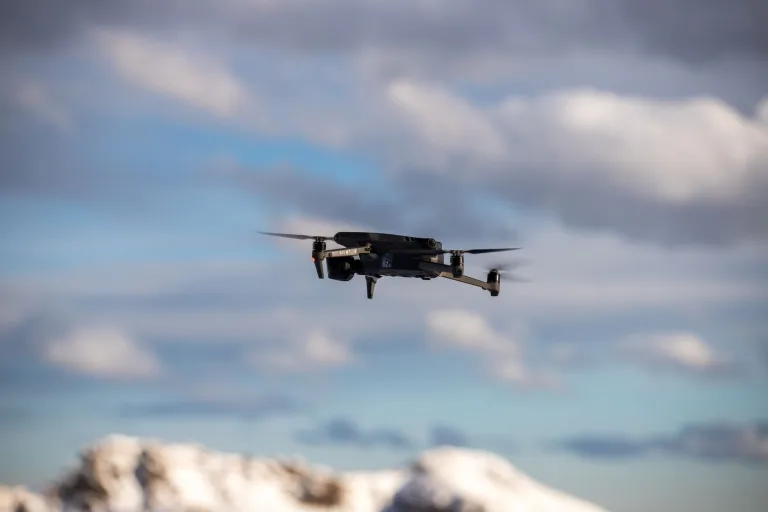
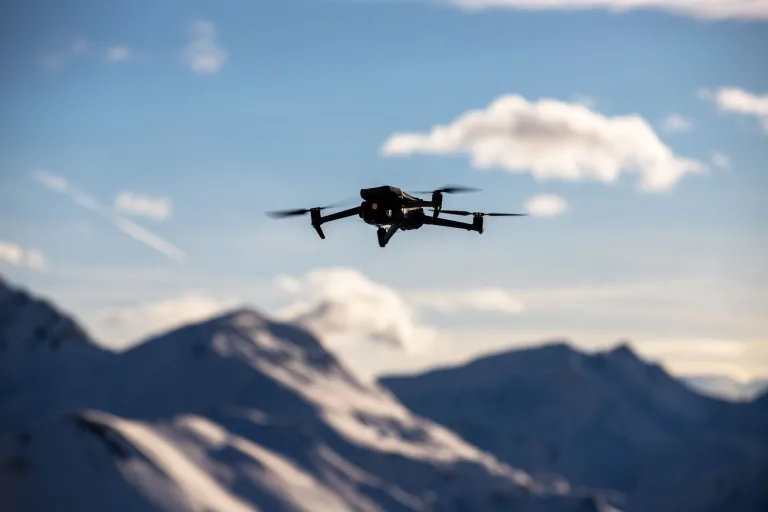
Consider a regional utility contractor evaluating one thermal imaging path in two places before budget season closes. Team one is a UAV group checking insulators and connectors during short line inspections. Team two is an outdoor maintenance group that wants a fixed proof near a service entrance so technicians can compare thermal image patterns during ground checks, without treating this non-radiometric sample as a calibrated temperature instrument. The shared requirement sounds simple: use one thermal sample if possible. The actual constraints are not. The payload team has a tight gimbal mass budget and needs a predictable host path during integration. The field team wants a simple live view during commissioning and asks whether North America procurement documents should be ready before the second meeting.
In this illustrative case, the difficulty comes from ordinary project constraints. A shared oem camera sample looks efficient until two teams apply two different meanings to “good enough.” The payload group sees a compact 640 × 512 module to validate within a drone thermal camera application workflow. The field group sees the same module as the beginning of an outdoor and field thermal imaging review with enclosure, service, and support-file questions that will outlive the first demo.
There is also a practical trade-off here. Reusing the same module can reduce software churn and simplify how the engineering team thinks about thermal contrast, optics, and sourcing. It can also create organizational ambiguity. If the drone team owns the sample first, the RFQ often inherits payload language and leaves the field questions for later. If the field team owns the review first, the document may overemphasize housing and service workflow while under-describing payload live view or mass sensitivity.
That is why the right question is not “can one module do both?” The better question is “what has to be stated so one module can be reviewed honestly by both teams?” On the CAMCUDA side, the right next step is usually not another vague sample request. It is a clearer RFQ that separates the two deployment intents and asks for the exact support files that match each one.

Interfaces and compliance: separate the data path from the review path
Interface talk becomes muddy when teams compress three different issues into one line item. First, there is the video path that gets the thermal image into the host. Second, there is the control path that lets the system manage the module. Third, there is the human review path that lets a pilot, installer, or technician see what they need during setup. A disciplined oem camera RFQ should name all three instead of treating them as one abstract “output.”
For AeroMini non-radiometric imaging, USB + CVBS + MIPI and Type-C + CVBS are distinct interface packages. The illustrated 16-pin reference labels RS232_RX/TX; the 26-pin reference includes UART0_TX/RX. Match electrical levels, any required transceiver, and the command protocol instead of assuming universal USB serial or RS-422 support. The USB-IF Video Class v1.5 document set gives class-level transport context; it does not prove a particular AeroMini UVC version, driver, format, or frame rate.
Some teams will never need analog viewing, and the cleanest answer is to stay digital. Other teams still ask for a local monitor, legacy recorder compatibility, or a simple field-viewing step during setup. Confirm the selected board’s CVBS mode, PAL/NTSC format, cable, and actual monitor or recorder chain during RFQ. A 60 Hz factory imaging setting does not guarantee all outputs run at 60 Hz simultaneously. Request the matching Linux drivers, examples, and SDK resources, then validate the intended host and firmware before either team approves its viewing path.
Compliance and procurement language should also be brought forward, not left until the quote is almost closed. If the project touches North America procurement, security monitoring, utility infrastructure, or government-adjacent review, ask early which NDAA-related documents are available for the exact configuration and have procurement review their scope and relevance. For Europe-facing buyers, it is also practical to pair the sample discussion with a look at the EU compliance page and request available documents for the exact configuration, destination market, and use case before hardware is installed. A general compliance page is not certification of the ordered assembly.
A module that is easy to evaluate but hard to specify in the RFQ still slows deployment. Use the sample phase to record the host, firmware, image format, output timing, viewing workflow, and each team’s acceptance criteria. That makes the data path and its integration cost visible while the design is still flexible.

Common mistakes buyers make when one OEM camera sample serves two projects
1. Treating one passing demo as proof for both workflows
A shared oem camera sample can be useful, but it is not evidence that payload viewing and field commissioning have already been solved.
2. Sending one blended RFQ without naming the split
The supplier should not have to guess whether the second deployment is airborne, pole-mounted, cabinet-mounted, or all of the above. Separate the workflows in writing.
3. Assuming low weight solves the whole payload discussion
Low module mass helps, but payload review still depends on balance, mounting, power, and how the operator will actually use the thermal feed.
4. Ignoring service-view requirements because the bench uses a laptop
The field team may still need a simpler live-view path during setup. If that possibility exists, ask before ordering the next batch.
5. Waiting until late procurement review to request documents
Available NDAA-related documents, matched mechanical drawings, interface references, and support files are easier to review when the RFQ names the configuration, destination, and required review date.
RFQ checklist for a shared drone-and-field thermal sample
If your next step is to move from evaluation into a serious quote, the RFQ should help the supplier understand the split instead of hiding it. For a shared oem camera sample, name the owner and acceptance criteria for each deployment path before requesting the next batch.
| RFQ item | What to state clearly |
|---|---|
| Deployment split | Say whether the module is being reviewed for drone payload use, fixed outdoor use, or both |
| Host and interface path | Name the host, board revision, firmware, image format, output timing, regulated power path, control levels/protocol, and any CVBS service-view chain |
| Mechanical constraints | Share complete-assembly mass goals, enclosure dimensions, cable clearance, connector direction, and mounting assumptions. Include target distance and field width; the thermal imaging calculator supports preliminary geometry estimates that need validation with the actual target and lens |
| Environment | State temperature, humidity, condensation, ingress, vibration, and shock conditions; request complete installed-assembly test profiles and acceptance limits for each deployment |
| Support files | Request lens/board-matched CAD, electrical references, firmware commands, SDK resources, and FAQ pointers that match the review stage |
| Procurement documentation | Ask which NDAA-related, compliance, and destination-market documents are available for the exact configuration, and name the buyer’s reviewer and required date |
For the first pass, it helps to review the thermal imaging cores category, the uncooled thermal modules category, the support downloads page, and the CAMCUDA FAQ before sending the final request.
Split the workflows before you reorder the sample
If your team is comparing one module across payload and fixed-site work, start with the AeroMini 640 non-radiometric configuration page, map the next decision against the drone thermal camera application page and the outdoor / field thermal imaging page, then send a clearer RFQ through the CAMCUDA contact page. Keep separate acceptance criteria for the two deployments; a shared sample is useful only if the complete assembly, host, and viewing workflow pass each review.
FAQ
Can one OEM camera sample really support both a drone payload and a fixed outdoor proof?
Sometimes yes, but only if the buyer treats the sample as the start of two reviews, not one. The same thermal module may fit both workflows while the live-view, mounting, enclosure, and document expectations differ.
Why does the shared-sample idea cause delays even when the image quality is fine?
Because workflow ambiguity can delay approval even when the detector meets the bench-image requirement. The sample passes on the bench, then the teams discover they wanted different viewing and approval paths.
What should the drone team confirm first?
Start with payload mass sensitivity, mounting direction, power path, host integration, and how the thermal feed will be reviewed during civil utility-inspection flight testing or setup.
What should the fixed field team confirm first?
Focus on complete assembly dimensions, connector access, sealing, condensation control, outdoor conditions, service-view needs, and required documents. Module environmental limits do not establish weatherproofing or an enclosure IP rating.
When should I ask about CVBS analog output?
Ask when the workflow includes a legacy monitor, recorder, local service display, civil UAV video link, or retrofit viewing setup. Confirm the selected board’s CVBS mode, PAL/NTSC format, cable, and actual receiving equipment during RFQ; the factory imaging rate does not guarantee simultaneous 60 Hz on all outputs.
Which procurement documents should North America buyers request for AeroMini 640?
For procurement-sensitive projects, request available NDAA-related documents for the exact AeroMini configuration, destination, and use case. Have the buyer’s procurement team review scope and relevance; a product page or general statement does not establish eligibility for a particular project.
What makes this different from a finished thermal camera purchase?
AeroMini 640 is a module for integration, not a finished handheld or fixed camera. The buyer still owns host design, enclosure decisions, viewing workflow, and application fit. The non-radiometric selection does not measure temperature, and its quoted dimensions and mass exclude the lens and flange.
Is USB enough for every OEM camera review?
No. USB is often the fastest path for early validation, but some projects later need another review path, different control expectations, or a simpler commissioning display.
What should I include in the first RFQ if two teams want the same sample?
State both deployment paths, the host path, the mechanical limits, the environment, the review workflow, and requests for matched drawings, firmware/SDK resources, CVBS validation, and available NDAA-related documents for buyer review.
For broader context, Micron’s edge-AI overview discusses local inference and its memory and storage requirements, while FLIR’s 2022 SIRAS announcement is a historical example of a finished inspection drone. These are system examples, not evidence of AeroMini AI or Jetson compatibility, radiometry, or finished-drone capabilities. The product values above come from the AeroMini configuration page and its matched documentation; validate each complete deployment separately.