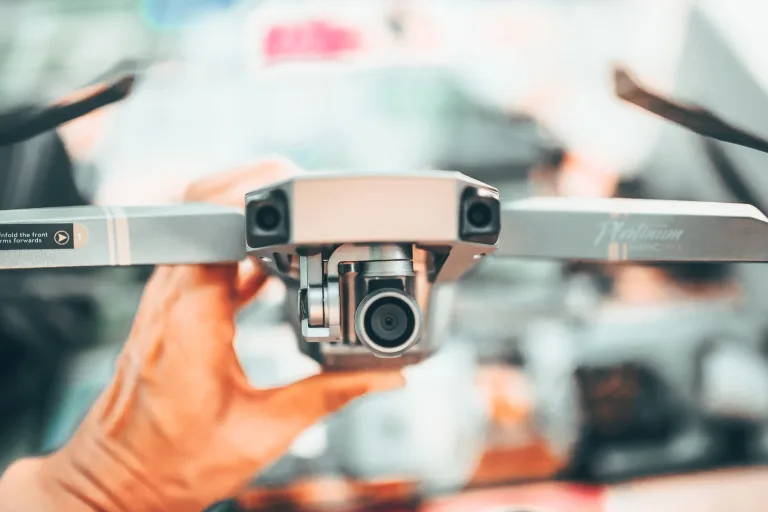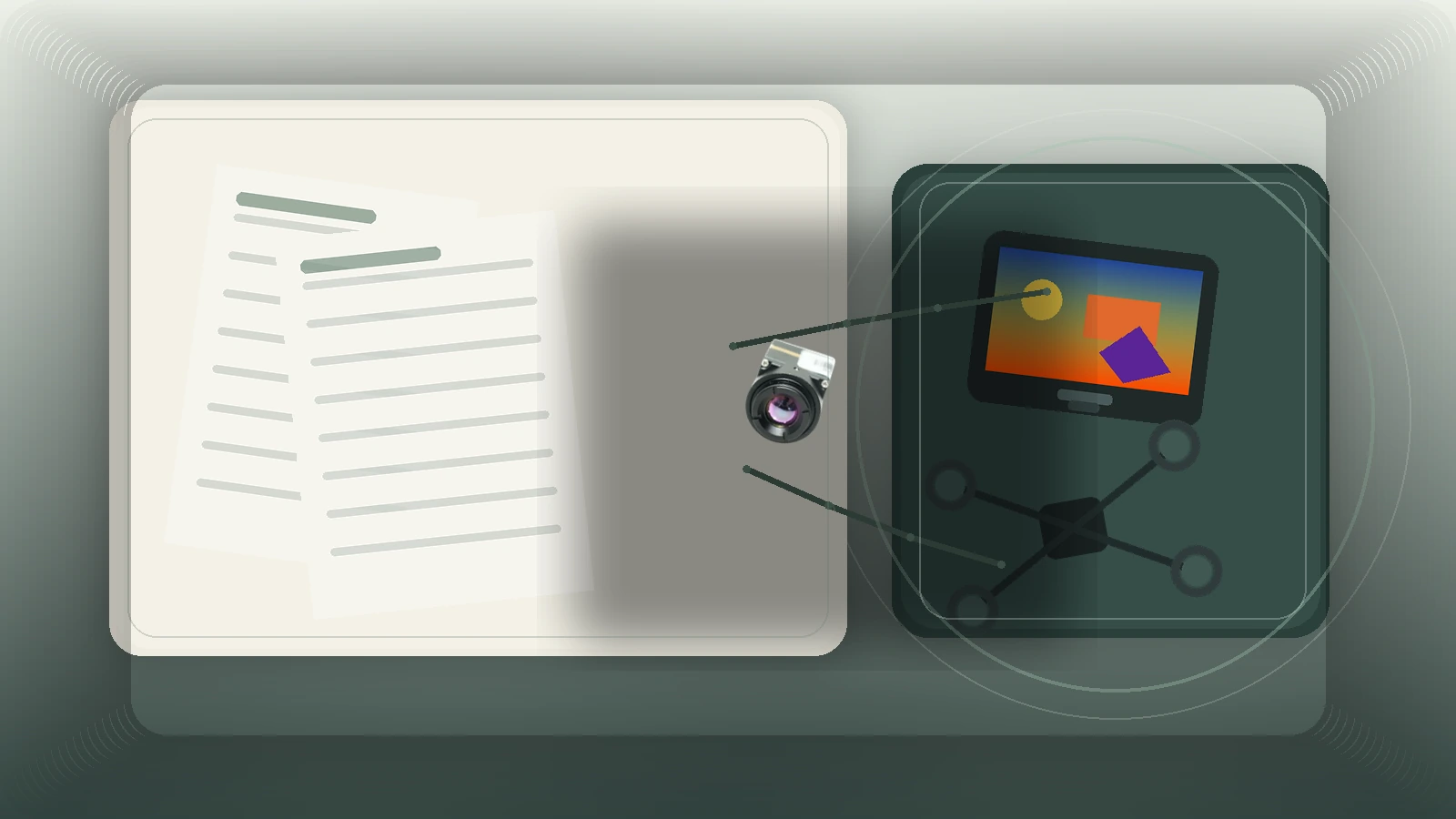
drone thermal camera: 3 video-path questions before your pilot sees the wrong screen
Procurement note for UAV payload teams
drone thermal camera: 3 video-path questions before your pilot sees the wrong screen
A drone thermal camera can look perfect on a bench and still create a field problem on day one. The common failure is not the sensor. It is the handoff between the pilot live view, the recorder path, and the RFQ details that define how the module is actually integrated.
That matters when a payload team is trying to keep weight low, power stable, and the buying cycle short. If the pilot monitor, onboard computer, and ground transmitter are treated as one vague “video output” requirement, the sample order can pass and the deployment can still stumble.
Quick answer
If you are evaluating a drone thermal camera for OEM payload work, define three things before you send the RFQ: who needs the live view, where the recorded stream will live, and whether the field system depends on USB, embedded digital capture, or CVBS analog output on applicable configurations. The current featured CAMCUDA AeroMini 640 offers a 640 × 512 uncooled LWIR integration path with selectable interface boards. Compare SuperMini 640 / 640T when a smaller bare core suits your carrier design. Confirm the exact board, firmware, receiver, and required concurrent outputs during RFQ.
drone thermal camera selection chart: decide the video path before the sample order
| Buyer situation | What usually matters first | Preferred path to review | Why it changes the RFQ |
|---|---|---|---|
| Bench evaluation with a host computer nearby | Fast bring-up and image capture | USB video and host-side recording | The team can validate image quality quickly, but still needs to define the operational live-view chain later. |
| Small UAV payload where the pilot needs a simple live monitor | Low-latency viewing path | Check whether the ground system expects analog or another dedicated path | A good thermal core does not help if the pilot display chain was assumed instead of specified. |
| Payload plus onboard compute for analytics or evidence storage | Host compatibility, power, and data ownership | USB or embedded digital capture plus a separate operator-view decision | The recorder path and the pilot path often stop being the same system. |
| Program that may move from UAV trial into fixed outdoor monitoring later | Documentation and interface flexibility | RFQ should define current payload path and future integration options | It is easier to scale the module choice when the team documents the downstream deployment plan early. |
The practical trade-off is simple. USB is usually easier for bench work and software capture. A fielded drone thermal camera program, however, may still inherit a legacy monitor, transmitter, or low-latency viewing chain that pushes the team to discuss alternate outputs earlier. That is where interface wording matters more than headline specs.
Where AeroMini 640 fits in a drone thermal camera RFQ
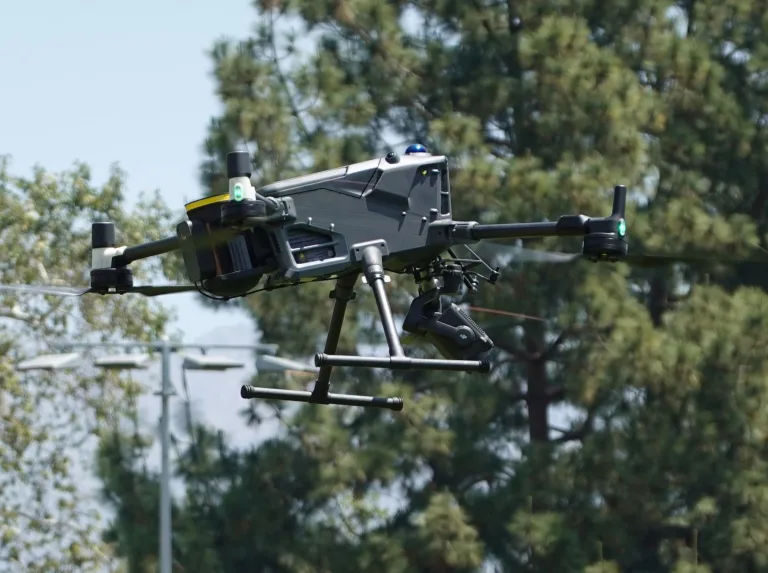
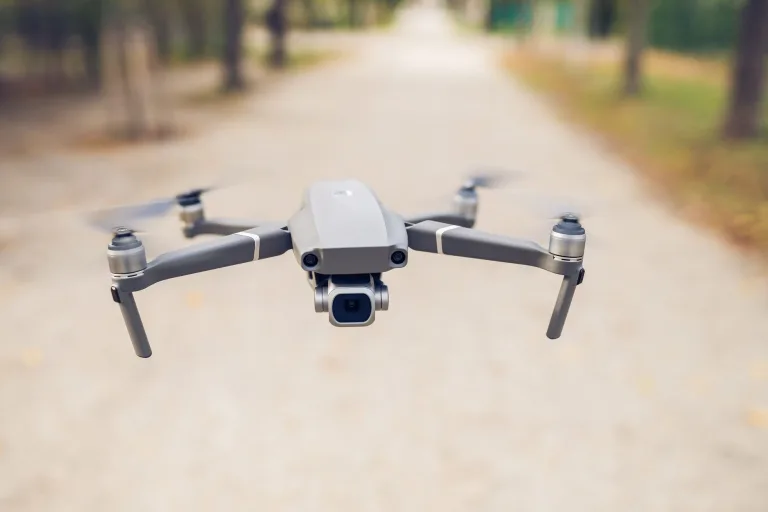
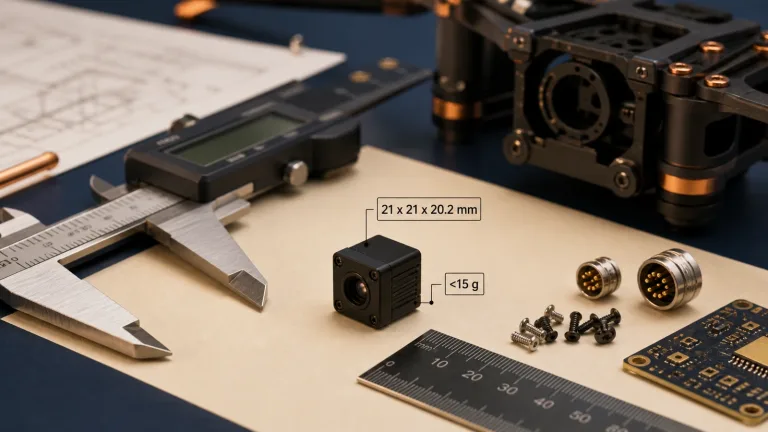
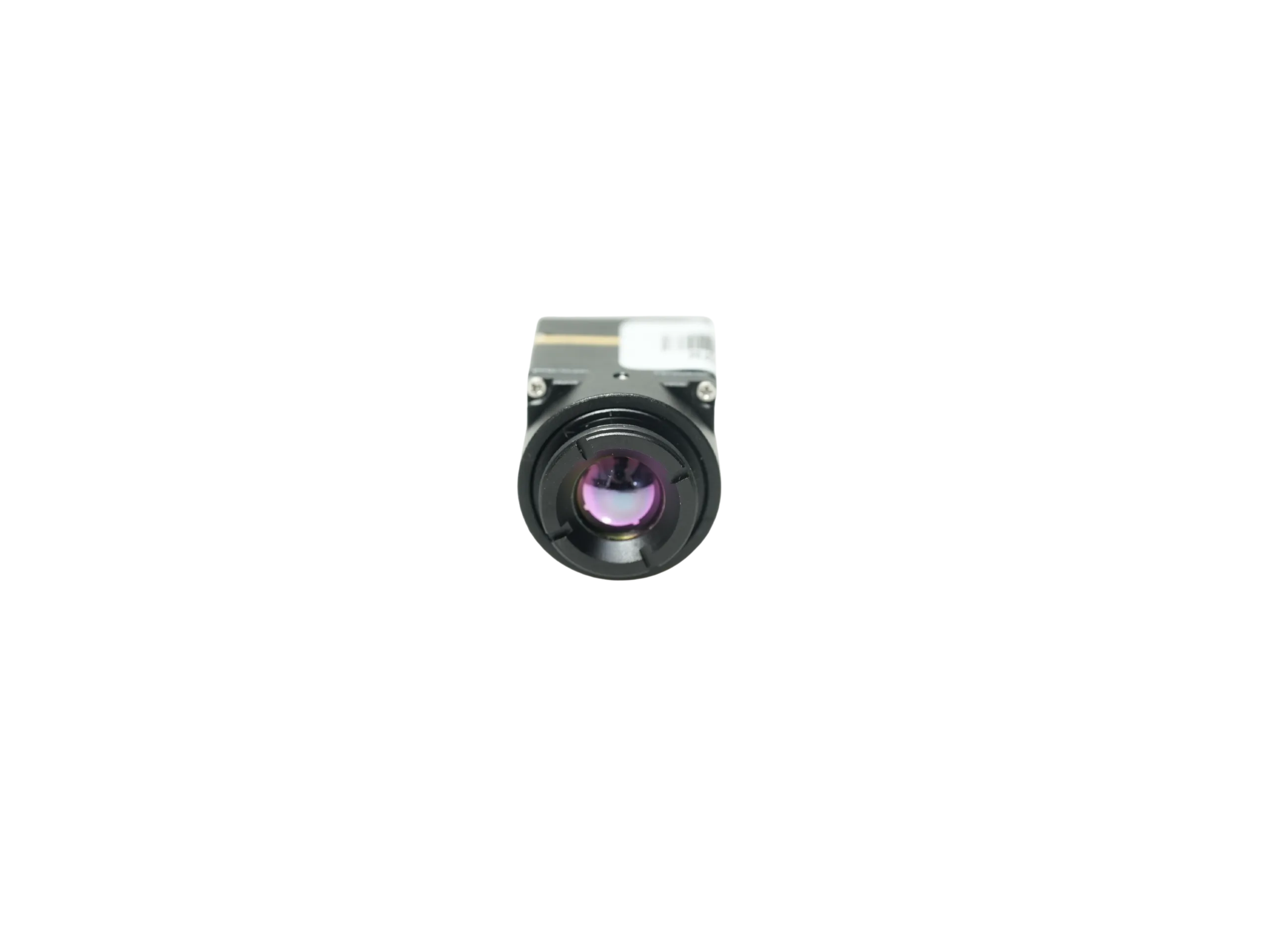
CAMCUDA’s current featured reference is AeroMini 640, with SuperMini 640 / 640T as a bare-core comparison. It is a module-level option for teams building a drone thermal camera, not a complete ready-to-fly payload. That distinction is useful because the buyer can review weight, power, host connection, and documentation before treating the sample like a finished airframe component.
| Parameter | AeroMini 640 | SuperMini 640 / 640T |
|---|---|---|
| Detector / resolution | Uncooled VOx LWIR; 640 × 512 | Uncooled VOx LWIR; 640 × 512 |
| Pixel pitch / spectral range | 12 μm; 8–14 μm | 8 μm; 8–14 μm |
| NETD | ≤30 mK at 25 °C, F/1.0 | ≤40 mK at 25 °C, F/1.0 |
| Frame rate / function | Non-radiometric: 60 Hz default / 30 Hz factory option; radiometric: 25 Hz, availability enquiry only | 640: 50 Hz imaging-only; 640T: 30 Hz thermography |
| Interface approach | USB + CVBS + MIPI or Type-C + CVBS tailboard; confirm ordered configuration | Bare-core interfaces; USB pins need integration; CVBS requires an external video-buffer IC |
| Control | Board-dependent serial interface; illustrated 16-pin reference labels RS232 | UART with 1.8 V logic |
| Supply planning | Illustrated POWER_IN1 / POWER_IN2: 5 V only; use the matched board guide | Multiple rails: MAIN_POWER, +3.3 V and +1.8 V; follow manual limits and sequencing |
| Typical power at 25 °C | <0.5 W module consumption; complete kit may differ | ≤0.5 W core consumption, excluding expansion board |
| Dimensions / weight | 21 × 21 × 28 mm; <20 g, excluding lens and flange | 13 × 13 × 13.4 mm; <3.5 g, excluding optics and boards |
For teams comparing a drone thermal camera sample across aircraft sizes, these module figures are useful starting points. Add the selected optics, board, cables, mounting, host, and transmitter to the payload budget. Confirm assembly dimensions and startup power separately; neither bare-core weight nor typical module consumption defines the finished system.
If you are still comparing product families, the broader thermal imaging cores category and uncooled thermal modules category help frame where this module sits inside CAMCUDA’s current range.
One realistic utility-inspection case
Hypothetical integration example: a regional integrator building a compact utility patrol payload wants one drone thermal camera sample that could serve three people at once: the pilot on a small field monitor, the engineer collecting flight footage on a host computer, and the procurement manager trying to close the first sample order without reopening the airframe layout. The proposed limits are typical: keep module weight low, run from a 5 V power budget, and avoid a larger enclosure revision before the first site visit.
The first mistake would be language. If everyone says “the payload needs thermal video,” but nobody records whether the pilot and recorder need the same path, USB bench success can hide a field constraint. Name the pilot monitor and transmitter, then identify whether recording happens onboard or on the ground and whether a radio-link interruption must leave a local recording intact.
That is the point where a drone thermal camera choice stops being a sensor-only decision. It becomes a workflow decision. Teams using UAVs for inspection can review the broader drone thermal camera application path first, then decide whether the same module may later need to support a ground or fixed-installation follow-up flow like the scenarios summarized on CAMCUDA’s outdoor and field thermal imaging page.

What a drone thermal camera buyer should ask about the interface path
Authoritative interface references are helpful here because they remind buyers that “camera output” is not a single requirement. USB device behavior is governed by host compatibility and transport expectations, which is why the USB-IF UVC documentation still matters when a module is expected to behave cleanly on a host capture chain. Embedded digital camera connections follow a different logic, which is why standards bodies like MIPI for CSI-2 frame camera-to-processor links separately.
For a drone thermal camera program, that difference usually becomes practical in one meeting. The software team may ask for the simplest host capture route. The pilot may need a stable low-latency view. The operations team may want evidence recording that survives beyond a live demo. Those are related needs, but they are not identical.
AeroMini’s USB + CVBS + MIPI and Type-C + CVBS packages use different tailboards and cables. The published 16-pin USB/CVBS and 26-pin MIPI/DVP references apply to the illustrated USB + CVBS + MIPI board, not the Type-C alternative. Serial control is board-dependent: the 16-pin diagram labels RS232, while an RS-422 requirement needs confirmation for the ordered board. Multiple interface names do not guarantee simultaneous video outputs. SuperMini’s BT656 and MIPI paths cannot operate simultaneously.
Separate displayed video, recorded video, and temperature measurement in the acceptance plan. AeroMini non-radiometric imagery does not measure temperature; its 25 Hz radiometric version is enquiry-only. SuperMini 640T thermography differs from SuperMini 640 imaging. Confirm data format and host parsing for the selected version. Test end-to-end latency through the host, transmitter, and display; a frame rate does not guarantee low-latency viewing or flight-ready performance.
These external references provide general background, not evidence for CAMCUDA specifications. Outside mission examples are also useful. FLIR’s SIRAS drone positioning emphasizes payload interchangeability and inspection use, while LightPath’s OEM integration framing keeps pointing back to requirements discipline. The common lesson is that the camera is only one part of the deployment chain.
Common mistakes that make a drone thermal camera sample look better than the deployment
- Treating pilot view and recorded view as the same deliverable. Bench success often hides this until the first real field rehearsal.
- Choosing the module before the host path is defined. USB may be the right answer, but it should be the result of the workflow review, not a default guess.
- Skipping the weight-and-power conversation. A compact module helps, yet the total payload still depends on carrier board, cabling, enclosure, and monitor/transmitter choices.
- Asking for “all interfaces.” That wording slows the RFQ. State the live-view path, control path, host board, and compliance documents actually needed.
- Leaving procurement documents to the end. North America buyers should request model-specific sourcing or NDAA-related documents with the first RFQ. Availability and suitability need confirmation for the exact configuration; the responsible procurement team should review the evidence.


Both illustrated POWER_IN1 and POWER_IN2 inputs are 5 V only, despite the family table’s board-dependent 5 V or 12 V entry. Confirm board revision and connector orientation before wiring. SuperMini’s separate 30-pin core requires multiple rails; it is not a ready-to-connect USB kit.
RFQ checklist for a drone thermal camera project
A better RFQ saves more time than an extra round of broad keyword research. If you want a practical quote for a drone thermal camera integration, send these details with the first request instead of spreading them across later email threads:
- Aircraft or payload class, plus weight and space limits for the thermal core and any interface board.
- Who needs the image in real time, where recordings are stored, and whether local recording must continue during radio-link loss.
- Preferred host path for evaluation and the field path for deployment.
- Selected model, imaging or thermography version, factory frame rate, board, video format, serial-control requirement, and any simultaneous-output requirement.
- Lens or field-of-view target, working distance, and whether the mission is utility inspection, security patrol, field service, or another UAV workflow.
- Destination market and required model-specific procurement evidence, mechanical drawings, interface references, and acceptance tests for the actual display and recorder.
CAMCUDA’s support downloads, support FAQ, and contact / RFQ page are the right internal paths to keep beside the product page while you prepare that list. The AeroMini SDK and Linux-resources FAQ describes AeroMini resources only; confirm board, firmware, host, format, and rate compatibility. It does not establish tested support for your host or SuperMini.
For preliminary lens geometry, use the thermal imaging calculator, then confirm the product’s published FOV and test the intended scene. Geometry estimates do not establish detection performance or temperature accuracy.
FAQ
Is a drone thermal camera always a complete payload?
No. In this article, the reference product is a module-level thermal core. A drone thermal camera project may still require gimbal structure, host electronics, power routing, and a defined live-view chain around the module.
Why does the pilot-view question matter so early?
Because a sample can look successful on a nearby host computer while the real field monitor or transmitter path remains undefined. That mismatch is one of the fastest ways to lose time after the first good lab demo.
When is USB enough for a drone thermal camera integration?
USB is often the easiest starting point for bench evaluation, host capture, and software testing. It is enough when the operational workflow truly matches that path. If the field chain depends on a different viewing method, state that in the RFQ instead of assuming USB solves the full deployment.
Should buyers ask about CVBS for every project?
No. Ask about it when the system involves analog video, legacy displays or recorders, drone video transmission, low-latency monitoring, embedded retrofits, or a known downstream analog path. Use careful wording: CVBS analog output on applicable configurations, confirm during RFQ.
How do AeroMini 640 and SuperMini 640 / 640T compare for compact UAV builds?
AeroMini provides selectable tailboards around a 12 μm, 640 × 512 module. SuperMini uses an 8 μm detector and a smaller bare core requiring carrier integration. Choose imaging or thermography explicitly, and compare complete assembly mass, power, and video paths rather than core size alone.
Does a North America buyer need to ask about documentation up front?
Usually yes. If the procurement process needs compliance or sourcing review, request the relevant document set in the first RFQ. Ask which documents are available for the selected model and configuration, then have the responsible procurement team assess them. This article does not determine compliance or guarantee a statement.
Can the same thermal core serve a UAV phase and a later fixed field deployment?
Sometimes, but only if the team records the future integration path early. The sensor may be usable in both contexts, while the enclosure, connectors, monitor path, or documentation expectations change materially.
What is the most useful first message to send CAMCUDA?
Send the target platform, payload limits, preferred live-view and recording paths, host interface expectations, lens or FOV target, and documentation requirements. That gives CAMCUDA enough context to confirm whether the listed module and configuration fit the project.
Move from sample curiosity to a better RFQ
If your team is comparing a drone thermal camera for UAV payload work, start with the AeroMini 640 product page, compare SuperMini 640 / 640T if your team can integrate a bare core, review the drone application context, and send the interface and documentation details through CAMCUDA’s RFQ contact path. If the same program may expand into fixed monitoring or service workflows, include that note early so the field deployment path is reviewed as part of the same conversation.