drone thermal imaging: 5 Practical Acceptance Notes Before Payload Samples
Payload acceptance memo for UAV and field teams
drone thermal imaging: 5 Practical Acceptance Notes Before Payload Samples
drone thermal imaging projects can run into problems after a convincing field demonstration if the sample video path, bracket, host board, lens or procurement documents were never described clearly enough.
Quick answer
For drone thermal imaging, treat the sample order as an acceptance handoff. Confirm the mission, imaging or temperature-measurement requirement, lens/FOV, video and control paths, full assembly envelope, power budget and available documents before release. A current featured starting point is CAMCUDA AeroMini 640 in the non-radiometric 9 mm USB + CVBS + MIPI configuration: 640 × 512 imaging with 60 Hz default or a 30 Hz factory option. It does not measure temperature; confirm the supplied board, cable and actual output rates during RFQ.
drone thermal imaging samples need an acceptance note before they need a tracking number
The buyer moment is familiar. A utility inspection team has a short flight window. The payload engineer has a bracket model open. Procurement wants a sample price. Someone writes “send a 640 thermal module for drone payload testing” and expects that sentence to carry the whole project.
It usually does not. A sample can be technically good and still wrong for the build. The cable exits on the wrong side. The receiver expects analog video. The host board can use USB during bench testing but needs another control path in the payload. The module fits in isolation, then fails when the lens, cable bend, enclosure window, and vibration mount are added.
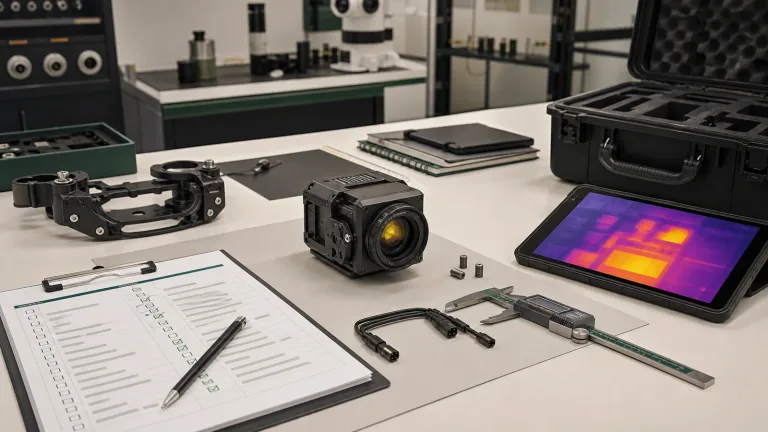
For drone thermal imaging, a convincing demonstration establishes a useful field question, but sample release needs a written acceptance note. Record what the operator must see, what evidence must be saved, and which video, control and mechanical paths the delivered sample must support. The five notes below turn that mission into a reviewable handoff.
Industry examples show why that framing matters. DJI’s overview of thermal drone basics explains how aerial thermal sensing supports field work. Teledyne FLIR’s SIRAS drone page frames thermal payloads around utility inspection and public safety missions. For US commercial operations, the FAA’s Part 107 commercial operator guidance is a reminder that payload planning sits inside a broader operational workflow. CAMCUDA’s concern here is narrower: turn the mission into a module sample request that engineering can actually accept.
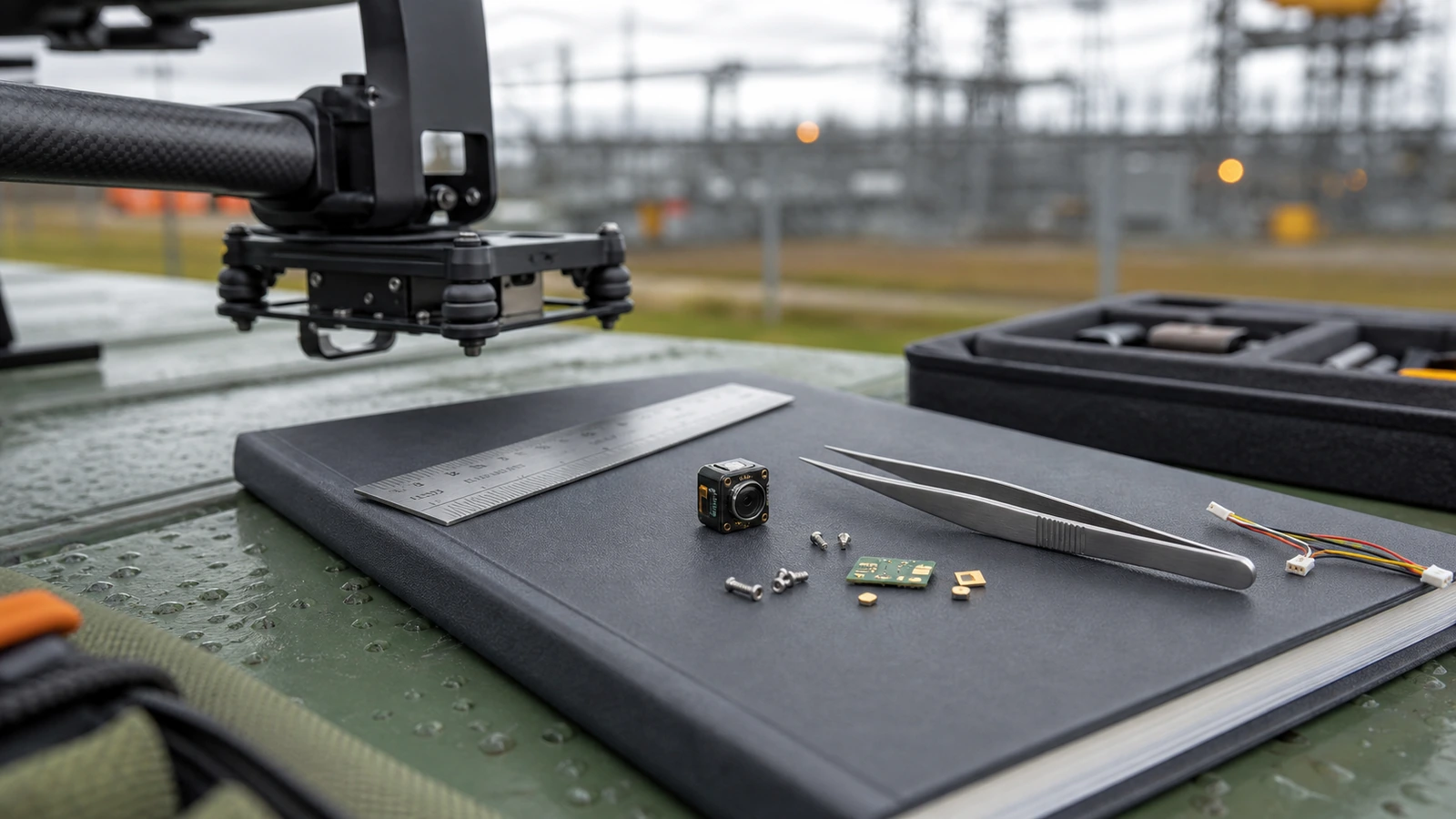
Field demonstrations and acceptance evidence for drone thermal imaging
Read field demonstrations for the mission conditions: target, working distance, flight speed, operator view and saved evidence. DJI and FLIR examples can help frame those questions, while FAA guidance addresses the wider operating context. Their finished-system demonstrations do not establish the fit, wiring or acceptance of a CAMCUDA module.
Translate each useful demonstration into evidence to request before sample release: a lens/FOV match, the ordered assembly drawing, board-specific pinout and supply limits, a compatible host capture path, and a test for the required live-view and recording outputs. A headline or attractive thermal image cannot answer those integration questions.
Use the sample-release meeting to assign an owner and acceptance check to each of the five notes. Keep the agreed camera version, lens, board, firmware, cable and document revisions with the RFQ so the bench result can be compared with the intended payload configuration.
Five acceptance notes before a drone thermal imaging sample ships
1. Write the mission in operator language, then translate it into optics
“Utility inspection” is not enough. Name the target and operator task: rooftop heat patterns, substation or solar-row anomalies, field-service awareness, perimeter viewing or search visibility. Working distance, scene width, flight altitude and speed influence lens/FOV matching. State separately whether the report needs calibrated temperature values; the selected AeroMini configuration provides imaging only.
The acceptance note should include a short mission sentence: “The payload will support utility yard patrol at low altitude, with operators looking for heat anomalies across equipment rows and needing live viewing during flight.” That sentence gives the supplier a better basis for lens and module review than a bare resolution request.
2. Name the video path before the payload electronics are fixed
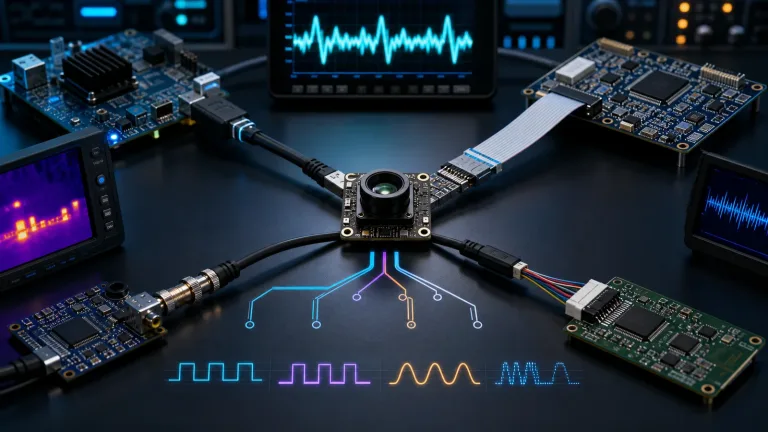
Many drone thermal imaging discussions start with resolution and frame rate. First specify how the image reaches the bench host and aircraft recorder. The selected AeroMini 9 mm USB + CVBS + MIPI kit offers a concrete board configuration to review. Its illustrated 16-pin USB/CVBS guide labels the control pins RS232_RX/TX; the separate 26-pin MIPI/DVP guide lists UART at 3.3 V. Match the board, connector, firmware and host instead of assuming USB video also supplies USB serial control.
A realistic mistake is to request a USB sample for the bench while the aircraft team expects analog video in flight. If CVBS is required, name the selected board, PAL/NTSC mode, receiver, recorder and cable path. Confirm the required output combination and each output rate, then test end-to-end latency with the actual live-view chain.
3. Treat compact size as an assembly question, not a product-photo claim
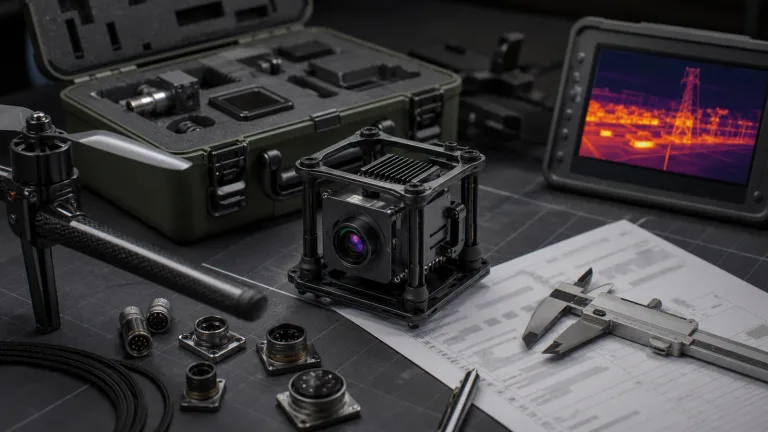
The AeroMini family table lists 21 × 21 × 28 mm and under 20 g without lens and flange. These are not the dimensions or weight of the complete ordered 9 mm assembly. Include the lens, tailboard, cable bend, bracket, vibration isolation, enclosure window and service clearance in the payload acceptance envelope.
For acceptance, put the small module into the same note as the physical constraints. Include payload bay dimensions, bracket sketch, host PCB location, cable exit preference, and target weight budget. A module can be genuinely compact and still fail if the mechanical handoff is late.
4. Ask for documents at the same time as sample pricing
Procurement may need more than a sample invoice. Request the datasheet, ordered-assembly drawing, matched electrical reference and document revisions with the sample quote. If the buyer has contract-specific procurement requirements, ask which model- and configuration-specific documents are available and provide the destination, intended use and applicable contract requirements.
These documents support engineering and purchasing review. Match each one to the exact model, lens, board, firmware and output path, then have the purchaser review its scope against the applicable contract. Confirm document availability and scope before sample release. For AeroMini software integration, use the model-specific SDK FAQ and technical documentation folder to request resources matched to the host and firmware.
5. Decide how outdoor field use changes the payload assumptions
Some UAV trials become fixed-site or vehicle-mounted thermal monitoring projects later. If the same module will support outdoor field thermal imaging, the acceptance note should mention enclosure window material, operating temperature, moisture exposure, vibration, service access, and whether the operator needs live viewing, recording, or event detection.
This is where a drone thermal imaging RFQ can naturally connect to CAMCUDA’s drone thermal camera application path and the outdoor field thermal imaging page. The two applications overlap in field reality, but they do not always share the same enclosure or service assumptions.

drone thermal imaging sample acceptance chart
| Acceptance item | What to decide | What to send in the RFQ | Failure it prevents |
|---|---|---|---|
| Mission fit | Inspection task, imaging or temperature-measurement need, distance, operator view and target size | Application, altitude or working distance, scene width, field notes | A good module with the wrong lens/FOV |
| Video output | USB capture, required CVBS mode, output combination and recording path | Selected board, receiver, recorder, host, output rates and latency acceptance target | Bench success but payload video failure |
| Control path | Board-specific serial control pins, electrical levels, commands and firmware | Host processor, matched 16-pin or separate 26-pin reference, control workflow and software constraints | No clear way to command the module |
| Mechanical fit | Module, lens, cable, bracket, window, vibration path | Payload envelope, cable exit, weight target, bracket sketch | A compact core that does not assemble cleanly |
| Procurement | Documents needed before sample approval or purchase | Datasheet, ordered-assembly drawing, matched electrical reference and availability of any model-specific documents required for contract review | Late purchasing or compliance holds |
Featured product facts for drone thermal imaging RFQs
CAMCUDA AeroMini 640 is the current featured starting point for this sample-acceptance memo. The table uses the non-radiometric 9 mm USB + CVBS + MIPI configuration, with a listed 48.7° × 38.6° FOV. Confirm the supplied module, lens, tailboard and cable; the USB cable requires customer soldering. Use the table to plan acceptance of the ordered assembly, rather than assuming the module is a complete drone payload.
| Product model | CAMCUDA AeroMini 640, non-radiometric 9 mm, USB + CVBS + MIPI kit |
|---|---|
| Detector type | VOx uncooled infrared detector |
| Resolution | 640 × 512 |
| Pixel pitch | 12 μm |
| Spectral range | 8–14 μm |
| Factory frame rate | 60 Hz default / 30 Hz factory option for non-radiometric imaging; confirm each delivered output rate |
| NETD | ≤30 mK at 25 °C, F/1.0 |
| Image output | USB on the selected kit; MIPI/DVP paths documented separately; match board, host, firmware and format |
| Communication | Illustrated 16-pin: RS232_RX/TX; separate 26-pin: UART at 3.3 V; match board and connector; USB video does not establish USB serial control |
| Analog video | CVBS on the selected applicable board; confirm PAL/NTSC, output combination and receiver/recorder compatibility |
| Supply voltage | 5 V at illustrated POWER_IN1 / POWER_IN2 inputs; do not connect these pins to 12 V |
| Typical module power | <0.5 W at 25 °C; complete-kit and startup consumption need confirmation |
| Body dimensions | 21 × 21 × 28 mm without lens and flange; request the ordered 9 mm assembly drawing |
| Module weight | <20 g without lens and flange; confirm complete-kit weight |
| Operating temperature | −40 °C to +80 °C |
For category-level review, use the thermal imaging cores, thermal modules, and uncooled thermal modules pages. For document and support handoff, check support downloads and send configuration-specific questions through CAMCUDA contact.
For a separate bare-core comparison, consider CAMCUDA SuperMini 640, CC-SM640-I50: 640 × 512 imaging at 50 Hz with an 8 μm pixel pitch. Its 13 × 13 × 13.4 mm core and under-3.5 g weight exclude optics and boards. This imaging-only model is separate from the 30 Hz SuperMini 640T thermographic model. Review its own core interface and power requirements in the SuperMini manual, PDF pages 6–8, and confirm the quoted lens, board, cables and supplied items; do not assume a ready-to-use USB kit. The drawing below belongs to that SuperMini bare core. Request the complete ordered AeroMini 9 mm assembly drawing separately; the published AeroMini STEP resource is for the 7 mm version.

Illustrative application case: the sample failed because the acceptance note was too short
Consider an illustrative scenario, rather than a reported customer result: a European integrator wants to evaluate drone thermal imaging for utility-yard patrol. The pilot team likes the field workflow, procurement requests a sample, and engineering sends a one-line request for a 640 × 512 UAV thermal module.
In this example, a sample could produce useful USB video at the bench yet still fail payload acceptance if the aircraft recorder expects analog input, the bracket leaves no cable-bend clearance, or the purchaser needs documents for a North America resale contract. Those requirements belong in the first request.
A more useful acceptance note would say: “Evaluate AeroMini 640, non-radiometric 9 mm, USB + CVBS + MIPI, for compact utility-patrol imaging. Confirm lens/FOV, factory frame-rate selection and output rates, USB bench capture, the required CVBS format and recorder path, matched control pins and electrical levels, and the complete lens/board/cable envelope and power budget. Provide the ordered mechanical and electrical references, and identify any model-specific documents available for purchaser review against the contract.” If the task requires temperature values, specify a separate radiometric requirement.
That is the practical trade-off. Fast sampling is valuable only when the sample is tied to the field job, the payload electronics, and the purchasing path.
Common payload sample mistakes
- Using resolution as the whole requirement. 640 x 512 matters, but lens/FOV, output, host control, and payload assembly decide whether the module works.
- Forgetting CVBS until field recording starts. If analog video is required, confirm the selected board, PAL/NTSC format, output combination and recorder compatibility before sample release.
- Measuring only the module body. Add cable bend, lens, bracket, window, expansion board, and service clearance.
- Separating documents from sample approval. Request matched drawings, electrical references and any required procurement materials, then confirm availability and contract scope before release.
- Ignoring the second deployment. A UAV module may later support outdoor field monitoring, which changes enclosure and service assumptions.
RFQ checklist for drone thermal imaging payload samples
| RFQ line | Useful detail to provide |
|---|---|
| Application | UAV inspection, utility patrol, outdoor field monitoring, security awareness, robotics or OEM payload; state imaging versus temperature-measurement needs |
| Target module | AeroMini 640 non-radiometric 9 mm USB + CVBS + MIPI; record board, lens, firmware and factory frame-rate choice; identify any separate bare-core comparison |
| Optics | Target distance, scene width, flight altitude, lens/FOV expectation, enclosure window |
| Video | USB capture, required CVBS mode, output combination, output rates and receiver/recorder details |
| Control | Host processor, matched serial-control pins and levels, command path, firmware and evaluation-board requirements |
| Mechanical | Complete lens/board/cable envelope, bracket, cable exit, total weight and power budgets, approved supply, vibration and service constraints |
| Documents | Datasheet, ordered-assembly drawing, matched electrical reference and revisions; ask which model-specific documents required by the contract are available for purchaser contract review |
| Commercial | Sample quantity, target annual quantity, destination country, timeline, intended use |
Prepare the sample request before the payload schedule slips
For drone thermal imaging projects, send CAMCUDA the field mission, payload dimensions, video path, host-board details, lens/FOV target, document needs, and target market before sample approval. That gives engineering a realistic way to match the module, output path, and support materials.
Review the AeroMini 640 non-radiometric 9 mm configuration | Review drone thermal camera applications | Request an engineering RFQ
Technical author: Daniel · Hardware Support
Sales contributors: Vivian, Lena and Sophie
FAQ: drone thermal imaging payload samples
What should a drone thermal imaging sample request include?
Include application, target distance, scene width, lens/FOV expectation, video output, control path, mechanical envelope, power budget, documents, destination market, and sample quantity.
Is AeroMini 640 a complete drone payload?
No. The selected non-radiometric 9 mm USB + CVBS + MIPI kit includes a thermal imaging module, lens, tailboard and cable for integration; the USB cable requires customer soldering. The aircraft mount, host, enclosure, complete power budget and acceptance tests still need project review. This configuration does not measure temperature.
Why does CVBS matter in a UAV thermal payload?
CVBS can serve a compatible analog transmitter, display or recorder. Confirm the selected board, PAL/NTSC mode, required output combination and firmware, then test the complete live-view path against the project’s latency requirement.
Can USB video be enough for sample testing?
USB video can be useful for bench and development work, but the final payload may need a different live-view or recording path. Confirm host compatibility, format, actual output rates and both bench and flight paths; USB video does not establish USB serial control.
How compact is the AeroMini 640 module?
The AeroMini family table lists 21 × 21 × 28 mm and under 20 g without lens and flange. Confirm the complete ordered 9 mm lens, tailboard and cable envelope and weight. The separate SuperMini bare-core drawing is not AeroMini assembly CAD, and the public AeroMini STEP resource describes the 7 mm version.
When should the NDAA statement be requested?
Ask during RFQ if the purchaser’s applicable contract requires it. Name the exact model, configuration, destination and intended use, and ask which model-specific documents are available. Confirm their availability and scope, then have the purchaser review them against the contract requirements.
Does drone thermal imaging always need 640 x 512 resolution?
No. 640 x 512 is useful when detail and field workflow justify it. Lower-resolution sensing modules can be better for compact monitoring, power-sensitive devices, or simple thermal awareness.
Why link outdoor field thermal imaging to a drone payload article?
Many aerial inspection projects later become fixed-site, vehicle-mounted, or field-service products. Outdoor deployment changes enclosure, service, environmental, and viewing assumptions.
What is the biggest sample-order mistake?
The biggest mistake is sending a vague request for a thermal drone module without naming the video path, bracket constraints, control interface, lens/FOV target, and documents needed for procurement.