thermal drone dji: 4 Practical Video-Path Decisions After the Demo
Buyer conversation for UAV payload teams
thermal drone dji: 4 Practical Video-Path Decisions After the Demo
A thermal drone dji search often begins after a successful field demo. The pilot likes the inspection workflow, the buyer likes the packaged aircraft, and the product team then asks a harder question: can the same thermal job be built into our own payload, recorder, vehicle, or outdoor monitoring product?
Quick answer
A thermal drone dji demo is useful for proving the mission, but it does not replace a module RFQ when an OEM team needs its own payload or embedded thermal product. Before choosing a 640 × 512 module, confirm the video path, control interface, mechanical envelope, lens/FOV, power budget, and documentation package. Start with AeroMini 640 for configurable module evaluation; compare SuperMini 640 / 640T when the design warrants bare-core integration. Neither product listing establishes compatibility with DJI gimbals, flight controllers, or SDKs.
thermal drone dji searches prove the mission, not the OEM architecture
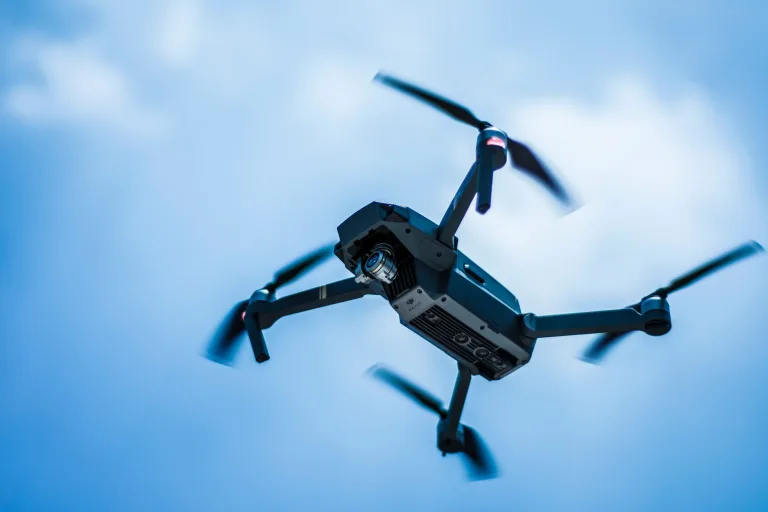
The awkward meeting usually happens after the demo. A DJI enterprise aircraft has shown the customer what thermal inspection can do from the air. The buyer now wants a smaller payload, a different recorder, a private video path, a custom enclosure, or a lower-level module that can be built into a product. That is where a thermal drone dji shopping conversation turns into an engineering RFQ.
DJI’s own enterprise pages, including the Mavic 3 Enterprise Series and Matrice 4 Series, provide finished-system benchmarks. Select the actual thermal-equipped model within each series before comparing inspection, pilot viewing, or integrated payload workflows; the series also include non-thermal models. These pages are not module datasheets for a custom product. A packaged drone answers a different question than a thermal core installed inside your own bracket.
The next conversation should preserve the job the demo proved: what the operator must see, record, or measure. Then separate those requirements from the aircraft’s integrated controls and software. A custom module project needs its own engineering and acceptance plan; matching detector resolution does not reproduce the complete DJI system.
Why the post-demo conversation needs a separate module RFQ
The useful handoff is between a commercial drone demo and a module-level build. The pilot can describe the inspection route and viewing task; the OEM engineer must identify the receiver, processor, connectors, and enclosure that will perform that task in the new product. Purchasing needs a configuration it can order and verify.
For example, “the operator could see the hotspot” leaves several questions open. Was a visual cue enough, or did the job require temperature data? Was the image viewed live, recorded, or passed to software? What working distance and target size made it useful? Those answers define the sample test more clearly than a request for a camera resembling the demo.
Keep those answers in the same buyer conversation. A smaller core may help the payload layout while adding carrier-board and software work. Agree who owns those tasks before treating a component quote as a finished-system budget.
Four decisions after a thermal drone dji demo
1. Decide whether you are buying a finished aircraft or proving a module requirement
A finished enterprise drone is the right answer for many operations. It reduces integration burden and gives the buyer a ready workflow. An OEM module is a different path. It is for teams building a custom payload, robotic platform, outdoor monitoring product, inspection device, or embedded thermal vision system.
The mistake is treating the DJI-style demo as the final architecture. If the product must fit a private enclosure, use a specific host board, support a legacy recorder, or pass a procurement review, the module RFQ needs those details. A thermal drone dji demo can start the conversation, but it cannot answer the connector route or document set by itself.
2. Decide the video path before the bracket is frozen
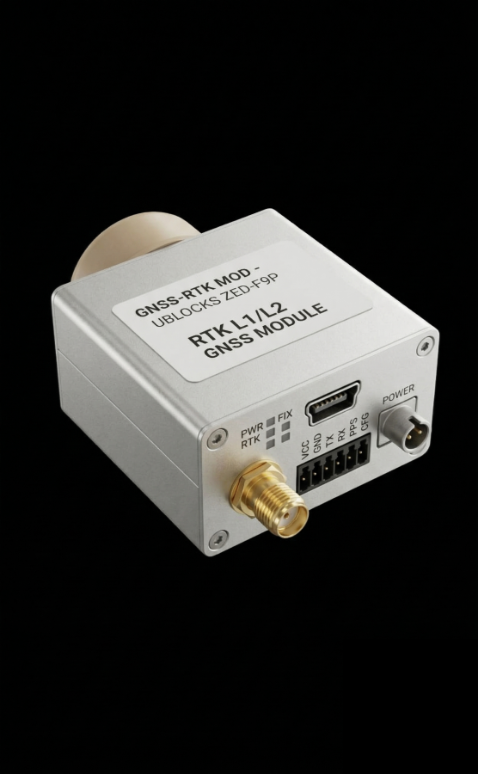
Video path is where late surprises become expensive. AeroMini’s non-radiometric packages offer a USB + CVBS + MIPI tailboard or a separate Type-C + CVBS tailboard. The former includes a USB wiring cable that requires customer soldering; the latter includes a wiring cable and USB-C data cable. Specify the board before using a connector guide.
A practical buyer sentence is: “We need USB video during development and a confirmed CVBS path to this recorder. Please identify the control interface, signal levels, commands, and delivered format and rate.” The illustrated 16-pin AeroMini reference labels RS232. UART, RS232, or RS422 availability depends on the selected board; do not assume a universal RS-422 port.
For SuperMini, the bare core requires multiple power rails and 1.8 V UART logic; its CVBS signal needs an external video-buffer IC. It is not a ready USB camera kit. Review the optional board and supplied items separately. Test end-to-end latency and recording on the intended receiver rather than inferring them from detector frame rate.
3. Decide the compact-module fit with real scale cues
AeroMini lists 21 × 21 × 28 mm and less than 20 g, excluding lens and flange. SuperMini lists 13 × 13 × 13.4 mm and less than 3.5 g for the bare core, excluding optics and boards. Those scopes differ; neither figure describes the complete installed payload.
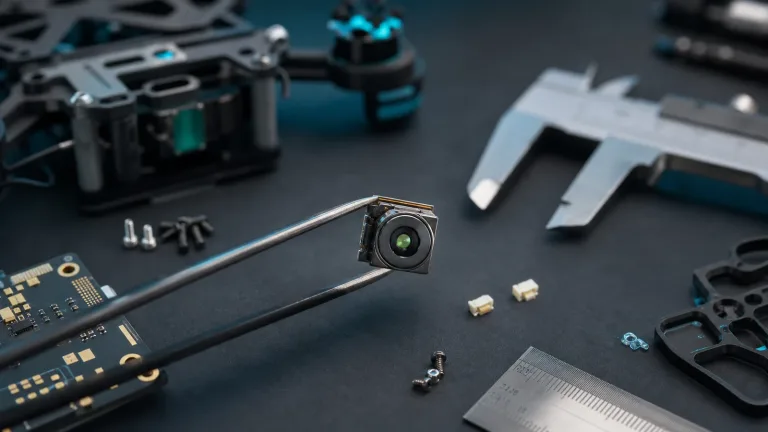
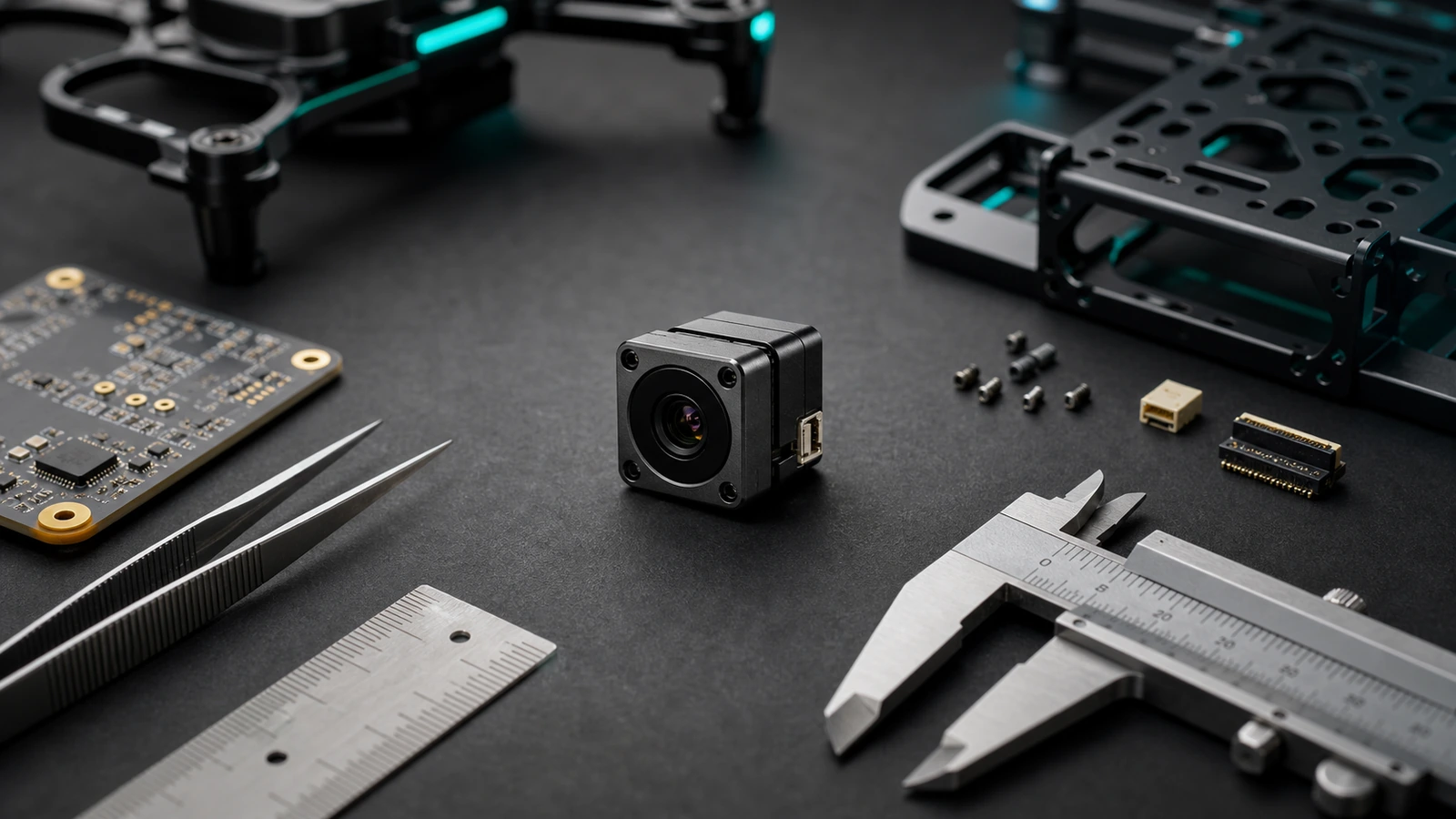
Module dimensions are not the full mechanical envelope. Lens clearance, cable bend radius, connector side, expansion board, enclosure window, vibration path, and thermal path still matter. Put calipers, the host PCB, the payload bay, and the cable route in the same conversation as the detector spec. Request the assembly drawing for the ordered lens and board.
4. Decide which documents procurement will need later
North America procurement, security monitoring, utility inspection, industrial monitoring, and government-adjacent projects often need documentation beyond a product photo. Ask for datasheets, mechanical drawings, interface references, configuration notes, and any required model-specific NDAA-related materials. Availability and suitability need confirmation and review by the responsible procurement or compliance team.
Careful language matters. Do not ask the supplier to promise every interface or document for every configuration. Ask what is available for the exact model, lens, firmware, output path, destination market, and intended use.


The illustrated 16/26-pin guides apply to the USB + CVBS + MIPI board, not Type-C. POWER_IN1 and POWER_IN2 are 5 V inputs: do not connect either to 12 V. Verify the supplied revision, connector orientation, and complete wiring guide before applying power.
thermal drone dji to module RFQ selection chart
| Post-demo question | If the answer is yes | RFQ detail to add | Why it matters |
|---|---|---|---|
| Will this become a custom payload? | Use a module conversation, not only a drone quote | Payload bay, host board, bracket, lens/FOV, cable route | Prevents a sample that cannot fit the product |
| Does the field team need analog video? | Ask about CVBS analog output on applicable configurations | Receiver, recorder, latency expectation, cable path | Stops USB-only bench assumptions from reaching the field |
| Will the module be controlled by another system? | Confirm the selected board’s control interface | Host processor, signal levels, command path, integration board | Separates image output from control requirements |
| Is this for North America or compliance-sensitive procurement? | Ask for document availability early | Model-specific procurement evidence, drawings, interface references | Allows purchasing to review requirements before ordering |
| Does the same design serve outdoor monitoring? | Check environmental and enclosure assumptions | Operating temperature, window, field service, humidity, vibration | Connects UAV lessons to fixed-site use |
Featured module facts for thermal drone dji follow-up RFQs
The current Featured choices are AeroMini 640 and SuperMini 640 / 640T. Their published facts support different integration conversations. Confirm the exact configuration during RFQ.
| Parameter | AeroMini 640 | SuperMini 640 / 640T |
|---|---|---|
| Detector / resolution | Uncooled VOx LWIR; 640 × 512 | Uncooled VOx LWIR; 640 × 512 |
| Pixel pitch / spectrum | 12 μm; 8–14 μm | 8 μm; 8–14 μm |
| NETD | ≤30 mK at 25 °C, F/1.0 | ≤40 mK at 25 °C, F/1.0 |
| Version and frame rate | Non-radiometric: 60 Hz default / 30 Hz factory option; radiometric: 25 Hz, availability enquiry | 640: imaging only, 50 Hz; 640T: thermography, 30 Hz |
| Video and control | Board-dependent USB/CVBS and digital paths; confirm serial interface, format, and rate | Model-specific digital paths; 1.8 V UART; bare-core CVBS requires external buffering |
| Power scope | Typical module consumption <0.5 W at 25 °C; complete kit may differ | Typical core power ≤0.5 W at 25 °C, excluding expansion board; multiple rails required |
| Dimensions and weight | 21 × 21 × 28 mm; <20 g, excluding lens and flange | 13 × 13 × 13.4 mm; <3.5 g, excluding optics and boards |
| RFQ priority | Choose version, factory rate, lens, and tailboard | Choose 640 or 640T, optics, carrier, power rails, and receiver design |
Imaging versions do not provide temperature measurement. If the inspection requires numeric temperatures, request the radiometric or thermographic configuration and its data format, calibration conditions, and acceptance criteria. Resolution, NETD, and a displayed color palette do not establish measurement accuracy.
Use the AeroMini datasheet and its official SDK resource FAQ for AeroMini-specific preparation. Resource availability does not establish host compatibility; validate the selected board, firmware, format, and rate. SuperMini has its own V1.0.0 product manual. AeroMini resources are not a SuperMini or DJI SDK.
For broader browsing, use the thermal imaging cores, thermal modules, and uncooled thermal modules pages. If the post-demo conversation is still mainly aerial, the drone thermal camera application page is the natural next step. For perimeter, utility yard, or fixed-site use, review outdoor field thermal imaging as well.

Application case: the pilot demo worked, but the recorder did not
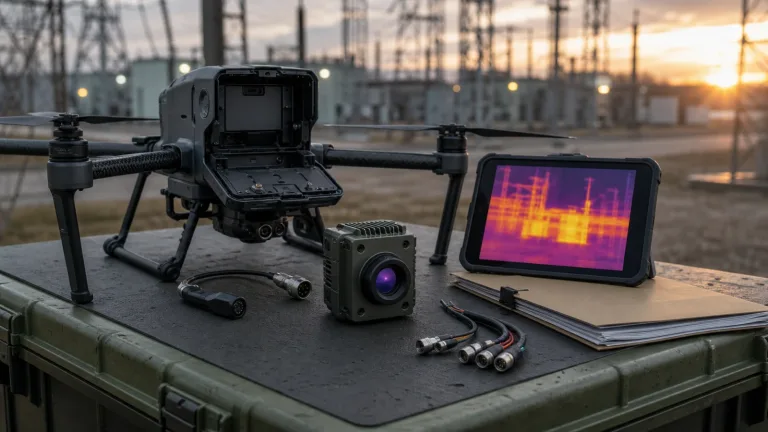
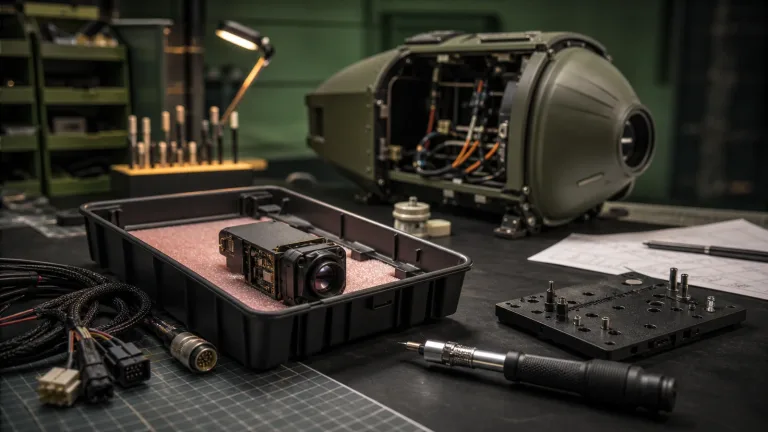
Consider a hypothetical distributor demo over an outdoor utility site. The customer likes the workflow: fast setup, thermal visibility, and a clear inspection story. Two weeks later, the OEM team says the production product cannot use the same packaged aircraft. It needs a compact payload module, a private control board, and a field recorder already used by the customer’s service team.
The first RFQ says, “Quote a module like a thermal drone dji camera.” That wording hides the actual risk. A better request is: “Evaluate AeroMini 640 for our independent UAV payload, with USB for development and CVBS for the attached recorder specification. Confirm board, serial control, lens/FOV, factory rate, complete assembly drawing, power budget, and required procurement documents. Compare SuperMini only with its carrier and power integration included.”
Accept the sample against that recorder, not just a laptop preview. Check image format, stable recording, controls, restart behavior, cable routing, and measured latency. If temperature data is required, add a separate radiometric acceptance test. The finished drone proved buyer demand; the module RFQ translates that workflow into electrical, mechanical, and procurement requirements.
Common mistakes after a thermal drone dji benchmark
- Copying the demo workflow without naming the custom product. A finished aircraft, a gimbal payload, and an embedded module are not the same purchase.
- Leaving analog video out of the first RFQ. If a recorder, transmitter, or monitor expects CVBS, say so before the sample ships.
- Calling a module compact without checking the cable path. Published core dimensions exclude important assembly parts; cables and lens clearance decide the real envelope.
- Separating procurement documents from engineering specs. Required procurement evidence, drawings, and interface references should be tied to the exact configuration.
- Ignoring outdoor deployment crossover. A UAV payload may later become a fixed outdoor or field-service product, which changes enclosure and service assumptions.
RFQ checklist for a thermal drone dji follow-up module request
| RFQ line | What to provide |
|---|---|
| Application | UAV inspection, outdoor field thermal imaging, utility patrol, security monitoring, robotics, or embedded OEM device |
| Module target | AeroMini version, factory rate, lens, and tailboard; or SuperMini 640/640T with defined carrier scope |
| Image requirement | Resolution, target distance, scene width, lens/FOV expectation, operator task |
| Video path | USB video, CVBS analog output on applicable configurations, recorder or receiver details |
| Control path | Board-specific serial interface, signal levels, host board, and command expectations |
| Mechanical envelope | Payload bracket, enclosure window, cable exit, lens clearance, weight budget |
| Documents | Matched datasheet, assembly drawing, wiring guide, software resources, and required model-specific procurement evidence |
| Commercial context | Sample quantity, target market, destination country, timeline, intended use |
Use the thermal imaging calculator for preliminary scene geometry and lens discussion. Its estimates do not prove detection, recognition, identification, or temperature accuracy; validate the real target and environment with the selected configuration.
Turn the demo into a module RFQ
If a thermal drone dji benchmark proved the inspection use case, use the next conversation to confirm the independent module path. Review AeroMini 640, compare SuperMini 640 / 640T where appropriate, and send CAMCUDA the host-board, video, payload, lens/FOV, and documentation details before ordering samples.
Review AeroMini 640 | Compare SuperMini 640 / 640T | Check support downloads | Request an engineering RFQ
FAQ: thermal drone dji module conversations
Is a thermal drone dji search enough to choose an OEM module?
No. It can prove the field workflow, but an OEM module request still needs resolution, lens/FOV, interface, mechanical, power, and documentation details.
Why would a buyer use a module instead of a finished DJI thermal drone?
A finished drone is suitable when the buyer wants a ready aircraft. A module is suitable when the buyer is building a custom payload, embedded device, robotic system, or outdoor monitoring product. That build needs independent integration and validation.
Does AeroMini 640 support CVBS analog video?
CVBS is offered on the named AeroMini interface packages. Confirm the ordered board, output standard, firmware, and receiver. SuperMini’s bare-core CVBS signal requires an external buffer; the two products do not share a wiring guide.
What digital path should engineering review first?
Start with the intended host and the selected AeroMini board’s USB or other digital output. Confirm format, rate, drivers, and control commands. The illustrated 16-pin reference labels RS232; RS-422 must be confirmed for the actual board.
Why does module size matter after a drone demo?
The finished aircraft hides the integration work. A custom payload must account for the module body, lens clearance, cable route, bracket, enclosure window, and service access. Request the complete assembly dimensions rather than sizing from a bare core.
Should procurement ask for an NDAA statement?
If required by the project, ask which NDAA-related documents are available for the exact model and configuration. Have procurement review their suitability. This article does not guarantee document availability or determine procurement eligibility.
Can the same module support drone and outdoor field thermal imaging?
The same family may be evaluated for both, but enclosure, lens/FOV, power, environmental, and service assumptions can differ. Confirm the exact deployment and test the complete system; module suitability does not establish aircraft compatibility.
What should a buyer send with the first RFQ?
Send application, target distance, scene width, video path, control path, host board, payload bracket, lens/FOV needs, documentation requirements, destination market, and sample quantity. Add imaging versus temperature-data needs and the intended acceptance tests.
Is 640 x 512 always better than a smaller sensing module?
No. A lower-resolution design may suit simple thermal awareness when target detail is sufficient. Compare total cost, power, optics, and host work for the actual task. AeroMini and SuperMini are both 640 × 512 products; SuperMini’s smaller body does not mean lower resolution.