mini online thermal camera core: 3 Reliable Bring-Up Decisions Before the Host Board Freezes
Engineering memo for embedded thermal sensing
mini online thermal camera core: 3 Reliable Bring-Up Decisions Before the Host Board Freezes
A mini online thermal camera core looks easy to approve when the only open questions are price and sample lead time. The harder moment comes two weeks later, when the host board is almost frozen and someone asks whether the FPC orientation, SPI path, optics, and enclosure window were ever checked against the real product.
Quick answer
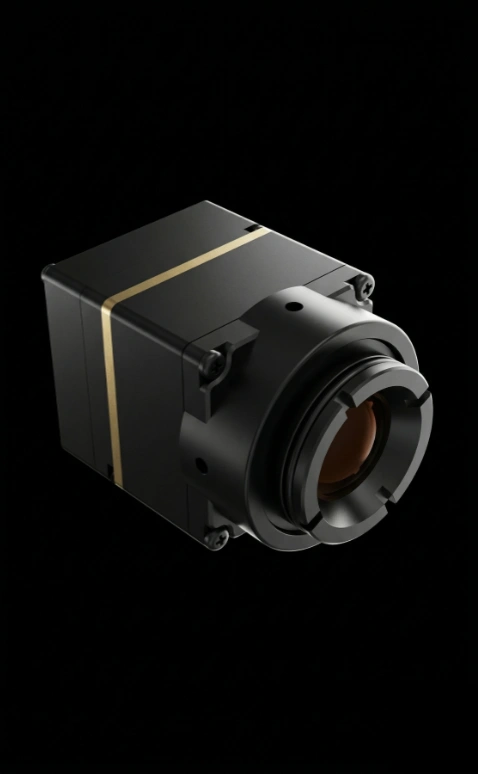
For most OEM teams, a mini online thermal camera core should be evaluated as a sensing component, not as a finished camera. Start with the host interface, field of view, power budget, and documentation package before the enclosure or PCB is locked. CAMCUDA’s Featured TC160-NF module is a compact 160 x 120 uncooled LWIR option for embedded sensing projects that can use SPI host integration, 3.3 V supply, low-power operation, and factory-calibrated thermal output.
Where a mini online thermal camera core project usually slips
The typical slip is not dramatic. A product manager asks for the smallest module that can provide thermal presence data. An engineer makes room for a connector. Procurement asks for the lowest sample price. Then, after the mechanical stack is nearly signed off, the team discovers that the field of view is wrong for the working distance, the host MCU cannot absorb the data path cleanly, or the supplier’s documentation package does not answer the board-bring-up questions.
That is why this mini online thermal camera core article starts with bring-up decisions instead of a generic definition. Google Search Central’s helpful-content guidance pushes publishers to show who created content, how it was created, and why it exists. In the same spirit, this memo exists for one practical reason: helping an OEM buyer send a better technical request before money is spent on the wrong sample.
The broader industrial-vision market is moving toward edge interpretation, automated inspection, and local sensing. NVIDIA’s industrial AI writing often frames vision as part of a complete operating system, while Micron’s computer-vision explainers emphasize data flow and device-level constraints. Those patterns matter here because a thermal core becomes useful only when it fits the host product’s power, processor, enclosure, and decision logic.
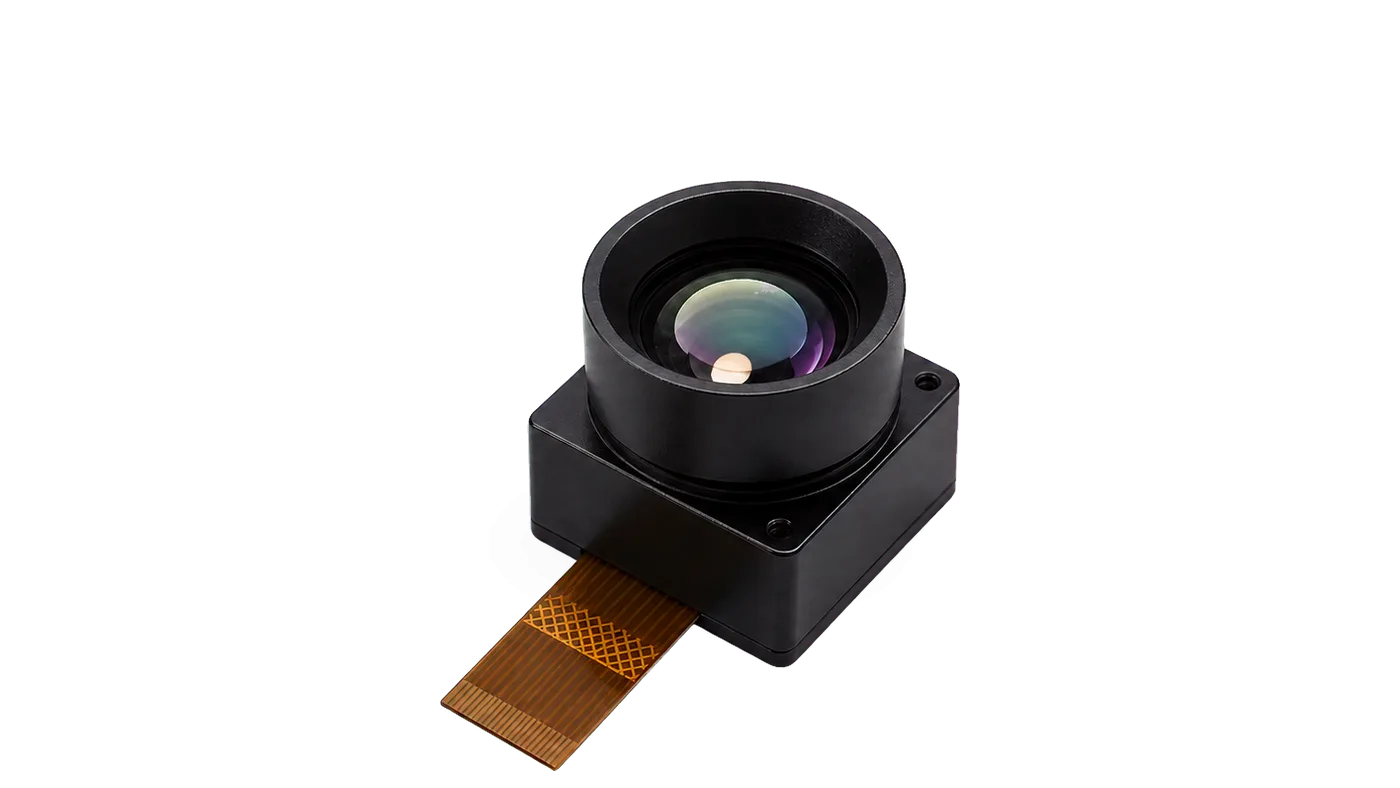
mini online thermal camera core selection chart for early design reviews
Use this chart before the host PCB, enclosure window, or software interface is frozen. It turns the first sample conversation into a set of engineering checks that can be confirmed during RFQ.
| Decision | What to confirm | Why it matters before sample order |
|---|---|---|
| Host interface | SPI path, FPC connector, timing notes, evaluation-board needs | A module that is electrically small can still delay firmware if the host path is assumed too late. |
| Scene geometry | Working distance, target size, field of view, enclosure window | Thermal presence, HVAC, and compact security products fail quietly when the FOV is chosen from a catalog line instead of the actual scene. |
| Power and heat | 3.3 V rail, power budget, local board heat, duty cycle | Low-power operation helps, but nearby regulators, displays, or processors can affect enclosure-level thermal behavior. |
| Data usefulness | Resolution, frame rate, calibration output, host processing plan | 160 x 120 can be enough for sensing, but it must match the event the product needs to detect. |
| Documentation | Mechanical drawing, interface reference, sample support, compliance documents | Procurement can approve a sample faster when engineering questions are already attached to the RFQ. |
TC160-NF product parameters to use in the first pass
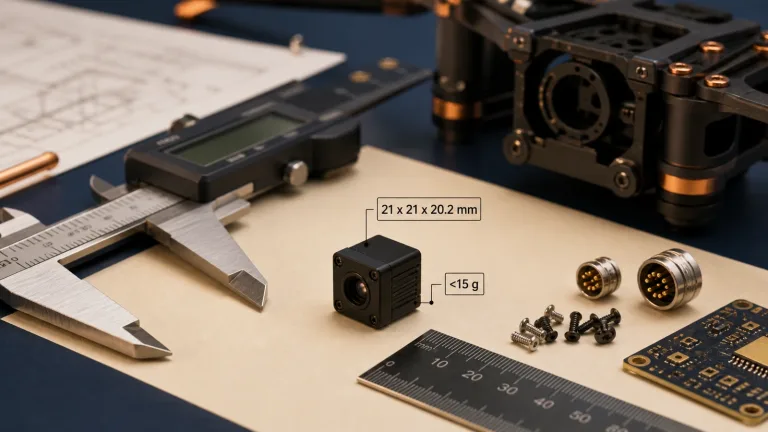
CAMCUDA’s current WooCommerce Featured product is the TC160-NF 160×120 Uncooled LWIR Thermal Imaging Module. It is a practical fit when the project needs compact thermal sensing rather than a full 640-class imaging payload. Treat the values below as a first-pass review table and confirm final lens, drawing, connector, documentation, quantity, and availability during RFQ.
| Product model | TC160-NF |
|---|---|
| SKU reference | MI1602M5S |
| Detector class | Uncooled LWIR thermal imaging module |
| Resolution | 160 x 120 |
| Spectral range | 8-14 um |
| Frame rate | Up to 25 FPS |
| Field of view | 56 / 45 / 34 deg in D/H/V order |
| Supply voltage | 3.3 V |
| Power consumption | Low-power operation, around 76-78 mW reference |
| Host interface | SPI |
| Connector path | 10-pin FPC, 0.5 mm pitch reference; confirm host connector during RFQ |
| Operating temperature | -20 deg C to +85 deg C reference |
| Calibration | Factory calibrated thermal output |
| USB evaluation path | Available through evaluation-board planning; confirm during RFQ |
If the project instead needs UAV payload video, longer-range optics, or pilot-viewing workflow, review CAMCUDA’s drone thermal camera application page and do not force a low-resolution embedded sensing core into a payload role. For fixed outdoor monitoring, compact utility-yard awareness, or rugged field sensing, the outdoor field thermal imaging page is the more natural next reference.
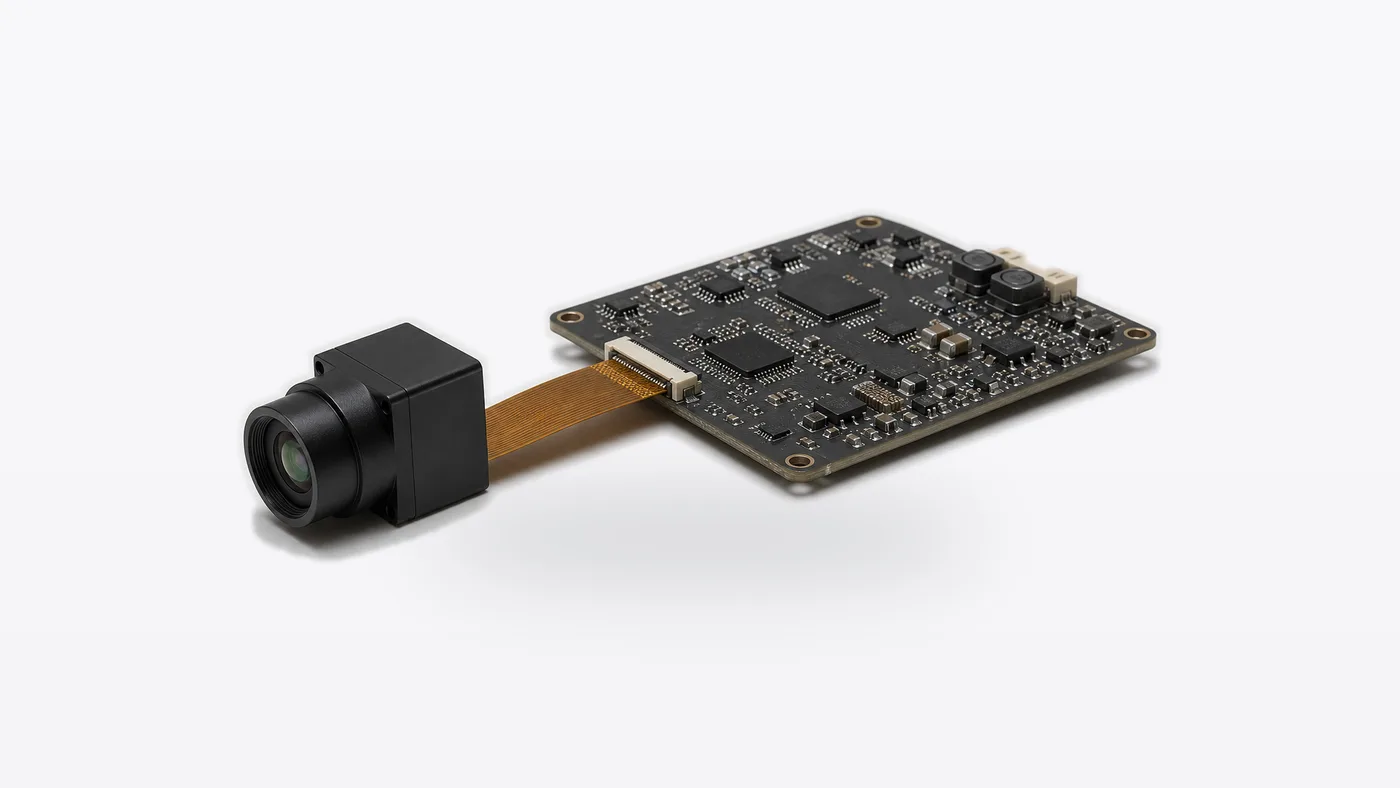
Application case: a compact room-monitoring sensor that almost chose the wrong core
Consider a small indoor monitoring product for equipment rooms. The enclosure has a shallow front wall, a low-power host board, and a processor that only needs thermal event input rather than a high-resolution display stream. The first sourcing question might be, “Can we get a cheaper thermal camera?” That question is too broad.
A better version is: “Can this mini online thermal camera core provide enough thermal scene information through SPI at our working distance, inside our enclosure, with support documents our firmware team can actually use?” That wording changes the supplier conversation. It moves the decision from price hunting to system fit.
The practical trade-off is resolution versus integration cost. A 640-class module may look safer in a slide deck, but it can raise cost, processing load, and mechanical expectations when the product only needs simple thermal presence or heat-distribution awareness. A 160 x 120 module such as TC160-NF can be more appropriate when the host logic is modest and the working scene is well defined.
The realistic mistake is leaving optics until last. If the enclosure team chooses a window location before engineering confirms field of view and working distance, the thermal data may be correct but aimed at the wrong part of the room. That is expensive because it looks like a sensing problem, while the root cause is geometry.
Interface and integration notes for a mini online thermal camera core
TC160-NF is planned around SPI host integration. For early evaluation, ask whether a USB evaluation path, GUI software, or support board is appropriate for your team. Do not assume the evaluation path and the production path are identical; evaluation tools help engineering learn the module, while the production board must still satisfy connector, timing, power, and enclosure constraints.
CAMCUDA’s broader module portfolio can support interface paths such as USB, MIPI, DVP, RS-422, and CVBS depending on module family and configuration. CVBS analog output is relevant when a project involves legacy displays, analog recorders, low-latency monitoring, drone video transmission, or OEM retrofits. For this TC160-NF-focused article, SPI is the product-level fact to confirm, while CVBS analog output should be discussed only for applicable configurations in the wider RFQ. Confirm during RFQ rather than assuming every module supports every output.
North America procurement teams should also state documentation needs early. CAMCUDA can provide an NDAA statement available on request for buyers who require procurement or compliance documentation, and compliance/export materials should be confirmed for the exact product, configuration, destination market, and intended use.
Common mistakes that make small thermal cores feel difficult
1. Treating the core like a finished camera
A mini online thermal camera core is not a retail camera with a screen, app, enclosure, and turnkey workflow. It is a component. The host device still owns power, data handling, user interface, enclosure design, and final product validation.
2. Choosing resolution before choosing the event
Resolution is important, but it is not the first question. Define the event: presence, heat distribution, machine condition, room anomaly, field observation, or pilot viewing. Then choose the module class.
3. Freezing the FPC connector too early
Connector pitch, orientation, cable route, and service clearance are small details until the board is built. After that, they become rework.
4. Assuming evaluation software equals production readiness
Evaluation boards and GUI tools are useful during sample review. Production readiness depends on your host processor, firmware path, manufacturing plan, and documentation handoff.
5. Asking for compliance documents after procurement approval
For Europe and North America buyers, document expectations should be part of the first RFQ. Ask about datasheets, interface references, mechanical drawings, and procurement statements before internal approval.
RFQ checklist before ordering a mini online thermal camera core sample
- Target application: smart appliance, HVAC monitoring, room sensing, embedded security, IoT device, field monitoring, or another OEM system.
- Expected scene: working distance, target size, mounting angle, enclosure window, and ambient conditions.
- Host platform: MCU or processor, SPI capability, available pins, voltage rail, and firmware resources.
- Mechanical constraints: board area, FPC orientation, connector preference, cable route, and service access.
- Evaluation path: bare module, support board, USB evaluation, GUI software, SDK expectations, or sample-only review.
- Documentation: datasheet, mechanical drawing, interface notes, calibration/output explanation, compliance materials, and NDAA statement if required.
- Commercial plan: prototype quantity, forecast quantity, destination market, required invoice/order documents, and timeline.
Send a cleaner thermal core RFQ
Start with the TC160-NF product page if your project needs compact SPI-based thermal sensing. Compare adjacent options in thermal imaging cores and thermal modules, then use support and downloads, the support FAQ, or the contact page to request drawings, interface notes, and an engineering quote.
FAQ
What is a mini online thermal camera core?
A mini online thermal camera core is a compact LWIR sensing module intended for integration into another device. It usually needs a host board, firmware, enclosure, and application software before it becomes a finished product.
When is 160 x 120 resolution enough?
It can be enough when the product needs thermal presence, heat-distribution awareness, narrow-FOV sensing, or compact event input rather than detailed operator viewing. Confirm working distance and target size before choosing.
Should I choose this core for a drone payload?
Not by default. Drone payloads usually involve weight, video output, pilot viewing, optics, gimbal fit, and flight workflow. Review a drone-specific module path if the project is a UAV thermal camera rather than embedded sensing.
Can CAMCUDA support CVBS analog output?
CAMCUDA thermal camera modules can support CVBS analog output on applicable configurations and project requirements. Confirm CVBS output during RFQ for the exact module family, firmware path, and host system.
What should I send before asking for a quote?
Send the target application, host platform, working distance, FOV needs, enclosure limits, interface expectations, sample quantity, destination market, and documentation requirements. That information helps avoid a sample that looks cheap but does not fit.
Can CAMCUDA provide procurement documentation?
CAMCUDA can support buyer review with available technical and compliance-related documents. An NDAA statement is available on request where procurement or compliance review requires it. Confirm documents for the exact product and destination market.
What is the most common first-sample mistake?
The common mistake is ordering before the host-board interface and optics are defined. A sample can arrive on time and still delay the project if the FPC route, SPI timing, field of view, or enclosure window was assumed incorrectly.
Useful references behind this memo
For editorial and SEO quality, this article follows Google Search Central’s helpful content guidance and Rank Math’s content optimization basics. For industry context, see NVIDIA’s manufacturing/industrial AI coverage at Hannover Messe 2026 and Micron’s explanation of computer vision in manufacturing settings. These sources are used for systems framing, not for unsupported CAMCUDA product claims.