ir camera core: 3 Critical Failures That Delay Edge Inspection Pilots
Technical author: Daniel · Hardware Support. Sales contributors: Vivian, Lena, and Sophie.
An ir camera core usually does not miss its first factory pilot because the detector spec is wrong. It slips because the bench demo, the host board, and the review station were never defined as one system. A buyer can like the image, approve the sample, and still lose weeks when the pilot cell expects a different video path, a different control method, or compliance documents that were not requested early.
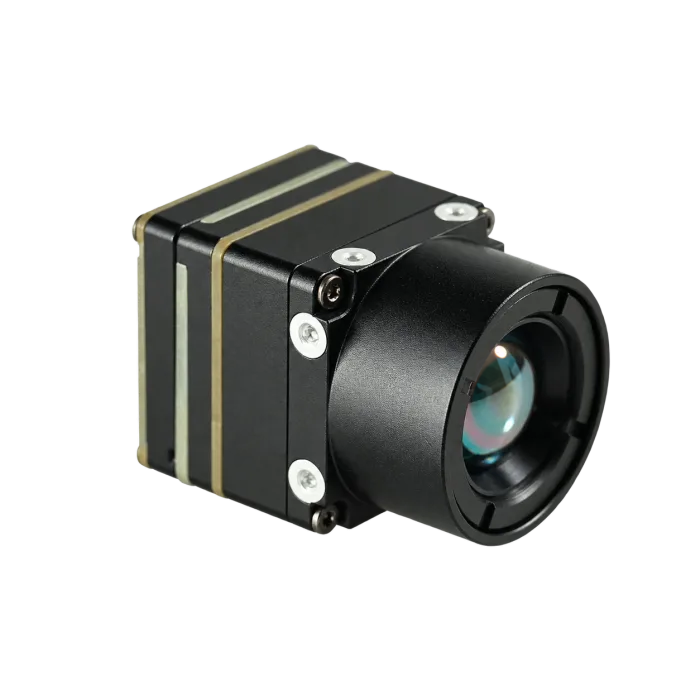
This article uses the CAMCUDA AeroMini 640 as a concrete product example: a compact 640 × 512 LWIR core with camera-version, lens, and interface-board choices that need to match the pilot. The goal is to show how an ir camera core should be reviewed against line-side integration, operator habits, and RFQ discipline before a pilot becomes expensive.
Quick answer
The fastest way to keep an ir camera core pilot on schedule is to lock three things before sample approval: the real host interface, the review path the operator will actually use, and the documentation package procurement will need for the pilot site. For CAMCUDA buyers, that means matching the module to power, size, temperature, and the supplied board’s video and control interfaces, then confirming CVBS output and the availability of any required procurement documents for the exact configuration during RFQ.
Selection chart for an ir camera core in edge inspection builds
Before anyone debates algorithms, a useful ir camera core review starts with the production constraint that will block the pilot first. The table below turns the product discussion into an engineering decision instead of a generic catalog comparison.
| Buyer question | What to confirm | Why it matters before the pilot |
|---|---|---|
| What decision will the thermal image support? | Hot component screening, process anomaly detection, enclosure review, or operator-assisted diagnostics | A pilot built for passive viewing often fails when the line really needs repeatable go/no-go review |
| Who sees the image first? | Edge processor, engineering laptop, legacy monitor, recorder, or mixed review path | The video route determines whether USB alone is enough or whether legacy display expectations must be discussed early |
| How constrained is the mechanical envelope? | Board stack height, fixture clearance, lens path, vibration, and cable routing | A compact module can still create rework if the host enclosure or connector direction was assumed, not confirmed |
| Is the pilot compute-heavy or review-heavy? | On-device analytics, host-side recording, or operator review first | Compute-first pilots care about data handoff; review-first pilots care about stable live output and practical latency |
| What does procurement need besides unit price? | Interface details, drawings, environmental limits, documentation, and compliance requests | Sample approval is not enough if the site later asks for formal drawings or NDAA paperwork |
Why an ir camera core pilot fails before the model does
A pilot delay can start with a clean-looking bench success that never became a line-ready workflow. NVIDIA’s Hannover Messe 2026 manufacturing coverage describes vision AI connected with camera infrastructure and operator workflows. Micron’s manufacturing AI account describes image analytics and thermal monitoring within its production processes. These examples provide broader workflow context, not evidence of this module’s performance. For an ir camera core buyer, the practical lesson is to review the handoff between optics, software, and operations.
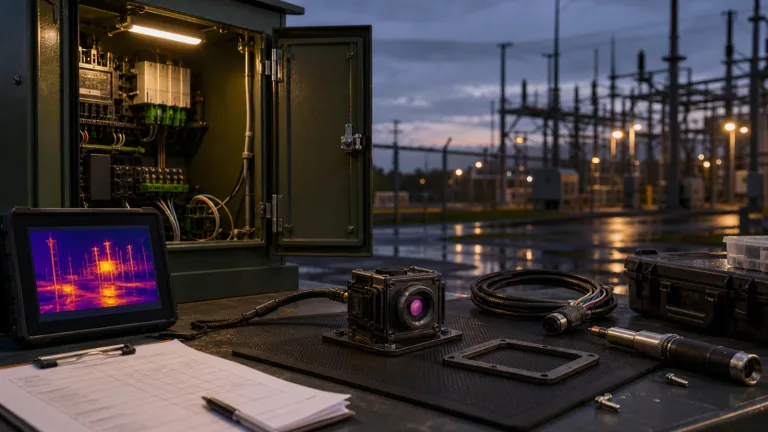
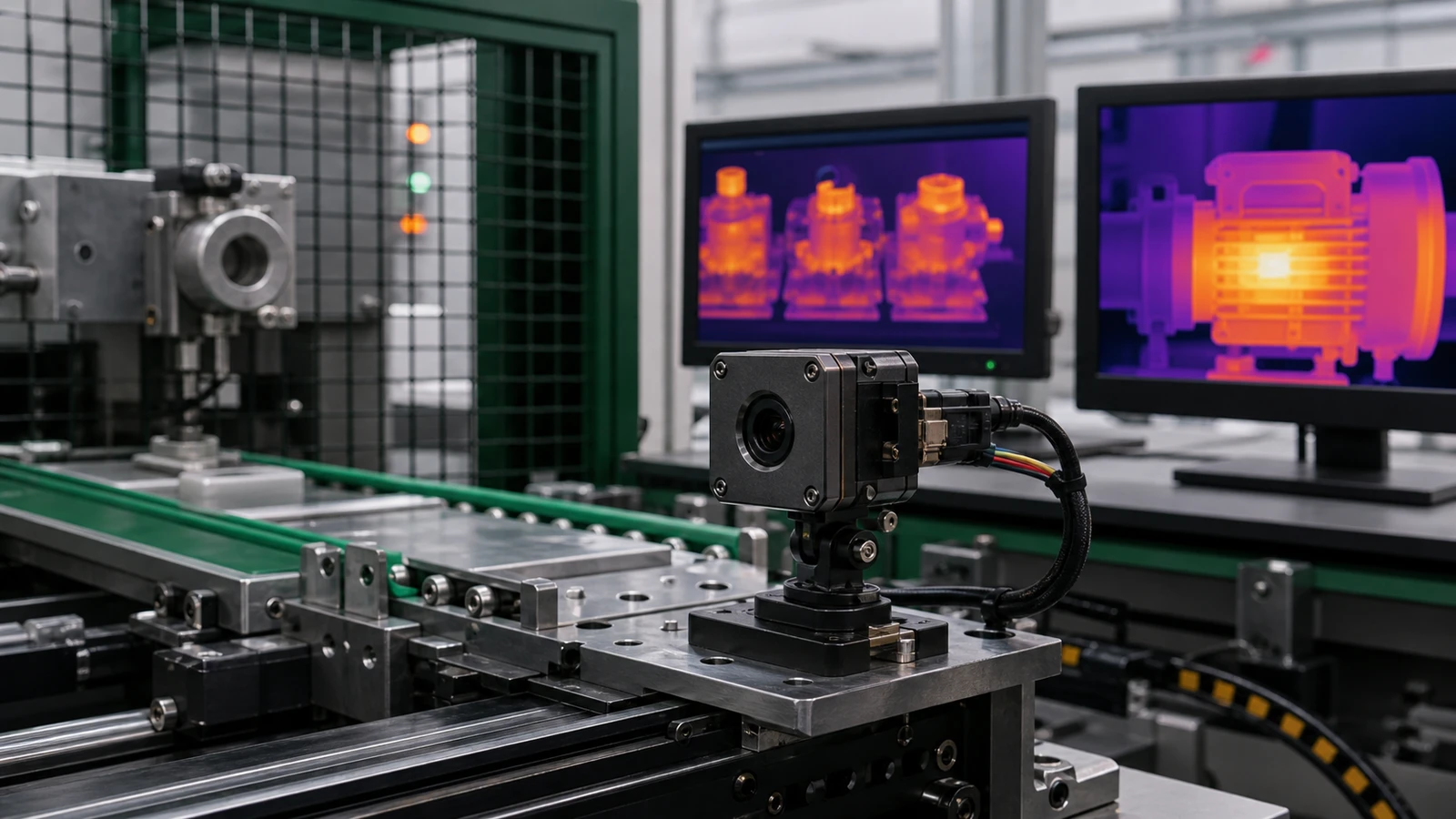
Imagine a pilot cell that checks motor housings and bearings on a compact conveyor. The engineering team validates thermal contrast on a laptop over USB. Procurement approves the sample. Two weeks later, the site lead says the pilot also needs to feed a review monitor at the station, record short clips for maintenance review, and survive a hot enclosure near a cabinet door. The detector did not change, but the pilot scope did. That is where the delay starts.
Illustrative application case: a compact inspection station that outgrows the bench setup
In this illustrative case, a European integrator building a small thermal-assisted inspection station for rotating equipment wants a light module that can sit inside a narrow fixture plate, stream to a host PC, and let maintenance staff verify heat signatures during commissioning. The pilot works in the lab, but the factory floor adds three new constraints: the module must sit inside a tighter housing, the operator wants a simple live view during setup, and procurement asks for documentation before placing the next order. In this kind of case, an ir camera core is not judged only on resolution. It is judged on how cleanly the thermal path survives the shift from engineer demo to site handoff.
That is why the right buyer question is not “does the module produce a good image?” The right question is “what breaks when the same ir camera core leaves the test bench and enters the pilot cell?” AeroMini 640 is relevant to that review because its compact 640 × 512 LWIR format and configurable interfaces can be mapped to a real pilot workflow. The ordered camera version, lens, and board still need to be validated together.
Failure 1: the review path was defined as “USB now, details later”
USB is often the fastest path to prove a thermal concept. That does not make it the only path the site will expect. Some pilot stations still need a simple display or recorder for commissioning, operator review, or low-friction maintenance checks. If that possibility exists, the RFQ should say so. CVBS analog output is board-dependent; confirm the selected board, video standard, and required output combination during RFQ rather than assume every shipped variant provides the same paths.
Failure 2: the thermal core fit the scene, but not the enclosure discipline
A good ir camera core can still fail late when a pilot enclosure ignores connector direction, board stack height, or thermal margin around the host electronics. The problem is not the 640 × 512 detector. It is that the mechanical review happened after the pilot narrative was already locked. That is why experienced buyers ask for dimensions, board references, and cable expectations before the second sample order.
Failure 3: procurement treated the pilot like a sample, not a site program
North America and Europe buyers often need more than a module and a price. They may need interface confirmation, support files, environmental limits, and compliance-related statements for site review. If an NDAA statement or another procurement document is required, ask whether it is available for the exact supplier and quoted configuration, and have the buyer’s procurement or legal team assess it against the project requirements. That does not mean every program needs the document on day one, but it does mean the request should surface before the pilot is scheduled, not after the site asks for it.
AeroMini 640 parameter table for OEM review
The AeroMini 640 product page and datasheet provide the starting points below. If your team is evaluating an ir camera core for a pilot build, map the published limits and configuration-specific evidence requests against the host, fixture, and RFQ requirements. Non-radiometric imaging is separate from the enquiry-only radiometric version; an imaging stream does not provide temperature measurements.
| Detector | |
|---|---|
| Component model | CAMCUDA AeroMini 640; confirm camera version, lens, and interface board |
| Detector type | Vanadium oxide uncooled infrared focal plane detector |
| Resolution | 640 × 512 |
| Pixel pitch | 12 μm |
| Spectral range | 8-14 μm |
| Detector frame rate | Non-radiometric: 60 Hz factory default / 30 Hz factory option. Radiometric: 25 Hz, availability enquiry only |
| NETD | ≤30 mK at 25 °C, F/1.0 |
| Image adjustment | |
| Brightness / contrast / enhancement | Adjustment levels are not published on the current product page; request the controls available for the supplied firmware |
| Pseudo color palettes | White hot / Black hot are published; confirm any additional palette requirements |
| Image processing | |
| Functions | Request configuration-specific NUC/FFC behavior and image-processing controls; the current page does not publish a complete processing-function list |
| Power and interface | |
| Supply voltage | Family table: 5 V or 12 V, board-dependent. Illustrated 16-pin POWER_IN1 and 26-pin POWER_IN2 are 5 V inputs only; do not connect them to 12 V. Verify the supplied board |
| Typical power consumption | <0.5 W at 25 °C, typical module consumption; complete-kit consumption may differ |
| Digital video | Family table: YUV, USB, BT.656; board and firmware dependent. USB + CVBS + MIPI and Type-C + CVBS are different kit choices; confirm the required output format |
| Communication interface | Family table: UART, RS232, RS422; availability is board-dependent. Confirm control pins, electrical levels, and commands for the supplied board |
| Analog video support | CVBS, PAL / NTSC; availability depends on the selected board. Confirm the required standard and simultaneous outputs during RFQ |
| Mechanical | |
| Weight | <20 g, excluding lens and flange; confirm complete assembly weight |
| Dimensions | 21 × 21 × 28 mm, excluding lens and flange; request matched complete-assembly dimensions |
| Environmental adaptability | |
| Operating temperature | −40 °C to +80 °C |
| Storage temperature | −50 °C to +85 °C |
| Humidity | 5–95%, non-condensing |
| Vibration | No rating published on the current product page; request test evidence for the exact assembly and mounting conditions |
| Shock | No rating published on the current product page; request test evidence for the exact assembly and mounting conditions |
Those numbers matter because they turn a vague thermal conversation into a pilot-readiness review. A compact ir camera core with published weight, dimensions, and environmental limits is easier to position inside a housing, easier to compare with support files, and easier to route into a disciplined RFQ.

Interface planning: USB first, board-specific control, CVBS when the workflow needs it
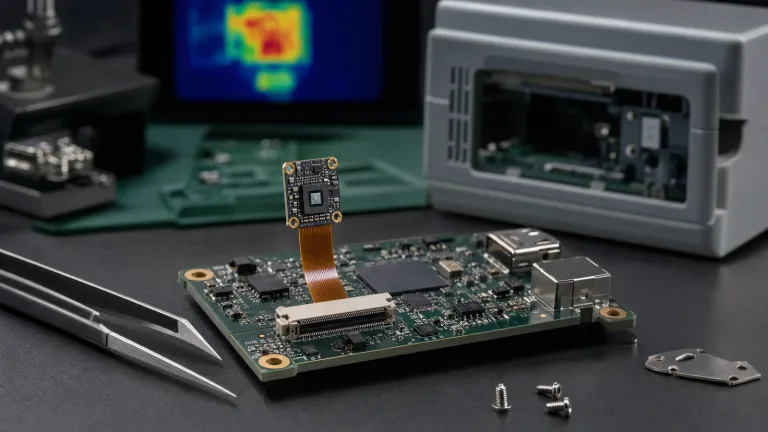
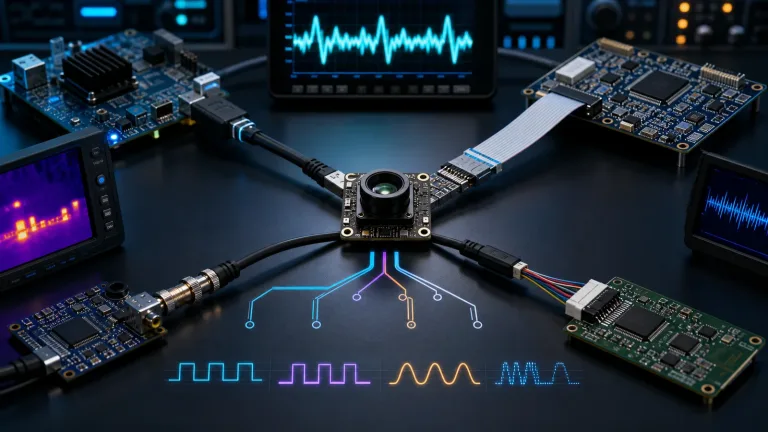
A practical ir camera core buying decision should separate three questions: how the image is transported, how the module is controlled, and how humans will review the thermal scene during setup or troubleshooting. AeroMini offers USB + CVBS + MIPI and Type-C + CVBS kit choices; the family table lists digital YUV, USB, and BT.656 plus UART, RS232, and RS422 communication, all subject to the supplied board and firmware. Do not assume every kit exposes RS422 or a USB serial control port. Verify electrical levels before connecting the diagram’s RS232-labeled signals to a host UART, and request the matching drivers, examples, and SDK resources for your host and firmware.
The problem starts when teams hide the operator workflow behind the phrase “we can sort out display later.” If the commissioning team wants a simple live monitor, or if a legacy recorder is still part of the maintenance workflow, that should be stated early. Specify CVBS analog output on the selected configuration, the PAL or NTSC requirement, and whether it must operate alongside the digital stream, then confirm during RFQ. A listed factory frame rate does not establish the timing or simultaneous-output capability of every interface.
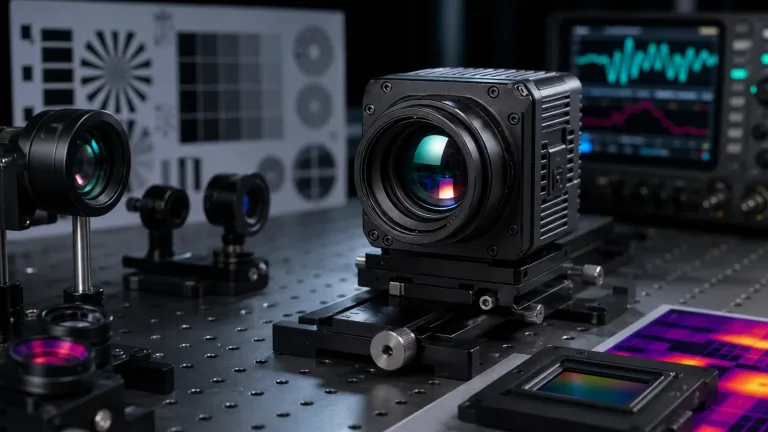
Treat the camera as one system element among optics, thermal management, and validation steps. If the thermal image will feed an edge processor today and a simple setup monitor tomorrow, write both expectations into the RFQ instead of making the supplier guess what “integration support” means. For the mechanical review, request lens- and board-matched CAD, mounting datums, and cable clearances: the public AeroMini datasheet does not provide an overall assembly drawing.

Common mistakes buyers make with an ir camera core
1. Treating the first image as proof of pilot readiness
An image that looks good on a development laptop does not prove the same ir camera core is ready for fixture mounting, review playback, maintenance use, or regional documentation review.
2. Sending only a keyword and quantity in the RFQ
When the RFQ says only “need 640 × 512 thermal module,” the supplier still has to guess the host, lens expectation, enclosure limits, control bus, and compliance sensitivity. That is how avoidable email loops start.
3. Assuming analog output is either obsolete or automatic
Both assumptions are wrong. Some factories do not need analog at all. Others still use it for commissioning, low-friction monitoring, or retrofit compatibility. Ask whether the workflow needs it, then confirm the exact path during RFQ.
4. Ignoring the service environment because the module is small
Small size helps, but it does not cancel heat, vibration, humidity, or cable stress inside a pilot enclosure. A compact ir camera core still deserves a full mechanical and environmental review.
5. Waiting too long to request compliance-related paperwork
For North America procurement or security-adjacent industrial programs, ask whether an NDAA statement, interface references, or other support files are needed at the pilot stage. Confirm document availability for the exact supplier and quoted configuration early, then have the buyer’s procurement or legal team review the evidence against the site requirements.
RFQ checklist for Europe and North America buyers
When a team is ready to move from evaluation to a serious sample or pilot discussion, the best RFQ is the one that removes ambiguity. For this ir camera core angle, the useful checklist is short but specific.
| RFQ item | What to send |
|---|---|
| Mission summary | What the thermal image is supposed to help decide on the pilot line |
| Host and software path | Processor, OS, capture method, and whether the image feeds an edge model, a laptop, or both |
| Review workflow | State whether engineers or operators need a live local monitor, recorder, or simple commissioning display |
| Mechanical constraints | Space claim, fixture concept, connector direction, and any cable routing limits |
| Environmental conditions | Operating temperature range, vibration concern, humidity concern, and enclosure notes |
| Documentation needs | Drawings, interface references, support files, and whether an NDAA statement should be included |
If your team is still comparing options, start with the thermal imaging cores category and the applications hub. If the pilot is already scoped, use the support downloads, the FAQ page, and the CAMCUDA RFQ contact page to make the first request more precise.
Compare the AeroMini path against your real pilot workflow
If your next step is an edge inspection pilot rather than a generic thermal demo, review the AeroMini 640 product page, compare it with the wider thermal imaging cores lineup, and send an RFQ that includes the camera version, host interface, enclosure limits, review path, and documentation needs. That is the fastest way to find out whether this ir camera core fits your line-side build without a late handoff surprise.
FAQ
What is the main difference between an ir camera core and a finished thermal camera?
An ir camera core is a module for integration. It still depends on the buyer’s host electronics, optics path, enclosure, power design, and review workflow. A finished thermal camera already wraps those decisions into one product.
Why can an ir camera core pass in the lab and still fail in the pilot?
Because the lab often validates image quality first, while the pilot exposes cable routing, operator review, control interfaces, mounting, environmental stress, and procurement paperwork.
Is USB enough for every edge inspection project?
No. USB is often a strong first integration path, but some projects also need a specific control bus, a separate review monitor, or another workflow detail that should be discussed before ordering more samples.
When should I ask about CVBS analog output?
Ask when the project involves a legacy monitor, recorder, retrofit platform, drone video transmission path, or a low-friction live-view requirement. CAMCUDA can support CVBS analog output on applicable configurations, and buyers should confirm it during RFQ.
What should I request for AeroMini North America procurement review?
For buyers who need procurement or compliance documentation review, ask whether an NDAA statement and other required documents are available for the exact supplier and quoted AeroMini configuration. Include the project requirements in the RFQ and have the buyer’s procurement or legal team assess the evidence; a supplier statement alone does not establish project eligibility.
What product facts matter most before I compare price?
For AeroMini, start with 640 × 512 resolution, 12 μm pixel pitch, and ≤30 mK NETD at 25 °C, F/1.0. Non-radiometric imaging is 60 Hz by default or 30 Hz by factory option; the 25 Hz radiometric version requires an availability enquiry. The <20 g weight and 21 × 21 × 28 mm dimensions exclude lens and flange. Confirm the supplied board’s power, video and control paths, complete-kit consumption, and the published environmental limits before comparing complete assemblies.
Can the same ir camera core work for both factory inspection and drone payload evaluation?
Sometimes yes, but not automatically. The detector can be relevant across both use cases while the housing, lens, interface priorities, and certification or documentation expectations differ. That is why CAMCUDA asks buyers to confirm the exact application during RFQ.
What should I send with my first RFQ if I want a faster answer?
Send the target use case, host platform, preferred interface, space and weight constraints, operating conditions, quantity plan, and any request for drawings, support files, CVBS analog output, or an NDAA statement.
Where should I start if I am not sure this exact module is the right fit?
Start with the thermal imaging cores category and the outdoor / field application page or drone application page, then narrow the RFQ around your actual integration path.
For broader industrial context on why inspection hardware needs to fit a production system rather than a lab demo alone, see NVIDIA’s Hannover Messe 2026 manufacturing AI coverage and Micron’s yield and quality perspective on AI-assisted inspection. They are useful for framing the workflow, not as substitutes for the exact CAMCUDA product data above.