thermal camera module: 6 Essential Payload Decisions Before a Reliable UAV Sample Order
Engineering memo for UAV buyers
thermal camera module: 6 Essential Payload Decisions Before a Reliable UAV Sample Order
A thermal camera module sample order should not begin with a detector resolution alone. For UAV payload teams, the real question is whether the module, interface path, lens plan, documents, and RFQ details can survive the first field build without forcing a redesign.
Quick answer
Order the sample after the mission chain is clear.
The strongest thermal camera module sample request describes the UAV mission, host board, target display or recorder, interface expectation, lens/FOV, power budget, payload weight, and compliance documents. If a buyer only asks for “640×512 thermal module price,” the supplier can quote a part, but the engineering team may still discover late-stage problems with analog video, enclosure space, or procurement paperwork.
This article uses a different starting point from a normal product buying guide. It treats the sample order as a small engineering gate. That framing comes from the way leading industrial technology publishers discuss systems, edge deployment, and field reliability: NVIDIA often frames AI and robotics around full manufacturing systems, Micron writes about edge AI as a device-level reliability and data-flow problem, and Teledyne FLIR shows thermal drone products through public safety and inspection missions. CAMCUDA’s buyer problem is narrower but practical: how to turn those systems-level questions into a better UAV thermal module RFQ.
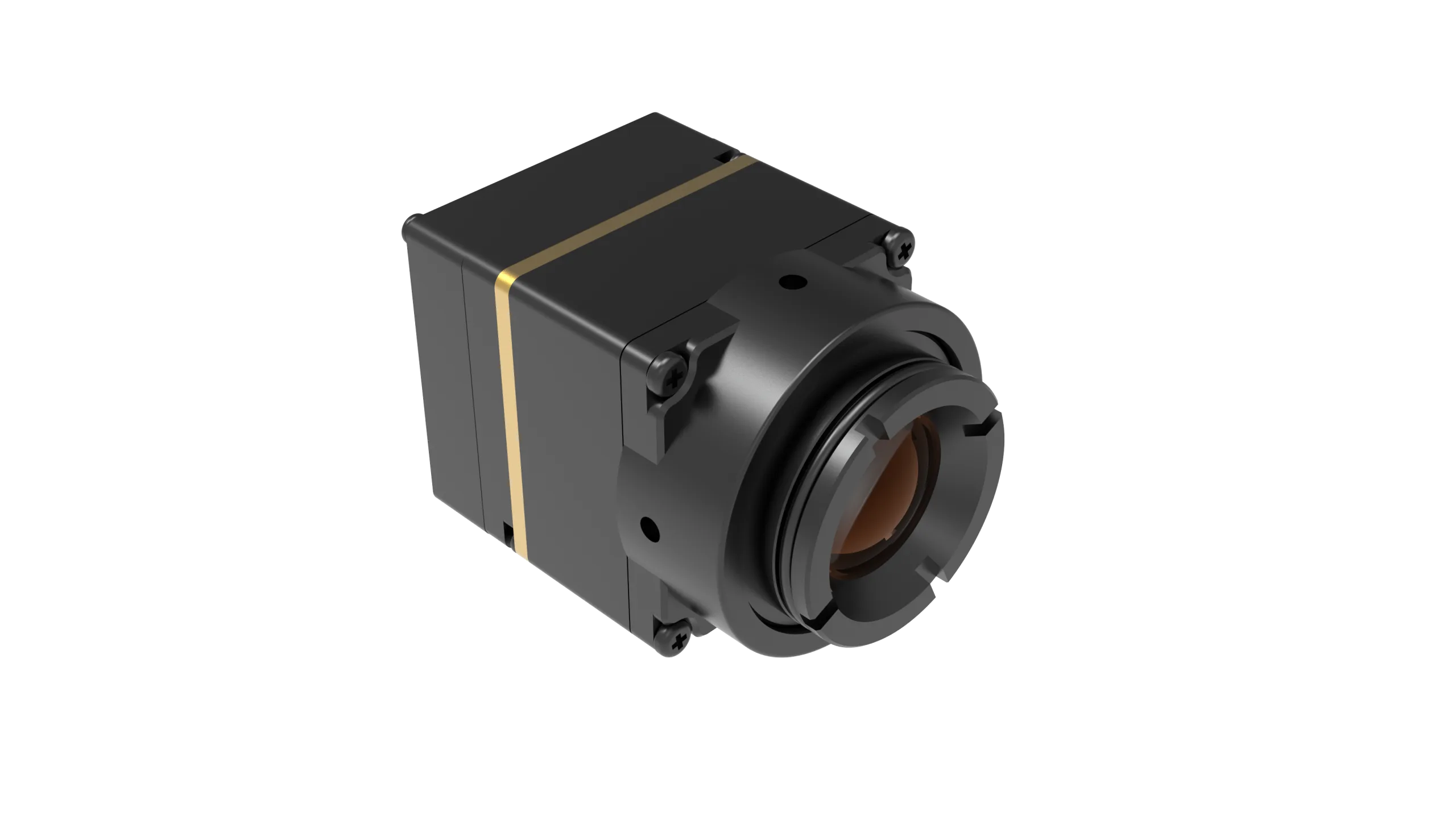
For CAMCUDA buyers in Europe and North America, the current featured product path is CAMCUDA AeroMini 640. Use its product page for the selected lens, camera version and interface package. The SuperMini 640 / 640T is a bare-core alternative when a smaller envelope justifies additional host engineering. Confirm configuration details during RFQ.
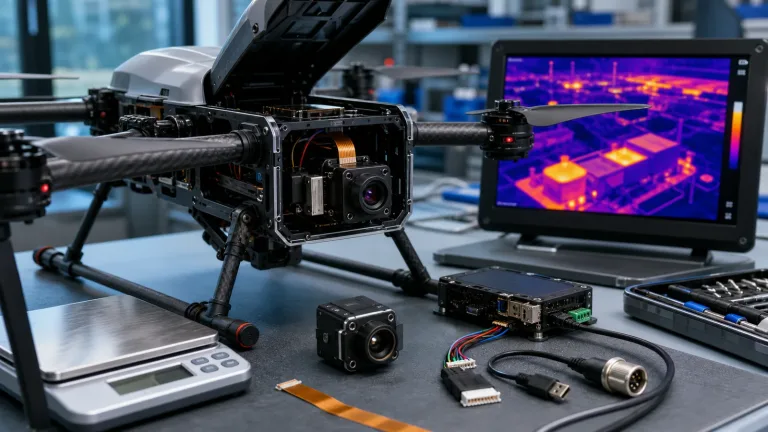
thermal camera module: decision map before a UAV sample order
The table below is the pre-sample conversation that prevents a week of bench testing from becoming a month of rework. It is intentionally written for procurement managers and payload engineers sitting in the same meeting.
| Decision gate | Question to answer before ordering | Why it matters for UAV payloads | CAMCUDA RFQ note |
|---|---|---|---|
| Mission | Is this inspection, patrol, search, agriculture, or OEM payload development? | Mission distance and thermal contrast decide lens/FOV and whether 640×512 detail is useful. | Send the target scene and working distance. |
| Interface | Will the host use USB video, board-specific serial control, or analog display/recorder paths? | Interface mismatch is one of the fastest ways to delay a sample build. | Name the tailboard, output standard and receiver when CVBS is required. |
| Payload envelope | What are the weight, board, and enclosure limits? | A compact module still needs connector clearance, heat path, and mechanical mounting space. | Share payload bay drawings or bracket constraints. |
| Power | Can the payload supply the selected board or core rails under flight load? | Power noise and budget affect image stability and integration reliability. | Budget the complete assembly and startup load, not just typical module power. |
| Procurement | Does the buyer need NDAA, compliance, or documentation statements? | North America and security-adjacent projects often need paperwork before sample approval. | Request available model-specific documents for procurement review. |
| Acceptance | What will make the sample “pass”? | Without an acceptance scene, teams argue about image quality after the sample arrives. | Define test scene, display path, lens, and expected output. |
Field scenario
A realistic UAV sample-order story
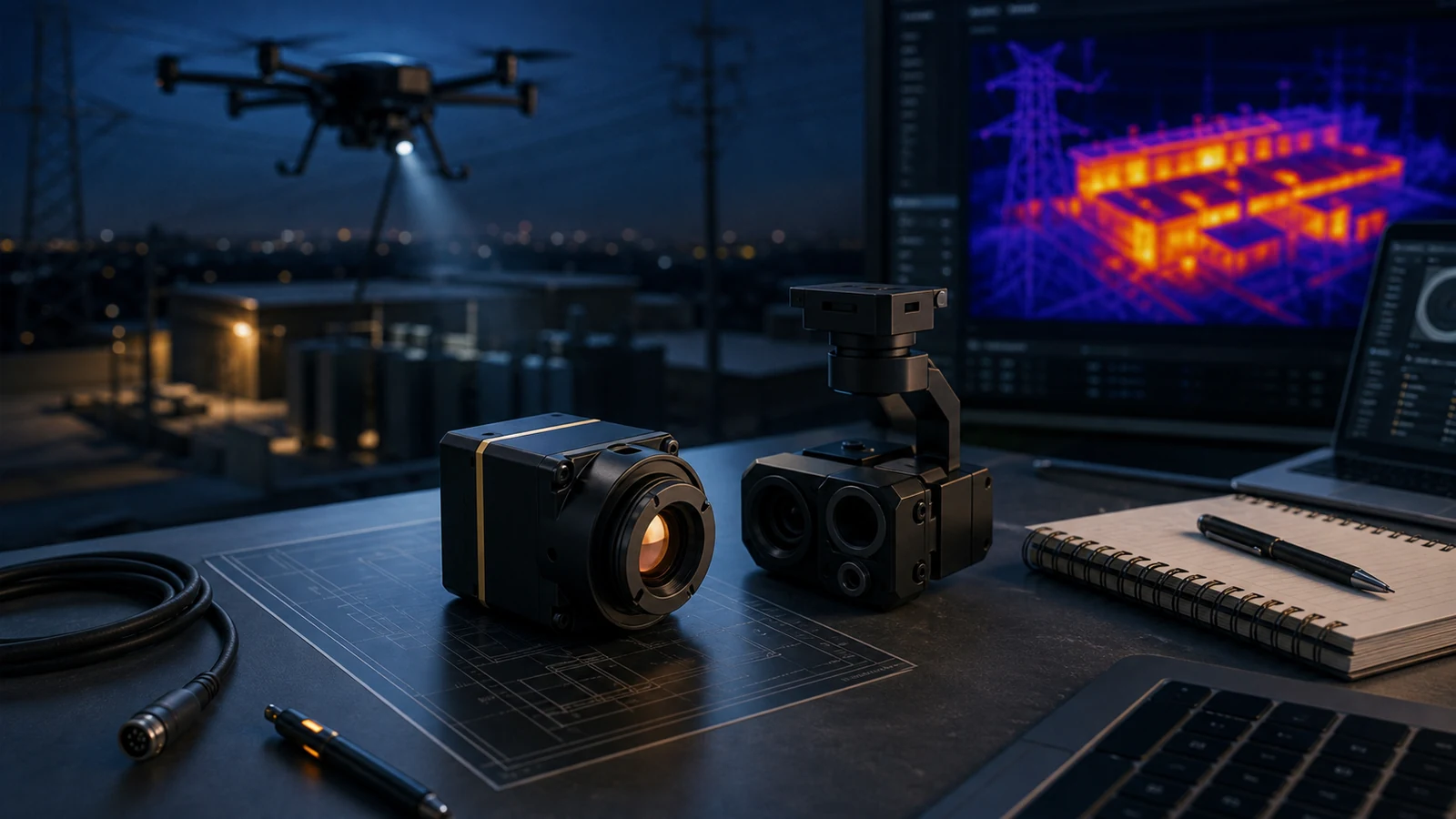
Consider a hypothetical drone payload team seeking a compact thermal camera module for night patrol and utility inspection. The aircraft has enough lift, but the payload bay is tight. The engineer expects USB video for development, while the customer’s field monitor still accepts analog video from older equipment. Procurement also asks whether a North America documentation package can include an NDAA statement.
This is exactly the moment when a basic quote becomes too thin. The team should not simply ask, “How much is a 640×512 module?” A better request states: UAV platform, enclosure space, lens expectation, target scene, USB host plan, whether CVBS analog output is needed on applicable configurations, and what document package is required before a pilot run.
Six payload decisions that make the sample more reliable
1. Decide the mission distance before debating detector resolution
A 640×512 thermal camera module can provide more useful scene detail than lower-resolution options, but only if the lens and mission distance support the inspection task. A roof inspection, perimeter patrol, livestock search, and small infrastructure route do not ask the same question from the sensor. Record target size, scene width and working distance, then validate visibility with the selected lens.
2. Decide whether the video path is digital, analog, or both
USB is practical for development and embedded integration, while CVBS can matter for analog video transmission, legacy monitors and recorders. AeroMini offers USB + CVBS + MIPI and Type-C + CVBS tailboards. Confirm the board, firmware, format and delivered rate; test end-to-end latency on the actual receiver rather than inferring it from detector frame rate.
3. Decide the control path before the enclosure is finished
Serial control affects board placement, cable routing and command handling inside a compact UAV payload. AeroMini’s family table lists UART, RS232 and RS422 as board-dependent; the illustrated 16-pin connector labels RS232. An RS-422 requirement needs confirmation for the supplied board. SuperMini instead specifies 1.8 V UART logic at its bare core.
4. Decide what paperwork must travel with the sample
Security monitoring, industrial inspection, and North America procurement teams may ask for compliance context before engineering signs off. Request available NDAA-related documents for the exact model and configuration, then have procurement review their suitability. Document availability and procurement eligibility cannot be assumed from this article.
5. Decide how the first bench test will be judged
A sample can look “good” on one scene and still fail the target mission. Define a realistic test scene: operating distance, temperature contrast, display path, mounting orientation, and whether the test is about visibility, latency, mechanical fit, or procurement readiness. Record firmware, dropped frames, power during startup and steady operation, and reconnect behavior. Imaging-only versions do not measure temperature; a temperature-data test needs the corresponding radiometric or thermographic configuration.
6. Decide what must be confirmed by the supplier
A professional RFQ should separate fixed product parameters from configuration-dependent requirements. Use the current product table as a starting reference and freeze the agreed model, lens, board, firmware, supplied items and document revision with the sample order.
AeroMini 640 parameter table for sample planning
These current product-page references separate AeroMini sample-package selection from SuperMini bare-core engineering. Confirm the complete assembly before approving the order.
| Planning parameter | AeroMini 640: featured sample path | SuperMini 640 / 640T: bare-core comparison |
|---|---|---|
| Detector | 640 × 512 uncooled VOx; 12 μm; 8–14 μm | 640 × 512 uncooled VOx; 8 μm; 8–14 μm |
| NETD | ≤30 mK at 25 °C, F/1.0 | ≤40 mK at 25 °C, F/1.0 |
| Version and rate | Non-radiometric: 60 Hz default / 30 Hz factory option; radiometric: 25 Hz, availability enquiry | 640: imaging only, 50 Hz; 640T: thermography, 30 Hz |
| Published size and weight | 21 × 21 × 28 mm; <20 g, excluding lens and flange | 13 × 13 × 13.4 mm; <3.5 g, excluding optics and boards |
| Typical power at 25 °C | <0.5 W typical module consumption; complete-kit consumption may differ | ≤0.5 W typical core power, excluding expansion board |
| Power planning | Board-dependent input; illustrated POWER_IN1 and POWER_IN2 are 5 V inputs | MAIN_POWER plus separate 3.3 V and 1.8 V rails; follow manual sequencing and noise limits |
| Video and control | USB/CVBS and other outputs depend on board and firmware; serial options are board-specific | 30-pin core interface; 1.8 V UART; BT656 and MIPI cannot operate simultaneously |
| Assembly boundary | Select Type-C + CVBS or USB + CVBS + MIPI board and matching cable | CVBS requires an external video-buffer IC; USB integration requires the appropriate board and host work |
For flight-environment acceptance, request operating, storage, vibration and shock evidence matched to the ordered assembly. A different module’s ratings do not qualify this payload. Budget lens, tailboard, wiring, mounting and heat management separately; neither column states a complete flight-ready camera envelope or power budget.

Mechanical fit
Do not wait until the payload shell is finished
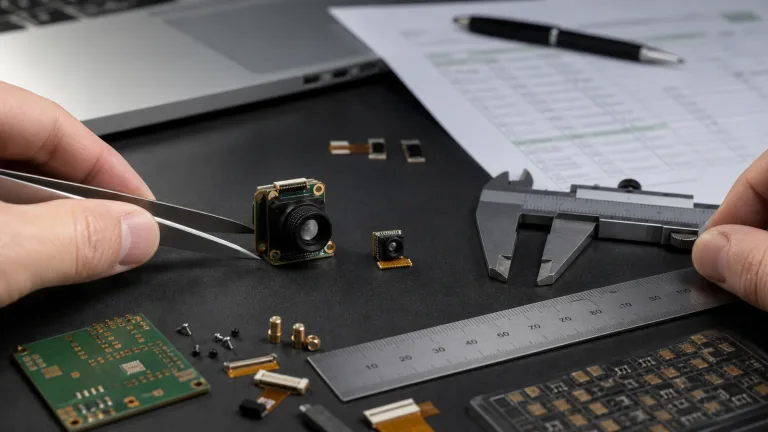
A compact module still needs power, signal routing, lens clearance, mechanical support, and service access. A better thermal camera module sample request includes a rough payload sketch or a dimension constraint. Request a drawing for the exact AeroMini lens-and-board assembly; the SuperMini drawing here cannot establish its fit. SuperMini’s bare-core dimensions likewise exclude the parts needed to build a USB camera.
Interface and documentation notes for Europe and North America buyers
Interface selection is where many UAV thermal projects become messy. A developer may prototype with USB, but the end customer may ask for analog monitoring or existing recorder compatibility. Raise CVBS early and validate its standard, termination and receiver behavior with the ordered board.

The AeroMini datasheet gives the 16-pin USB/CVBS and 26-pin MIPI/DVP references on PDF pages 3–4. These guides do not apply to the separate Type-C board. POWER_IN1 and POWER_IN2 are 5 V inputs: do not connect either to 12 V. Confirm the matched Type-C guide independently.

Request the matched manual, serial commands and resources through the AeroMini SDK FAQ. It identifies Linux drivers, examples and SDK resources; their listing does not prove compatibility with your host. SuperMini uses its own V1.0.0 manual and requires multi-rail power and host validation. It is not a ready USB camera kit.
For procurement, documentation can be just as important as the detector. State the destination market and required model-specific documents during RFQ so the buyer can review availability and suitability before sample approval.
Useful industry context: NVIDIA’s manufacturing and robotics articles show how modern industrial systems depend on full workflow readiness, not one component. Micron’s edge AI writing reinforces that device-level reliability and data movement shape field performance. Teledyne FLIR’s drone thermal materials show how thermal payload value is usually explained through missions such as inspection and public safety. CAMCUDA’s job is to make that same systems thinking usable at the module-selection level.
References for broader industry context, not evidence of CAMCUDA specifications or qualification: NVIDIA on AI-driven manufacturing, Micron on edge AI, and Teledyne FLIR on thermal drone inspection workflows.
Common mistakes before ordering a UAV thermal module sample
- Asking for resolution and price without naming the target mission.
- Assuming analog video is included without confirming CVBS on the required configuration.
- Choosing the enclosure before checking connector and cable clearance.
- Ignoring procurement documents until after the technical sample is approved.
- Testing the sample on an easy indoor scene instead of the real field contrast problem.
RFQ checklist for a better sample conversation
| Send this | Example detail |
|---|---|
| Aircraft or payload platform | Drone model, payload bay, mounting limit, expected weight budget. |
| Mission scene | Roof inspection, perimeter patrol, utility asset route, livestock search, or OEM demo payload. |
| Video path | USB development, embedded host, analog CVBS requirement, recorder/display expectation. |
| Control path | Selected board, required serial electrical level, host-board constraints, command expectations. |
| Lens/FOV expectation | Working distance, target size, desired field of view, enclosure opening. |
| Documents | Required model-specific NDAA-related documents, procurement paperwork, destination market. |
| Sample success condition | Pass criteria for image output, latency, power, mechanical fit and required documents. |
Ready to review AeroMini 640 for your UAV payload?
Start with the product page, then send the mission, interface, enclosure, and document requirements. CAMCUDA can help confirm whether the featured thermal camera module path fits your sample order.
Review AeroMini 640 configurations · Open drone thermal application page · Send RFQ
thermal camera module sample order FAQ
Should I order a 640×512 module before choosing the lens?
No. Resolution is only one part of the mission chain. Confirm working distance, field of view, target size, and enclosure opening before the sample order.
Does AeroMini 640 support CVBS?
CVBS is offered on the named AeroMini interface packages. Confirm the ordered board, firmware, output standard and receiver. SuperMini’s bare-core CVBS signal needs an external video-buffer IC; the two models do not share a wiring guide.
Is USB enough for a UAV thermal payload?
USB is useful for development and digital video integration. The right answer depends on host board, recorder/display path, cable length, control requirements, and production design. Test the delivered format and rate on the intended host.
Why mention RS-422 in a sample request?
If the host requires RS-422, state it explicitly and confirm a matching board. AeroMini’s illustrated 16-pin connector labels RS232; that diagram does not establish RS-422 support. SuperMini uses 1.8 V UART at the bare core.
Can CAMCUDA provide an NDAA statement?
Ask which NDAA-related documents are available for the exact model and configuration. Include the destination market and required paperwork, then have procurement review suitability. This article does not guarantee document availability or determine eligibility.
What is the most common sample-order mistake?
The most common mistake is asking for price and resolution without describing the real mission. A stronger RFQ names the scene, distance, interface, enclosure, power, and acceptance test.
Is AeroMini 640 a complete drone camera?
No. AeroMini is a module-level integration path, with lens and interface packages selected for the order. A flight-ready payload still needs mounting, enclosure, power, host integration and testing. SuperMini is a separate bare-core option.
How should I compare suppliers?
Compare exact parameters, interface support, product documentation, response quality, sample-fit advice, and whether the supplier can discuss your actual payload workflow instead of only sending a price. Compare equally scoped assemblies and acceptance evidence.
Can this thermal camera module be used outside drones?
Yes, depending on system design. The same module-level evaluation can apply to embedded vision, robotics, OEM thermal devices, and industrial monitoring systems. Validate the selected configuration for the deployment.