flir a700 thermal core camera: 4 risky assumptions before a module RFQ
Comparison memo for industrial and OEM thermal buyers
flir a700 thermal core camera: 4 risky assumptions before a module RFQ
A buyer searching for a flir a700 thermal core camera may be doing two different jobs at once. One job is comparing a finished industrial smart thermal camera for monitoring, measurement, or research. The other job is trying to source an OEM thermal module that can fit inside a product, drone payload, security device, or host-board design.
These jobs need different RFQs. A 640 x 480 fixed camera listing describes one system, but an OEM project still needs its own requirements for mechanics, power, interfaces and software. Start by deciding whether the project needs a finished camera architecture or a module-level thermal input with supporting integration documents.
Quick answer
A flir a700 thermal core camera search should first clarify product class. If the project needs a fixed industrial camera or image-streaming kit, review the appropriate A700 configuration. For OEM integration, compare current featured products by role: AeroMini 640 for a 640 x 512 module with a selected interface-board package, and SuperMini 640 / 640T for compact bare-core integration with a custom host design. Neither comparison establishes a drop-in replacement for a finished A700 camera. If modest heat-zone sensing is enough, keep a lower-resolution option in the RFQ. Confirm imaging versus temperature measurement, documents and procurement evidence before ordering.
flir a700 thermal core camera research starts with the product boundary
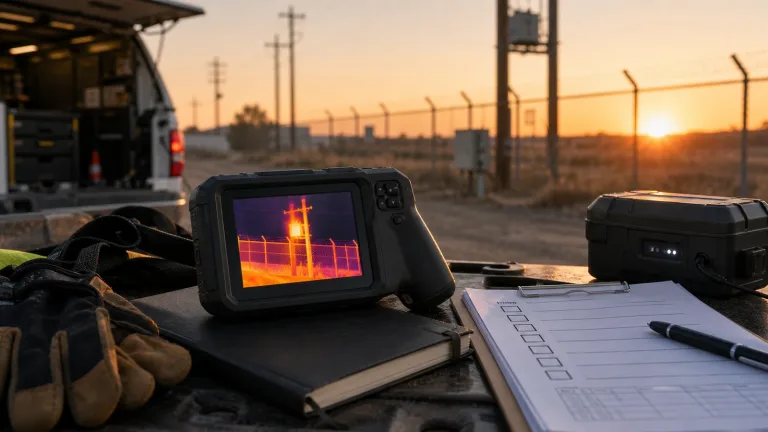
Teledyne FLIR’s A-Series Science Kits page lists the A700 option with a 640 x 480 detector, 12 µm pitch, 7.5–14.0 µm spectral range and 30 Hz frame rate. The kits include ResearchStudio for PC-based research: Standard uses Gigabit Ethernet streaming, while Professional also supports Wi-Fi. These are kit-specific workflow references, not an OEM module specification. FLIR’s continuous monitoring overview provides context for process control, condition monitoring and industrial safety.
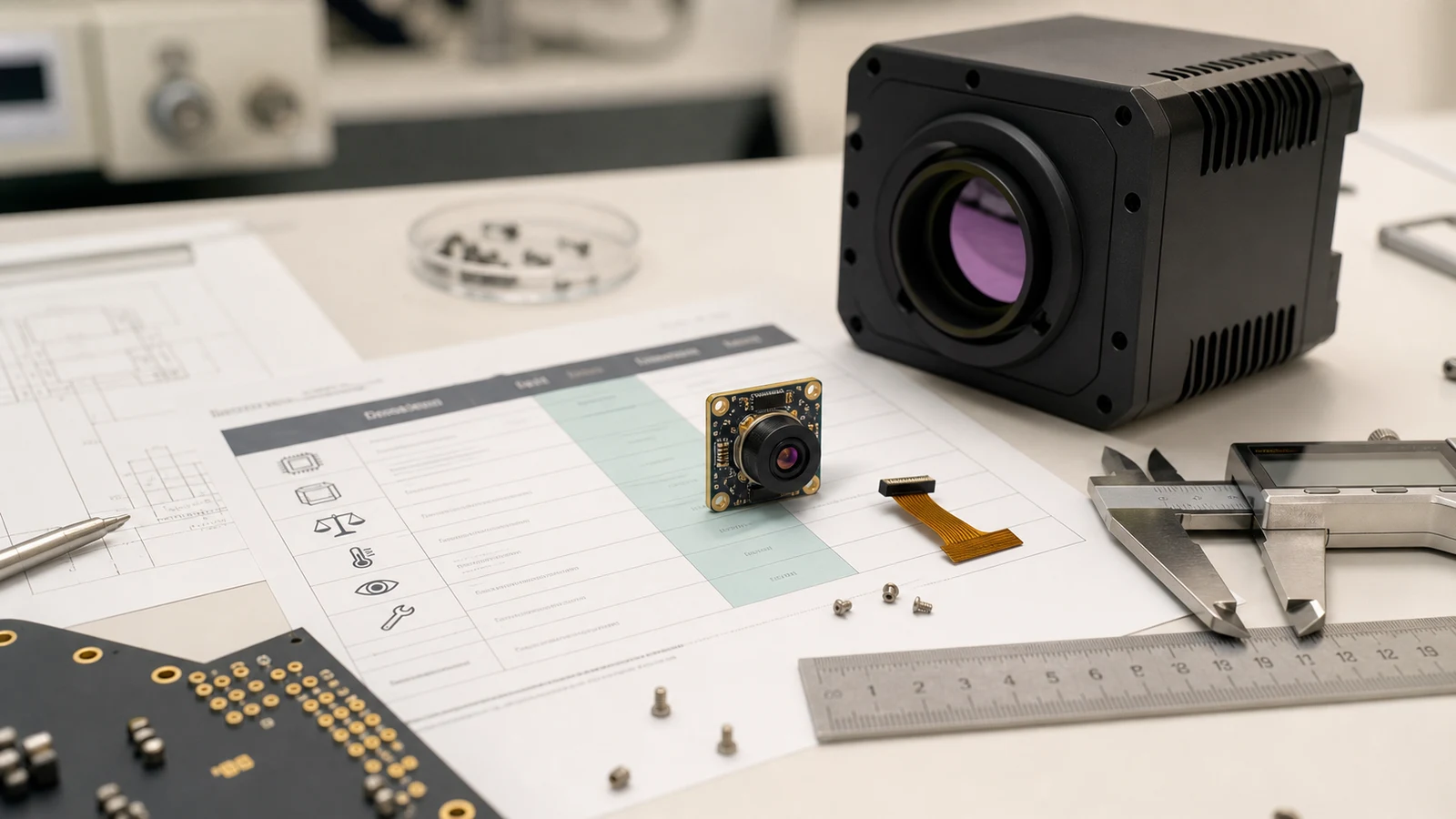
A finished industrial thermal camera is purchased as a system: housing, lens path, streaming/measurement workflow, software ecosystem, mounting, and field support. An OEM thermal module is purchased as a component that must become part of another system. A CAMCUDA module RFQ must therefore answer board fit, power, interface, enclosure, optics, software, and documentation questions that a finished camera listing may hide.
Google’s helpful-content guidance informed the editorial approach: answer the buyer’s product-class question before comparing specifications.
Four risky assumptions in a flir a700 thermal core camera RFQ
1. Assuming 640 x 480 camera research defines an OEM module
Resolution is only one decision. A 640 x 480 or 640 x 512 thermal path can still be wrong if the host board cannot accept the interface, the enclosure cannot hold the optics, the cable route is impossible, or the software team expected a different video format. An OEM buyer should write the module RFQ around the product being built, not only around a competitor camera spec.
NVIDIA’s Hannover Messe 2026 manufacturing coverage frames industrial vision as part of wider systems involving simulation, robotics, AI, and factory workflows. That systems framing is the right mental model here. The sensor is one part of a chain.
2. Assuming a fixed monitoring camera and a compact module solve the same deployment
Fixed monitoring cameras are usually selected around process visibility, safety monitoring, analytics, installation, and networked operation. Compact modules are selected around the product you are building: board outline, lens window, bracket, control path, weight, thermal scene, enclosure, and support documents.
If the buyer is monitoring a factory line with an existing network and a complete camera is acceptable, a finished camera path may be cleaner. If the buyer is designing a smart device, UAV payload, robotics sensor head, or outdoor security node, a module path becomes more relevant.
3. Assuming interface details can wait until after price
Interface requirements belong in the first RFQ. Specify whether the host needs USB video, MIPI capture, serial control or CVBS for a legacy display, recorder or transmitter. A lower-resolution embedded sensor may use another interface, but that does not establish the interface of either 640-class module.
AeroMini’s USB + CVBS + MIPI and Type-C + CVBS tailboards are separate packages. The illustrated 16-pin USB/CVBS and 26-pin MIPI/DVP diagrams apply to the documented board, not the Type-C tailboard. Their POWER_IN1 and POWER_IN2 inputs are 5 V; do not apply 12 V to those pins. SuperMini has a separate 30-pin core interface, 1.8 V UART logic and a CVBS pin that requires an external video-buffer IC. Review its orientation and full signal table on PDF pages 6–7 before designing the host.
4. Assuming documents are a procurement afterthought
Buyers in Europe and North America may need drawings, interface references, datasheets, compliance-related materials and sourcing documentation before releasing a sample order. Request an NDAA statement and available supporting evidence when procurement requires it, and review the material for the actual product, configuration, destination and intended use. A requested statement is procurement evidence, not a certification or a substitute for the buyer’s review.
flir a700 thermal core camera selection chart: finished camera or CAMCUDA module?
| Buyer situation | Better starting point | Why | Next step |
|---|---|---|---|
| Factory wants fixed process monitoring with a complete camera workflow | Finished industrial camera research | Housing, lens, streaming, mounting and software workflow may matter more than module integration. | Define monitoring range, measurement needs, software and installation constraints. |
| Smart device or HVAC product only needs modest heat-zone sensing | Lower-resolution sensing review | Choose resolution, power and interface around target size and the sensing decision; 640 x 512 may be unnecessary. | Send scene and host constraints before selecting a core. |
| Custom industrial sensor head, robotics or payload needs 640 x 512 video with an interface-board package | AeroMini 640 RFQ | The selected tailboard determines USB, CVBS, MIPI and control integration; the non-radiometric model is 60 Hz by default, with a 30 Hz factory option. | Review AeroMini 640 and select the board, lens and rate. |
| Space-constrained OEM design can support a bare core and custom electronics | SuperMini 640 / 640T RFQ | The 30-pin core needs three power rails and a host design. Choose 640 imaging at 50 Hz or 640T thermography at 30 Hz. | Review SuperMini 640 / 640T and the full assembly requirements. |
| Outdoor monitoring, perimeter or utility field deployment is the real scenario | Application-led RFQ | Enclosure, target distance, installation, field service and documents may decide the product class. | Outdoor field thermal imaging |
| Drone inspection or payload retrofit requires video-path review | Drone module/application review | Weight, bracket, control, lens/FOV, the selected video path and procurement files need early confirmation. | Drone thermal camera |


Featured product comparison for buyers who outgrow the flir a700 thermal core camera search
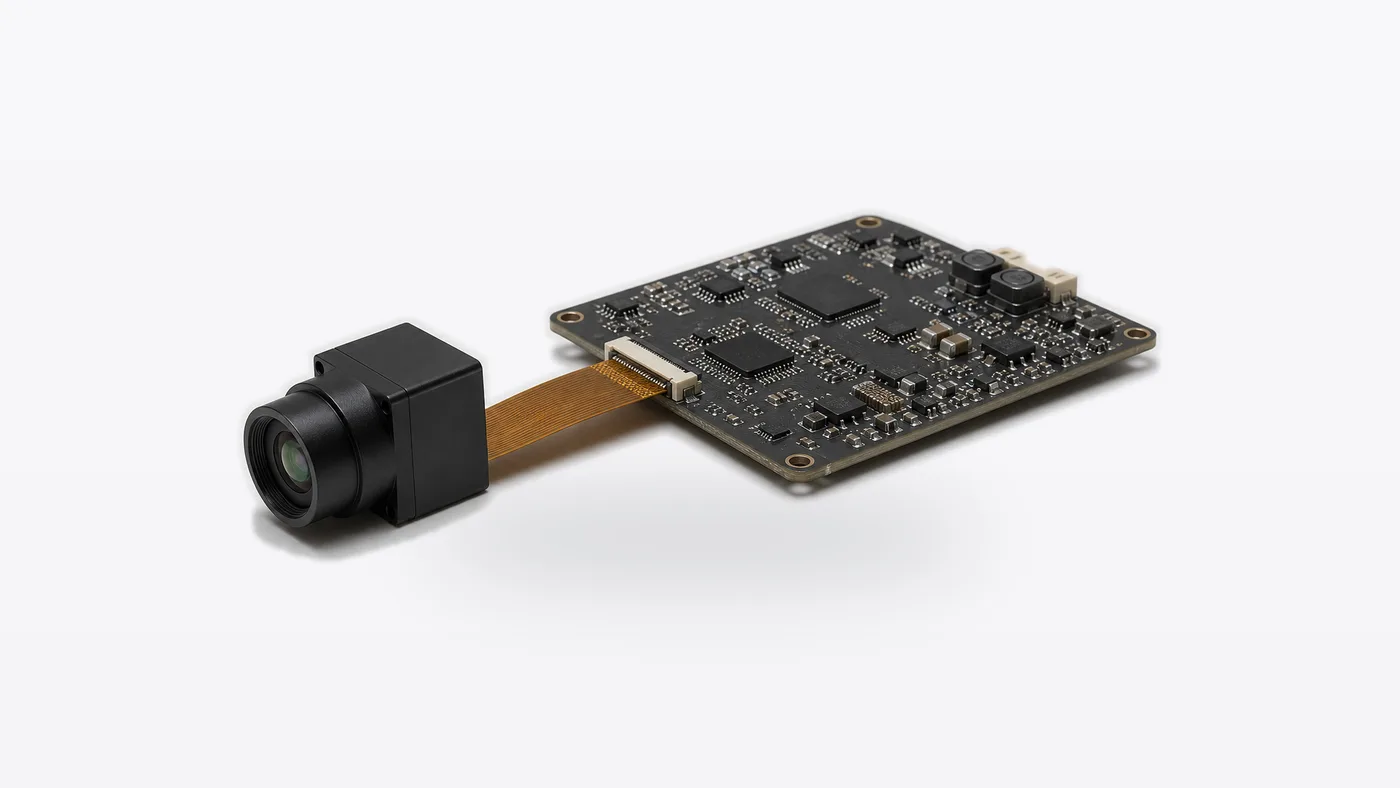
The current featured choices, AeroMini 640 and SuperMini 640 / 640T, address different OEM integration roles. AeroMini offers selected interface-board packages for host evaluation and integration. SuperMini is a smaller bare-core starting point for a design that can provide its connector, power rails and capture electronics. Compare the complete lens-and-board assembly before treating either as a finished camera alternative.
| Decision point | AeroMini 640 | SuperMini 640 / 640T |
|---|---|---|
| Best fit | OEM sensor heads, robotics and payload projects using a selected interface-board package. | Space- and mass-constrained OEM designs with a custom host/carrier integration plan. |
| Resolution / pixel pitch | 640 x 512 / 12 µm. | 640 x 512 / 8 µm. |
| Frame rate and measurement | Non-radiometric: 60 Hz default, 30 Hz factory option. Radiometric: 25 Hz, availability enquiry; confirm measurement accuracy, format and interface. | 640: imaging, 50 Hz. 640T: thermography, 30 Hz; confirm calibration, temperature-data decoding and acceptance conditions for the application. |
| Interface path | USB + CVBS + MIPI and Type-C + CVBS are separate tailboards. Match the board, firmware, host and output format; radiometric interface requires confirmation. | 30-pin bare-core interface with 8-bit LVCMOS and 2-lane MIPI; model-specific BT656/CDS3 formats. UART uses 1.8 V logic. USB evaluation requires a matched board, cable and software plan. |
| CVBS | Available through the selected compatible tailboard; verify the supplied assembly and video format. | The core CVBS pin requires an external video-buffer IC; include it in the carrier or select a suitable expansion board. |
| Power | Board-dependent. Illustrated POWER_IN1 and POWER_IN2 are 5 V inputs even though the family table also lists 12 V configurations. Typical module consumption is <0.5 W at 25 °C; complete-kit consumption may differ. | All three bare-core rails are required: MAIN_POWER 3.8–5.2 V, +3.3 V at 3.28–3.32 V and +1.8 V at 1.78–1.82 V. Review sequence, peak current and noise limits in the manual. |
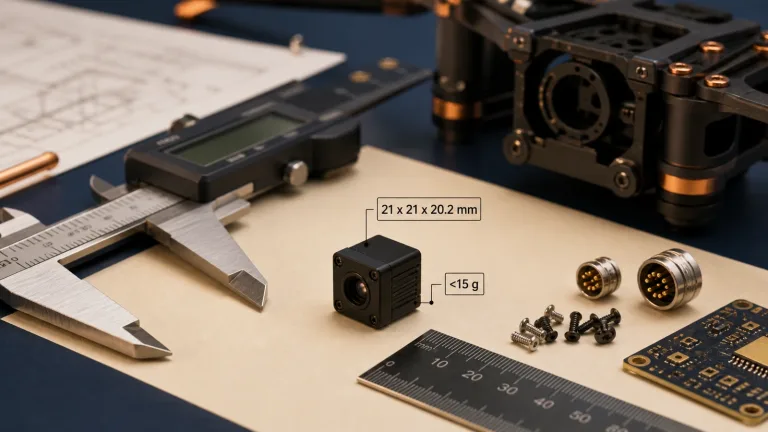
| Mechanical scope | 21 x 21 x 28 mm and <20 g exclude lens and flange. Confirm the selected board, optics, connector and cable-clearance envelope. | Bare core: 13 x 13 x 13.4 mm and <3.5 g, excluding optics and boards. Use the ordered lens-and-board assembly drawing for enclosure fit. |
| Documents and software | Use the AeroMini PDF, board guide, USB manual and model-specific SDK resources; confirm host and firmware compatibility. | Use SuperMini Product Manual V1.0.0, the selected assembly drawing and SuperMini-specific host/software guidance. |
| Procurement review | Confirm lens, tailboard, rate, sample contents, quantity, availability and required sourcing evidence. | Confirm 640 or 640T, lens, bare core or expansion board, host work and required sourcing evidence. |
Resolution and a USB connection alone do not establish calibrated temperature measurement. AeroMini non-radiometric imaging and SuperMini 640 imaging should be evaluated separately from the radiometric AeroMini enquiry and SuperMini 640T thermographic paths.
For AeroMini, start with the current PDF, the Linux drivers and SDK FAQ, and the public resource folder. The folder lists USB manuals, USB Client Software.zip, USB-SDK.zip and a 7 mm STEP resource. These are AeroMini resources; match them to the delivered board and firmware rather than applying them to SuperMini. SuperMini integration should start with its own product manual, including the three-rail power requirements on PDF page 8.
Micron’s smart manufacturing article notes the importance of image analytics in manufacturing workflows. Before choosing a thermal module, define what the thermal image must decide, where the data goes and how the host product will act on it.
For broader browsing, compare the thermal imaging cores category, then narrow the RFQ to the module that fits the actual system.

Application case: when a factory camera search becomes a module RFQ
Consider a factory automation team starting with a flir a700 thermal core camera search because the maintenance group wants thermal visibility over a small process area. At first, a fixed smart camera sounds right. It would mount near the line, stream thermal images, and support a monitoring workflow.
Then the project changes. The product team wants to build a compact sensor head inside its own enclosure, connect thermal data to an internal processor, and sell the device as part of a larger monitoring system. Now the RFQ needs a component-level specification. The team should first decide whether lower-resolution heat-zone sensing is sufficient. If 640 x 512 detail is required, compare an AeroMini interface-board package with a SuperMini bare-core design, including the full assembly, software work and measurement requirements.
Ordering a sample before that boundary is written down leaves key engineering questions unanswered. A buyer who only sends “640 thermal camera core” may receive a quote, but the engineering team still has no confirmed connector path, host interface, lens/FOV expectation, mechanical drawing, or document package.
Common mistakes in thermal module comparison RFQs
- Using a finished-camera keyword as a module specification. A camera listing does not define board fit, interface behavior, enclosure design, or support files.
- Buying resolution without defining the task. A lower-resolution core may meet a heat-zone sensing task; a 640 x 512 module may supply detail needed by an industrial sensor head or payload. Choose from the scene and host constraints.
- Leaving analog video vague. For a legacy display, recorder, transmitter or retrofit path, specify the selected AeroMini tailboard or SuperMini external video-buffer requirement and confirm the complete video chain.
- Ignoring support and procurement documents. Drawings, interface references, model-specific software and requested sourcing evidence can decide whether the sample order moves.
- Assuming the two featured products are interchangeable. Compare AeroMini’s selected interface package with SuperMini’s bare-core host requirements, and budget the optics, boards and software for each.
RFQ checklist after a flir a700 thermal core camera comparison
| RFQ item | What to send CAMCUDA |
|---|---|
| Product class | State whether you need a finished industrial camera workflow or an OEM component for a sensor head, device or payload. |
| Application | Factory monitoring, HVAC, smart appliance, outdoor field monitoring, drone inspection, robotics, security sensing, or another use case. |
| Scene requirement | Target size, working distance, scene width, thermal decision, imaging or temperature-measurement requirements, and whether lower resolution or 640 x 512 is appropriate. |
| Mechanical constraints | PCB area, enclosure window, bracket, lens and board clearance, full-assembly weight target, connector orientation, cable route and the ordered assembly drawing. |
| Interface path | Processor and operating system, capture format and rate, selected board, power rails, control voltage, CVBS circuitry if needed, and model-specific GUI/SDK support expectations. |
| Documents | Current datasheet/manual, mechanical drawing, connector orientation and full pin table, model-specific support files, applicable compliance-related materials, and an NDAA statement with supporting evidence when required. |
| Commercial notes | Prototype quantity, expected annual volume, destination market, timeline, and whether the sample is for evaluation or product integration. |
Use CAMCUDA support downloads to prepare the request, and the thermal camera module interface guide for interface questions. The thermal imaging calculator can support preliminary lens/FOV geometry from target distance and scene width; validate the selected optics on the sample rather than treating the calculation as a performance or temperature-accuracy guarantee.
Send the product boundary before asking for sample price
If your flir a700 thermal core camera research is really a module-sourcing question, send CAMCUDA the application boundary, scene requirement, host interface, enclosure limits, documentation needs, and prototype quantity. CAMCUDA can help review AeroMini 640, SuperMini 640 / 640T or a lower-resolution sensing route against those requirements.
Request an engineering RFQ after you define the product boundary.
FAQ about flir a700 thermal core camera comparisons
Is a FLIR A700-style product the same as an OEM thermal module?
No. A finished industrial thermal camera or research kit provides a system-level workflow. An OEM module still needs host electronics, optics, enclosure, software and supporting documents. Neither AeroMini nor SuperMini should be assumed to be a drop-in A700 replacement.
Why does the flir a700 thermal core camera keyword lead to RFQ confusion?
The keyword mixes camera, core and module language. Buyers may be comparing 640 x 480 camera specifications while actually needing a component that fits inside their own product. State the product class and measurement workflow before comparing module specifications.
When should we consider AeroMini 640?
Consider AeroMini for a 640 x 512 OEM design using a selected interface-board package. Non-radiometric units are 60 Hz by default, with a 30 Hz factory option; radiometric 25 Hz availability requires enquiry. Specify USB + CVBS + MIPI or Type-C + CVBS, the lens and host. The illustrated 16/26-pin diagrams apply to the documented board, not the Type-C tailboard, and POWER_IN1/2 are 5 V inputs.
When should we consider SuperMini 640 / 640T?
Consider SuperMini when the product needs a compact bare core and the engineering team can support its 30-pin connector, three power rails, 1.8 V UART and capture interface. The 640 imaging model is 50 Hz; the 640T thermographic model is 30 Hz. Both are 640 x 512 with 8 µm pixels. The 13 x 13 x 13.4 mm and <3.5 g figures exclude optics and boards, so check the complete assembly before designing the enclosure.
Does CAMCUDA support CVBS analog output?
AeroMini CVBS availability depends on the selected tailboard. SuperMini’s bare-core CVBS pin requires an external video-buffer IC or an appropriate expansion-board design. Confirm the model, board, firmware, video format and host path; a core pin alone does not establish a ready-to-connect analog output.
Should the drone thermal camera page be linked for this topic?
Yes, when the comparison turns into a UAV payload, retrofit or inspection-drone question. For fixed factory monitoring, start with the installation, measurement and software workflow. For a custom industrial sensor head, start with the OEM host and enclosure requirements.
What documents should be requested before a sample order?
Ask for the current manual, ordered lens-and-board assembly drawing, connector orientation, complete pin table, power requirements and model-specific software resources. Use AeroMini’s PDF and SDK FAQ for AeroMini; use the SuperMini manual and confirmed SuperMini host resources for SuperMini. Request applicable compliance-related materials and an NDAA statement with supporting evidence where procurement requires them.
Can a lower-resolution module be better than a 640-class camera?
Yes, if it meets the target-size, distance and heat-zone sensing requirements with acceptable system power and integration effort. Resolution should follow the task. A 640 x 512 detector or USB interface alone does not establish calibrated temperature measurement; specify the measurement model and acceptance conditions separately.
How should we phrase the RFQ after comparing A700-style cameras?
State whether you need a finished industrial camera or an OEM component, then give the scene, host, enclosure, measurement needs, documents and prototype quantity. For an OEM path, say whether you are reviewing an AeroMini interface-board package, a SuperMini 640 or 640T bare-core design, or a lower-resolution alternative. Include the lens, full assembly, power, video format and software support to be evaluated.