twv640 thermal camera core: 3 Practical Spec Translations for Reliable OEM RFQs
Procurement translation memo for 640-class LWIR core buyers
twv640 thermal camera core: 3 Practical Spec Translations for Reliable OEM RFQs
A buyer searching for a twv640 thermal camera core is usually not asking for a casual product overview. The real job is translating a 640-class thermal core reference into a sourcing question: what detector class, interface, mechanical envelope, documentation package, and application fit should an OEM ask for before the sample order?
Technical author: Daniel · Hardware Support
Sales contributors: Vivian, Lena and Sophie
Quick answer
A twv640 thermal camera core search points to BAE Systems’ 640-class uncooled LWIR core. Before comparing samples, translate the reference into three RFQ decisions: optical and detector requirements, host interface and control path, and mechanical/documentation readiness. CAMCUDA’s Featured AeroMini 640 is a separate 640 x 512 module to evaluate for compact UAV and OEM integration, with distinct USB + CVBS + MIPI and Type-C + CVBS tailboard choices. Its 21 x 21 x 28 mm and <20 g references exclude lens and flange. Non-radiometric imaging is 60 Hz by default or 30 Hz by factory configuration; the 25 Hz radiometric version requires an availability enquiry. These CAMCUDA specifications do not describe TWV640 or establish a drop-in replacement.
twv640 thermal camera core searches often start with the wrong comparison table
The sourcing meeting starts with a familiar sentence: “We found a twv640 thermal camera core; can you quote something like this?” That is a useful reference, but it is not yet a buildable RFQ. One engineer is thinking about 640-class thermal detail. The drone payload lead is thinking about weight and bracket clearance. Procurement is thinking about documents, destination market, sample timing, and whether a procurement statement will be needed later.
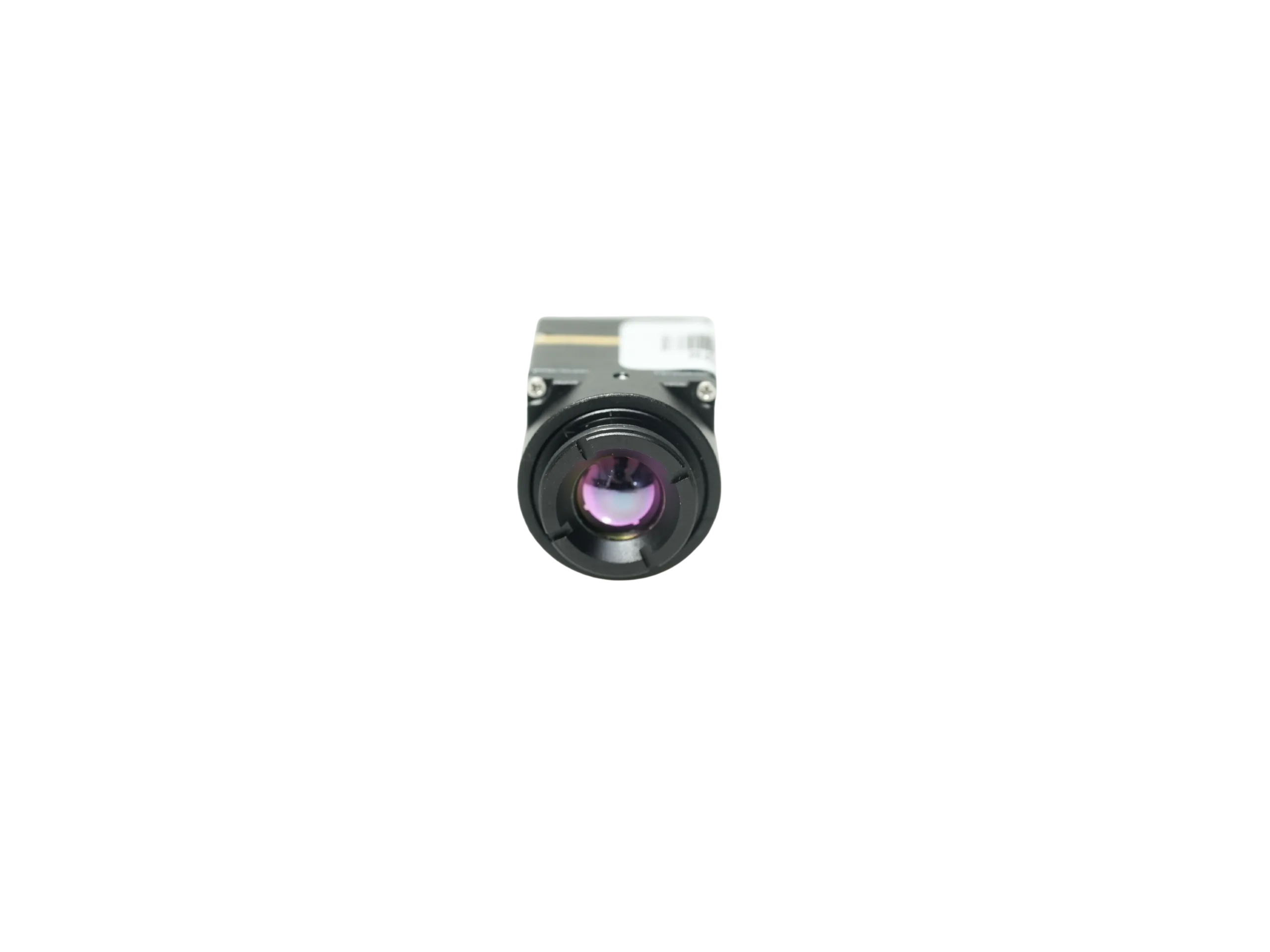
The gap is not the search term itself. BAE Systems’ September 2023 TWV640 announcement describes a 640 x 480 uncooled LWIR thermal camera core with 12 um pixels. Its June 2014 launch announcement also mentions USB, NTSC and CameraLink. These dated manufacturer references help define an OEM RFQ; they do not establish current availability, the interface hardware supplied with a particular variant, or cross-brand compatibility. Confirm the required resolution, video output, control interface and mechanical package for the exact configuration being quoted.
CAMCUDA should be evaluated in that practical middle ground. Its current Featured products include AeroMini 640 and SuperMini 640 / 640T. AeroMini is the primary compact-payload evaluation path here; SuperMini is a separate bare-core comparison with its own host, power and mechanical requirements. TWV640 is a BAE Systems product. Neither CAMCUDA product is established here as TWV640-equivalent, compatible or a drop-in replacement. Lower-resolution sensing remains a useful trade-off when embedded thermal presence, room monitoring or a tighter power/cost budget matters more than 640-class image detail.
twv640 thermal camera core: three spec translations before sample ordering
1. Translate the detector reference into the image job
A twv640 thermal camera core search tends to pull buyers toward resolution, pixel pitch, and a known supplier reference. That is a sensible first filter, but the application decides what the thermal image must do. A drone pilot checking a rooftop edge, an outdoor security product watching a yard entrance, and an embedded inspection system feeding an edge processor all need different field of view, frame workflow, mounting, and acceptance criteria.
For the separate AeroMini evaluation, the current product data lists a VOx uncooled detector, 640 x 512 resolution, 12 um pixel pitch, 8–14 um spectral range and NETD ≤30 mK at 25 °C, F/1.0. Non-radiometric imaging is 60 Hz factory default or 30 Hz factory option, without temperature measurement. The 25 Hz radiometric version is availability enquiry only. These facts still need translation into lens choice, scene distance, housing window, target size, and whether the host views video, records it or passes it into an algorithm. Specify temperature measurement separately if the application needs it.
The practical trade-off is that a better detector line item does not automatically solve the product. A narrow FOV may help inspection distance but can make target acquisition harder. A small module can save payload weight but exposes connector and bracket mistakes. A high-detail thermal feed can still fail acceptance if the host cannot receive or control it cleanly. Use the thermal imaging calculator for a preliminary geometry check, then validate the selected lens and target in the intended scene. A geometry estimate does not guarantee detection, recognition or temperature-measurement performance.
2. Translate the interface line into a host-device test
Interface words are easy to copy into an RFQ and hard to debug late. BAE’s June 2014 TWV640 announcement mentions USB, NTSC and CameraLink, but does not identify the native-core connections or any adapter and development-kit requirements. Ask for the exact variant, interface hardware, video format, control path and documentation before treating those historical interface names as an integration specification.
AeroMini has its own configuration choices. The USB + CVBS + MIPI kit includes a wiring cable that requires customer soldering; the separate Type-C + CVBS kit includes its own wiring cable and a USB-C data cable. Select the tailboard, then confirm the delivered video format and rate, host requirements and serial electrical levels. The illustrated 16-pin USB/CVBS schematic labels its control signals RS232_RX and RS232_TX; those labels do not define the Type-C board. A factory camera rate does not prove simultaneous output rates or compatibility across every interface.
If the project involves drone video transmission, legacy displays, recorders, OEM retrofits or embedded systems with an analog receiver, state the exact CVBS requirement during RFQ. Name the receiving device, connector path, control method, display or recorder, and any latency acceptance criteria. Test the complete selected path; a USB preview on a development laptop does not validate the field recorder or transmitter.
NVIDIA’s industrial-sector material provides broader industrial workflow context. For this RFQ, define where the thermal frames go next and how the operator or host acts on them. That industry context does not establish a CAMCUDA interface specification or host compatibility.
3. Translate “compact” into a drawing review
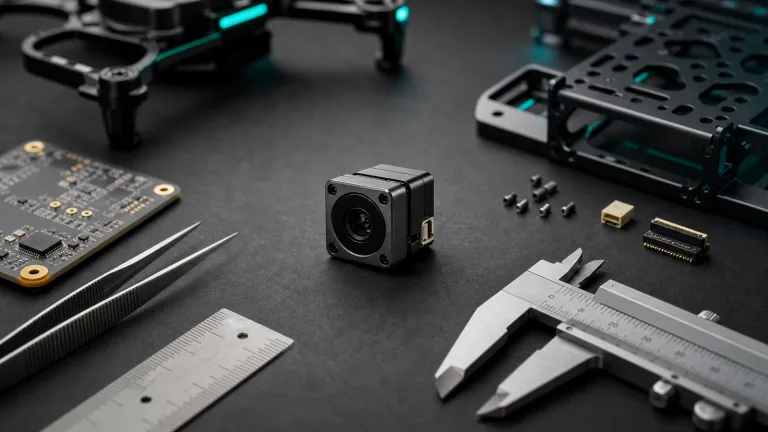
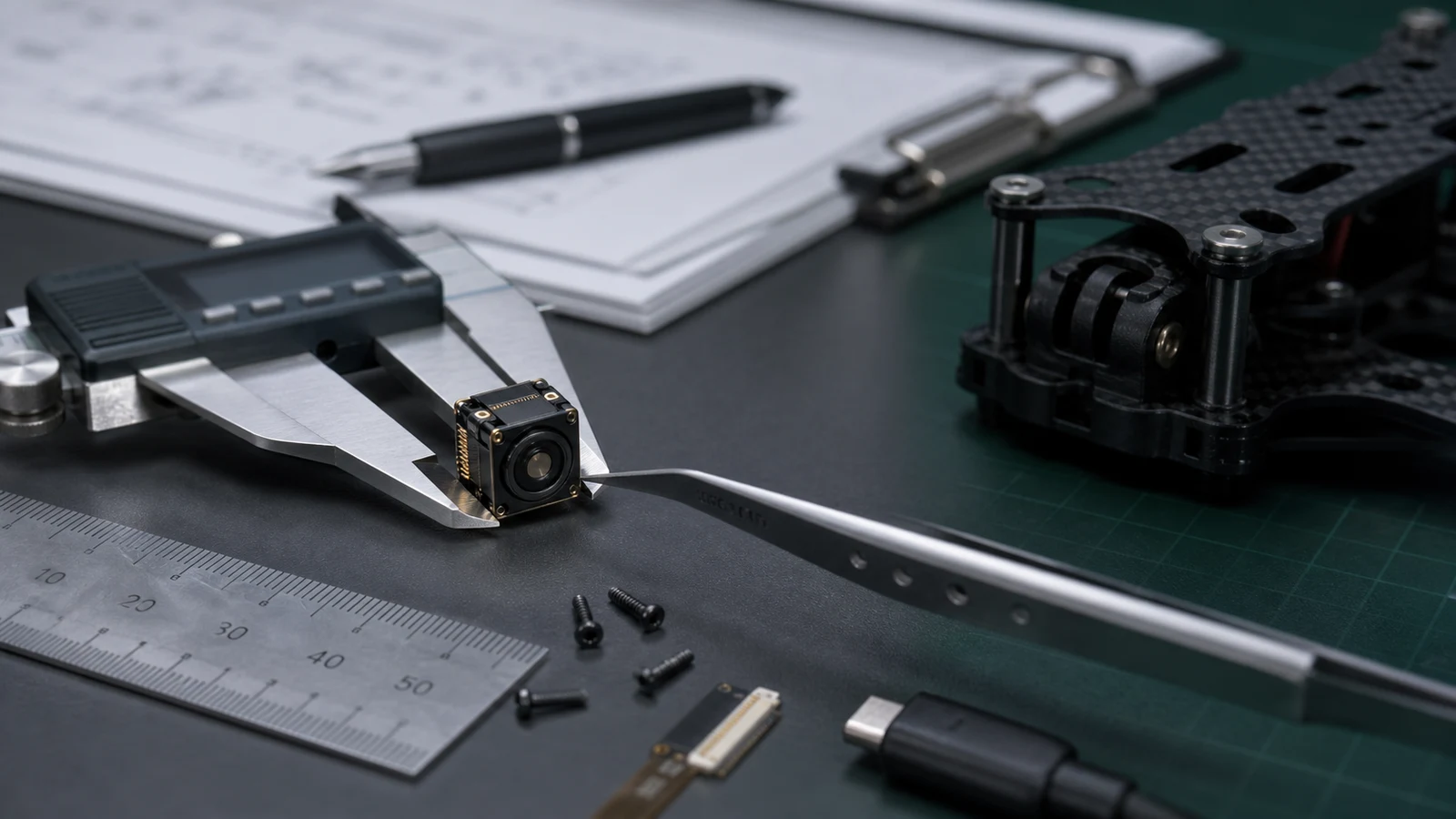
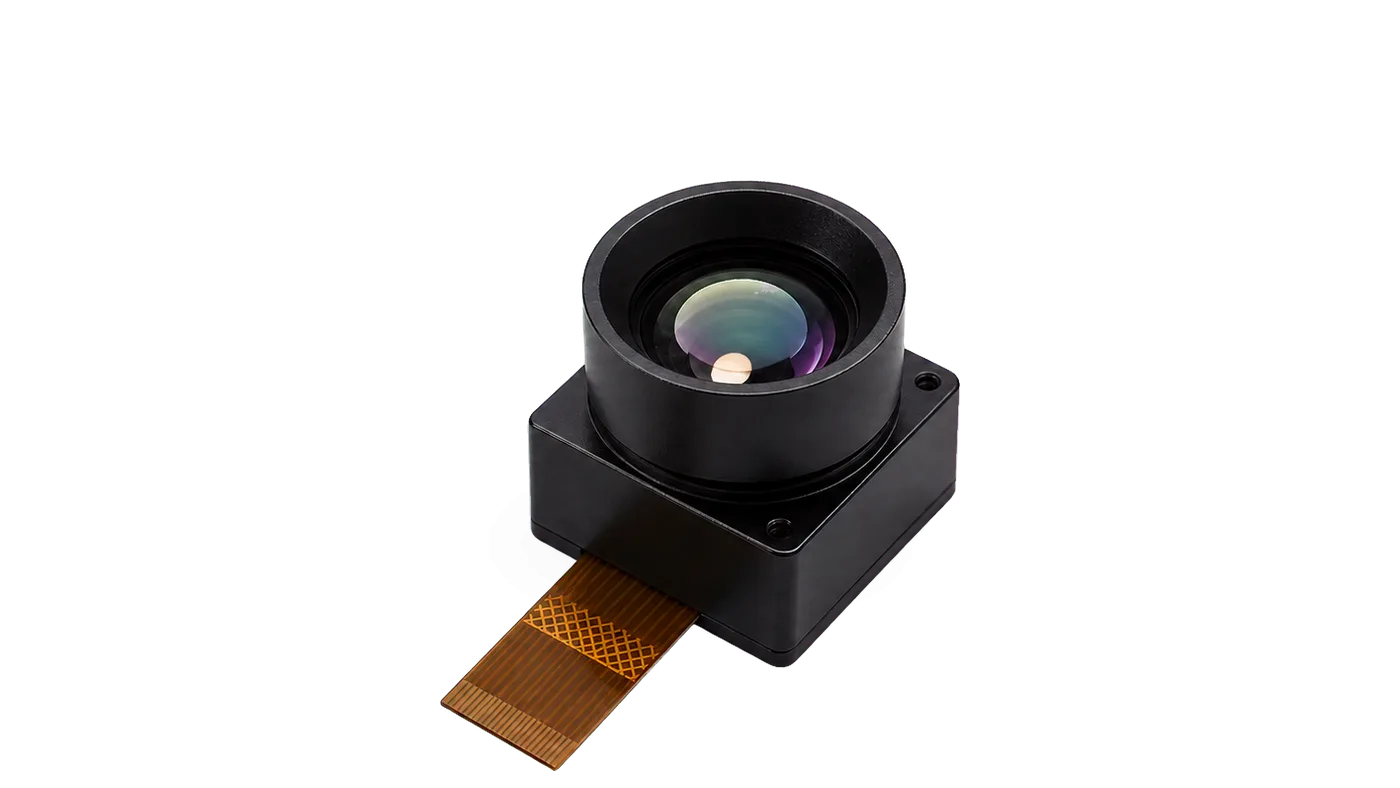
Many procurement comparisons say compact, but the drawing decides whether compact helps. AeroMini’s published 21 x 21 x 28 mm dimensions and <20 g weight exclude lens and flange. Those references can screen a UAV payload, compact inspection device, robotics head or embedded product; they are not the complete assembly envelope. The lens, cable exit, tailboard, mounting orientation, host board, enclosure window and service access still have to fit. The current AeroMini datasheet does not provide a dimensioned assembly drawing. Request matched CAD for the selected lens, tailboard and mounting before freezing the bracket.
The mistake is easy to make: a buyer chooses a small core because the weight looks safe, then discovers the bracket blocks the connector or the cable bend radius fights the enclosure. The better move is to send a bracket sketch, target envelope, connector direction, available voltage, heat path, shock or vibration expectation, and whether the sample must be tested in a drone, field enclosure, or bench fixture.
For an independent bare-core comparison, SuperMini 640 / 640T uses a 640 x 512, 8 um detector with NETD ≤40 mK at 25 °C, F/1.0. SuperMini 640 is 50 Hz imaging-only; 640T is 30 Hz thermographic. Its 13 x 13 x 13.4 mm dimensions and <3.5 g weight exclude optics and boards; typical core power is ≤0.5 W at 25 °C, excluding the expansion board. Add the selected optics and electronics before comparing assembly size, mass or power with AeroMini.
SuperMini uses its own 30-pin core interface, multiple power rails, 1.8 V UART and an external video-buffer IC for CVBS. Its V1.0.0 product manual defines the connector, power requirements and sequence. AeroMini wiring diagrams and SDK resources do not establish compatibility with SuperMini or TWV640.

Selection chart for a 640-class thermal core RFQ
| Decision | What the buyer may mean | AeroMini 640 evaluation | RFQ wording to use |
|---|---|---|---|
| Core class | Buyer searched for a 640-class uncooled LWIR core reference | 640 x 512 uncooled LWIR core with 12 um pixel pitch; separate from TWV640 | “Quote a compact 640-class LWIR configuration for this application and explain its limits.” |
| Image workflow | View, record, transmit, process, or trigger alerts | Choose imaging-only 60/30 Hz factory configuration or enquire about 25 Hz radiometric version | “The thermal feed will be viewed by…, recorded by…, and controlled by…; temperature measurement is/is not required.” |
| Digital interface | USB host integration, development, or embedded processing | USB + CVBS + MIPI and Type-C + CVBS are distinct tailboards | “Confirm the board, output format/rate, host, firmware and matched software resources.” |
| Control path | Payload controller or industrial host needs command communication | Board-specific serial interface; illustrated 16-pin diagram labels RS232_RX/TX | “Confirm serial electrical levels, command protocol, connector orientation and routing for the supplied board.” |
| Analog video | Legacy display, recorder, transmitter, or monitoring path | CVBS depends on the selected board and receiver path | “Confirm CVBS format/rate and validate this exact configuration with our receiver.” |
| Mechanical fit | Small module is needed for UAV payload, compact device, or enclosure | 21 x 21 x 28 mm and <20 g exclude lens and flange | “Review our bracket/enclosure sketch and supply CAD for the selected lens, tailboard and mounting.” |
| Procurement documents | Datasheet, drawing, interface reference, compliance review, repeatability | Request materials for the exact configuration, destination market and intended use | “Include matched documents and review applicable compliance/NDAA materials if required.” |
Product facts to compare against a twv640 thermal camera core reference
The table below summarizes the current Featured AeroMini 640 product data for a separate OEM evaluation. It does not describe BAE’s TWV640 and does not establish equivalent performance or interface compatibility. Confirm the ordered version, lens, factory rate and board before comparing samples.
| Product model | CAMCUDA AeroMini 640 |
|---|---|
| Detector type | VOx uncooled infrared detector |
| Resolution | 640 x 512 |
| Pixel pitch | 12 um |
| Spectral range | 8–14 um |
| Non-radiometric frame rate | 60 Hz factory default; 30 Hz factory option. Imaging only, without temperature measurement. |
| Radiometric frame rate | 25 Hz; availability enquiry only. Confirm measurement requirements and the selected configuration. |
| NETD | ≤30 mK at 25 °C, F/1.0 |
| Tailboard choices | USB + CVBS + MIPI, or Type-C + CVBS. Use the matched board guide. |
| Digital and analog video | Board- and firmware-dependent format/rate; confirm the actual USB, CVBS or MIPI host path. Do not assume simultaneous outputs at the factory camera rate. |
| Control | Board-specific serial interface; the illustrated 16-pin USB/CVBS schematic labels RS232_RX and RS232_TX. |
| Illustrated power inputs | POWER_IN1 on the 16-pin connection and POWER_IN2 on the 26-pin connection: 5 V only. Use a separate matched guide for Type-C. |
| Typical module power | <0.5 W at 25 °C; complete-kit consumption may differ. |
| Weight, excluding lens and flange | <20 g; confirm the selected assembly mass separately. |
| Dimensions, excluding lens and flange | 21 x 21 x 28 mm; request matched CAD for the complete assembly. |
| Operating temperature | −40 °C to +80 °C |
| Storage temperature | −50 °C to +85 °C |
| Humidity | 5–95%, non-condensing |
If your team is browsing adjacent module paths, use CAMCUDA’s thermal imaging cores, thermal modules, and uncooled thermal modules category pages. The drone thermal camera page supports UAV payload planning. The outdoor field thermal imaging page distinguishes a finished handheld observation device from an OEM module for the buyer’s own enclosure and host. Fixed-site monitoring needs separately specified protective housing, mounting, power and environmental validation.
Use the current AeroMini datasheet with the product FAQ’s Linux driver, examples and SDK guidance. Match the resources to the actual board, firmware, host, output format and rate before use; availability alone does not prove host compatibility. On the illustrated connectors, POWER_IN1 on the 16-pin connection and POWER_IN2 on the 26-pin connection are 5 V inputs only; do not apply 12 V to either. The Type-C tailboard requires its own matched guide.


Application case: a drone payload team using a TWV640 reference as a starting point
Consider a North American payload team’s first RFQ: “We found a twv640 thermal camera core reference; quote a 640-class module for our inspection drone.” The first version is too thin. It does not say whether the pilot needs live video, whether the recorder accepts analog input, which control interface the payload controller uses, or which procurement documents purchasing will require.
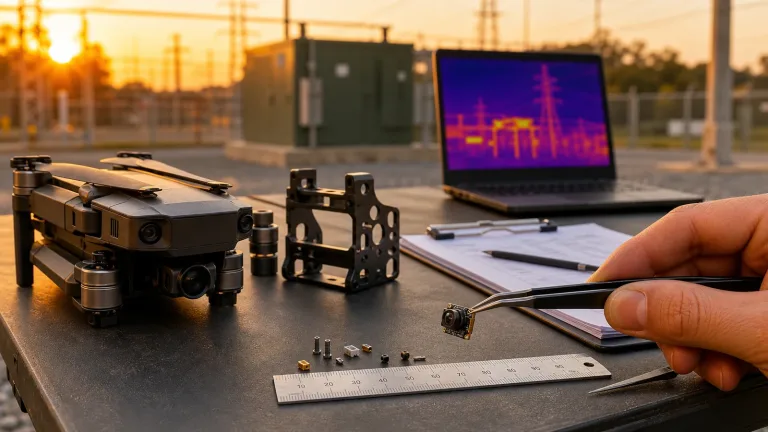
The corrected RFQ is much more useful. It describes a compact drone inspection payload, lists the required thermal detail and field of view, shares the available bracket volume and asks for an AeroMini 640 configuration review. It selects the imaging or radiometric version, factory rate, lens and tailboard; names the USB host used for development; and identifies the existing video transmitter for CVBS validation. It requests the board-specific serial control guide, matched assembly CAD and software resources for the host and firmware. Procurement adds the exact configuration, destination market and intended use for any compliance/NDAA document review. The sample acceptance plan checks the actual recorder and transmitter, not only the USB bench preview.
Teledyne FLIR’s SIRAS drone announcement provides broad public-safety and industrial-inspection workflow context. It does not establish compatibility or performance for a CAMCUDA module. That is the mindset to bring to a twv640 thermal camera core comparison: the core search opens the conversation, but the payload workflow closes the sample decision.
Common mistakes when comparing 640-class thermal cores
- Matching a search result instead of a job. A twv640 thermal camera core reference should become an application-specific RFQ, not a copy-pasted competitor table. Shared resolution class does not establish equivalence or drop-in compatibility.
- Ignoring the receiver. State whether the thermal feed goes to a USB host, recorder, display, transmitter, edge processor, or payload controller. Confirm the selected board, format, rate and control path.
- Assuming analog video is automatic. Confirm CVBS on the exact board and test the receiver. SuperMini’s bare-core CVBS path requires an external video-buffer IC; it is not the AeroMini tailboard path.
- Treating tiny size as risk-free. AeroMini’s 21 x 21 x 28 mm reference excludes lens and flange. Mounting, cable, lens, window, heat and service access still need complete-assembly review.
- Asking for compliance documents after the sample works. Ask early about applicable materials for the exact configuration, destination market and intended use. Document availability and procurement eligibility require review; a product-family description does not establish blanket NDAA eligibility.
RFQ checklist for a twv640 thermal camera core alternative review
| RFQ field | What to include |
|---|---|
| Reference target | Explain that the twv640 thermal camera core search is a BAE product reference for the application, not proof that another core is equivalent or drop-in compatible. |
| Application | Drone inspection, outdoor monitoring, embedded vision, security sensing, industrial inspection, robotics, or device integration. |
| Thermal image requirement | Resolution expectation, FOV/lens need, scene distance, imaging or temperature measurement, factory rate, and whether the image is viewed, recorded, transmitted, or processed. |
| Interface path | AeroMini tailboard choice, video format/rate, board-specific serial control, host/firmware and CVBS receiver details. If comparing SuperMini, supply its separate core-interface and host plan. |
| Mechanical package | Target envelope, bracket sketch, mounting orientation, cable exit, lens clearance, complete assembly weight limit, shock/vibration concerns, enclosure window and matched CAD request. |
| Power and environment | Available rails, board-specific voltage limits, complete-system power budget, operating temperature, humidity, field enclosure, heat path and test conditions. |
| Documents | Datasheet, matched assembly drawing, interface reference, board/firmware/host resources, sample configuration record and configuration-specific compliance/NDAA review if needed. |
| Commercial path | Sample quantity, pilot quantity, destination market, timeline, support contact, and repeat-order expectations. |
Send the reference, but ask for the buildable configuration
If your team is searching for a twv640 thermal camera core or another 640-class reference, send CAMCUDA the application, host interface, mechanical envelope and documentation needs. Start with an AeroMini 640 configuration review covering version, factory rate, lens, tailboard, matched CAD and software resources. If the project needs a separate SuperMini bare-core comparison, include its power rails, host electronics and complete optical/mechanical assembly. Request configuration-specific compliance/NDAA document review where procurement requires it.
Review AeroMini 640 | Compare SuperMini 640 / 640T | Check support downloads | Request an engineering quote
FAQ
What is a twv640 thermal camera core search usually looking for?
It usually indicates a buyer is researching a 640-class uncooled LWIR thermal camera core reference for an OEM product, payload, inspection system, or embedded device. The next step is to translate that reference into application, interface, mechanical, and documentation requirements.
Is AeroMini 640 the same as a TWV640 core?
No. TWV640 is a BAE Systems product. AeroMini 640 is CAMCUDA’s separate 640 x 512 uncooled LWIR core for OEM and payload integration. SuperMini 640 / 640T is another independent CAMCUDA core family. Compare application fit, optics, interfaces, host requirements, mechanics and documents; this article does not establish equivalence, compatibility or drop-in replacement.
Why compare 640 x 480 and 640 x 512 modules?
Both sit in a 640-class buying conversation, but the exact resolution, detector, interface, firmware, optics, and mechanical package differ by supplier and configuration. Confirm the actual project requirement before sample ordering.
When does CVBS matter in a 640-class core RFQ?
CVBS matters when the thermal feed must work with an analog monitor, recorder, transmitter or retrofit AV path. Confirm the selected AeroMini tailboard’s output, format/rate and actual receiver. The separate SuperMini bare-core path requires an external video-buffer IC; do not apply AeroMini wiring to it.
Does USB video solve the whole integration problem?
No. USB video can help development and host processing, but control communication, power, mechanics and final receiving-device tests still matter. AeroMini’s product FAQ identifies Linux drivers, examples and SDK resources; match them to the board, firmware, host, format and rate. Resource availability does not establish tested compatibility with your host or with SuperMini or TWV640.
How small is the AeroMini 640 module?
The published 21 x 21 x 28 mm dimensions and <20 g weight exclude lens and flange. Review the complete lens/tailboard assembly, cable routing, bracket fit and host-board layout. Request matched CAD; the current AeroMini datasheet’s interface diagrams are not a dimensioned assembly drawing.
When should lower-resolution thermal sensing be considered instead?
Consider it when the job is thermal presence detection, room monitoring, low-power device integration or smart-appliance sensing and representative tests show that less image detail meets the requirement. Lower resolution can be a useful power or cost trade-off, but it is not a like-for-like substitute for a 640-class imaging requirement.
What documents should a buyer request?
Ask for the AeroMini datasheet, matched assembly CAD, board-specific interface guide, firmware/software resources and sample configuration record. For SuperMini, use its separate V1.0.0 product manual. Request any required compliance/NDAA materials for the exact configuration, destination market and intended use; availability and procurement eligibility need review.
Can this topic fit drone thermal camera projects?
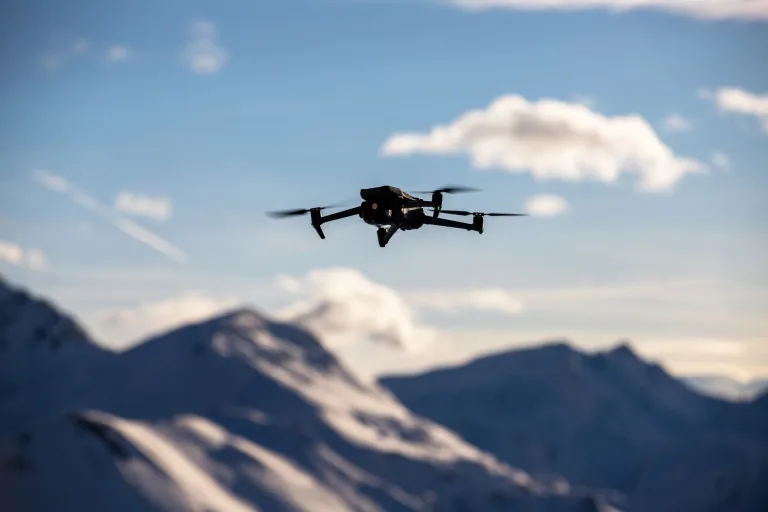
Yes. A 640-class compact module can fit drone thermal camera planning when the payload weight, bracket, video path, control interface, field of view, and documentation all match the platform.
What should be included in the first RFQ email?
Include the reference term, application, desired thermal image job, receiving device, interface requirements, bracket or enclosure sketch, power budget, operating environment, sample quantity, destination market, and document needs. Add the imaging or radiometric version, factory rate, lens and tailboard so the quote and acceptance test refer to the same configuration.