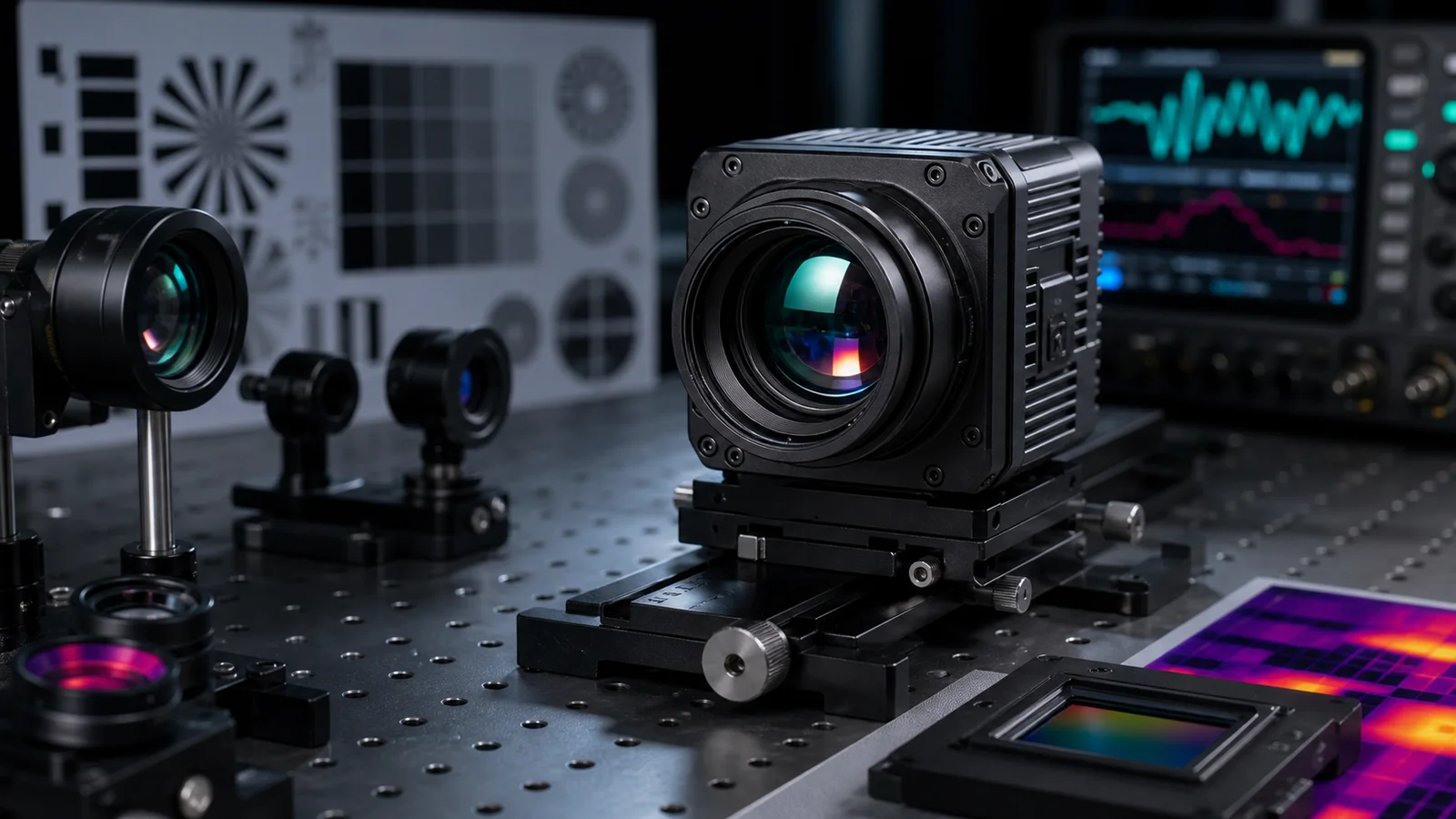
High Resolution Thermal Imaging Camera: 7 Essential Checks for Safer OEM Selection
high resolution thermal imaging camera decisions are usually framed as “more pixels is better,” but the real buying question is whether the extra detail improves the inspection outcome enough to justify lens, interface, power, enclosure, and RFQ complexity. This guide compares a native 1280×1024 high resolution thermal imaging camera requirement against a compact 640×512 path, using a supplier-evidence checklist and a current CAMCUDA compact-module example.
Quick answer
A high resolution thermal imaging camera is worth paying for when the task needs more scene detail, wider digital cropping room, or longer-range interpretation without immediately changing the mission profile. If the application is weight-sensitive, interface-limited, or budget-constrained, a 640×512 path can still be the safer engineering decision, provided it meets the required scene detail. A 640×512 module does not meet a native 1280×1024 requirement, even if its output image is upscaled.
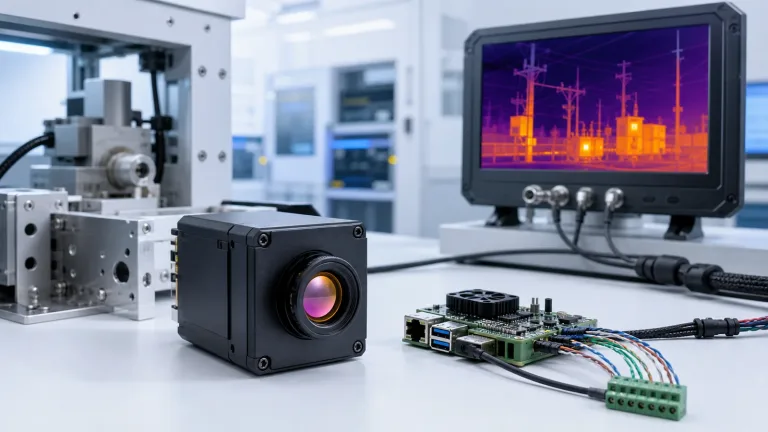
high resolution thermal imaging camera selection chart
High resolution thermal imaging camera specifications need to be translated into OEM requirements: native detector sampling, usable optical detail, output format, power and the complete assembly. The practical decision is whether higher resolution creates better thermal decisions in your real scene.
| Decision area | What to compare | Requirement or compact-path example | Why it matters |
|---|---|---|---|
| Pixel detail | Native resolution, NETD, lens list | For a native 1280×1024 requirement, request detector documentation, NETD test conditions and the matched lens/FOV data | A high resolution thermal imaging camera only pays off when the rest of the optical chain and use case can exploit the extra pixels. |
| Motion quality | Frame rate and output path | Specify the required delivered resolution and frame rate; obtain evidence for the selected output, board and firmware | Higher detail is less useful if the video path cannot keep up with the platform workflow. |
| Integration load | Voltage, serial control, host compatibility | Request the exact power-input limits, connector guide, serial electrical levels and supported host formats | A high resolution thermal imaging camera often adds integration tasks beyond the detector itself. |
| Compact alternative | Lower-mass module path for smaller payloads | AeroMini is a 640×512 option: <20 g excluding lens and flange; USB + CVBS + MIPI and Type-C + CVBS are distinct tailboards | Not every project needs the extra detail if mass, power, and USB-first integration matter more. |
| Procurement readiness | Datasheets, destination-market support, NDAA documentation | Request origin, supplier and NDAA documentation for the exact configuration and review applicable procurement requirements | Resolution alone does not close a purchase order; paperwork and documentation often do. |
| Legacy video path | Whether analog video is needed anywhere in the chain | Ask whether the selected configuration supports CVBS, at what format and rate, and alongside which digital outputs | A high resolution thermal imaging camera may still need a legacy monitor or recorder path in evaluation or deployment. |
Native 1280×1024 high resolution thermal imaging camera requirements
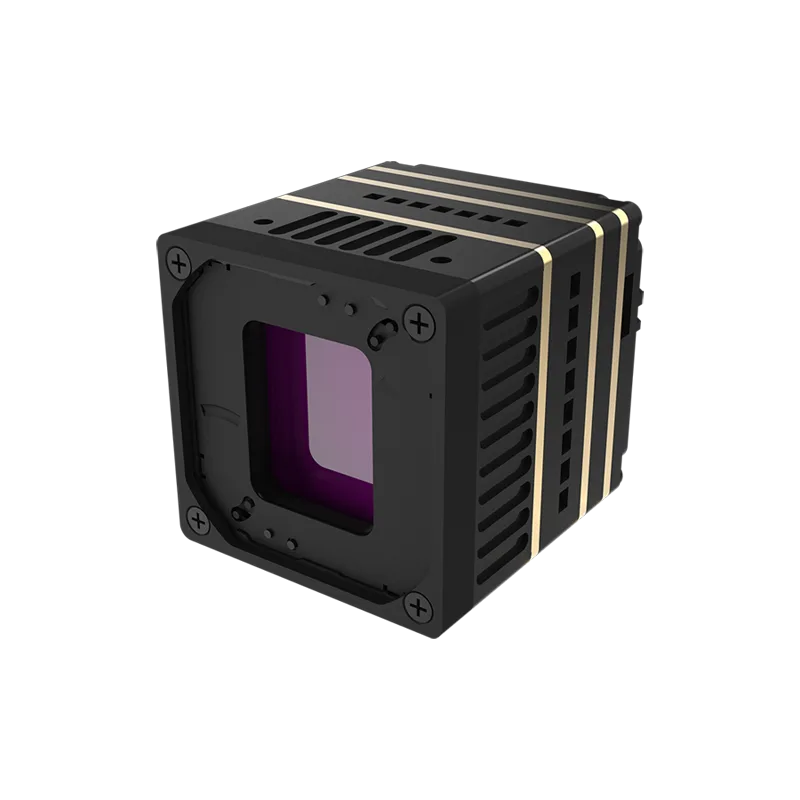
Use the following checklist when native 1280×1024 sampling is a project requirement. Resolution alone does not establish detector technology, pitch, sensitivity, lens availability, frame rate, voltage, interfaces or mass; obtain configuration-specific evidence for each item. At the same field of view, 1280×1024 provides twice the samples along each axis and four times the total pixels of 640×512. Turning that sampling into useful detail still depends on optical quality, focus, scene contrast and processing. Upscaling a 640×512 image does not supply native 1280×1024 detector samples.
| Parameter | Native 1280×1024 requirement / supplier evidence | Why OEM buyers care |
|---|---|---|
| Resolution | 1280×1024 native detector requirement; request the detector specification and native output format | Supports more scene detail and wider cropping headroom when the optics and scene support it. |
| Detector | Which detector technology is supplied, and what documentation identifies it? | Relevant to thermal platform type and system design. |
| Pixel pitch | What is the native pixel pitch and active-array size for this detector? | Works together with lens and scene geometry to shape usable detail. |
| Response band | What spectral response is specified for the detector and complete optical path? | Confirms that the selected system covers the required LWIR band. |
| NETD | What NETD is specified, under which temperature, F-number and test conditions? | Helps buyers judge contrast performance in subtler scenes. |
| Lens options | Which focal lengths, FOVs, focus options and matched lens assemblies can be supplied? | Establishes whether the required scene coverage and detail are achievable. |
| Video output | Which output standards, native frame sizes, frame rates and simultaneous modes are documented? | Critical for host-board and downstream video architecture. |
| Communication | Which control protocol, connector pinout and electrical levels apply to the supplied board? | Important for control and integration planning. |
| Voltage | What supply range, current demand and power sequence are approved for the exact assembly? | Prevents applying a family-level voltage assumption to the wrong input. |
| Weight | What are the core and complete lens/board/cable mass and dimensioned assembly envelope? | Mass still matters in gimbals, payloads, and compact systems. |
When a high resolution thermal imaging camera beats a compact 640×512 path
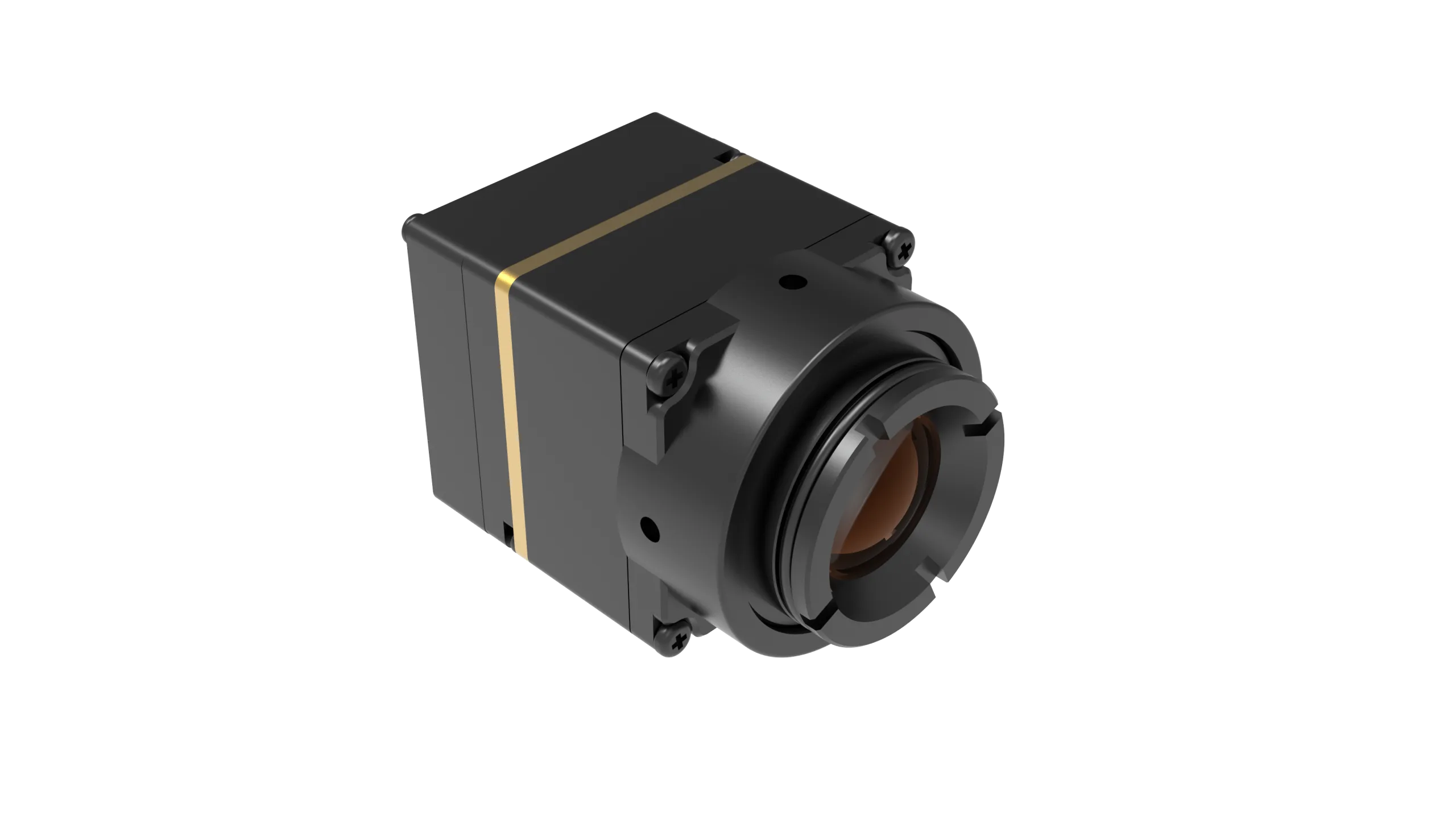
The current CAMCUDA AeroMini 640 product page provides a compact 640×512 evaluation path, not a native 1280×1024 replacement, an upgrade or a universally better option. It specifies 12 µm pitch and ≤30 mK NETD at 25 °C, F/1.0. Non-radiometric imaging is 60 Hz by factory default, with a 30 Hz factory option; that version does not measure temperature. The radiometric version is 25 Hz and available by enquiry. Published 21 × 21 × 28 mm dimensions and <20 g mass exclude the lens and flange. Typical module consumption is <0.5 W at 25 °C; complete-kit consumption may differ.
If the job is a tight embedded device, a USB-first evaluation path, or a small drone payload, the compact module can be the safer fit even though the high resolution thermal imaging camera delivers more pixels. If the job is longer-range interpretation, broader scene capture, or more aggressive cropping, the 1280×1024 path becomes much easier to defend.
A realistic high resolution thermal imaging camera case
Imagine an industrial buyer reviewing outdoor conveyor infrastructure and hot-spot inspection targets from a moving platform. The scene includes warm motors, reflective metal, and distant detail that must be separated quickly. A high resolution thermal imaging camera can help the operator distinguish subtle target zones without walking the platform closer to every suspect area. The extra detail also gives the engineering team more room to crop regions of interest for a maintenance report.
Now consider a compact drone payload that must stay light, USB-friendly, and simple to bring up. In that case, the higher-resolution option may improve detection, but it also introduces more choices around lens, output standard, host board design, and payload mass. That is why the “best” high resolution thermal imaging camera depends on the mission architecture, not only on the sensor headline.
High resolution thermal imaging camera interface review
For a native 1280×1024 path, request the supplier’s exact video formats, delivered frame sizes and rates, control protocol, connector pinout and electrical levels. Do not assume that an interface named on a different module is supported. If the workflow includes a legacy monitor, recorder, field display or drone video transmitter, ask whether CVBS is available on the selected configuration and confirm during RFQ. A legacy display output does not establish delivery of native 1280×1024 detail to the host.
Because many high resolution thermal imaging camera projects sit in industrial monitoring, drone inspection, or procurement-heavy environments, documentation also matters. Request an NDAA statement, origin and supplier information, technical drawings and interface references for the exact configuration. Have the applicable destination-market and procurement requirements reviewed; a statement or product mention is not a blanket compliance guarantee.
For general optics and integration background, see LightPath’s Long Wave Infrared Guide for OEM Systems. It does not establish the video, power, control or performance specifications of the module selected for your project.
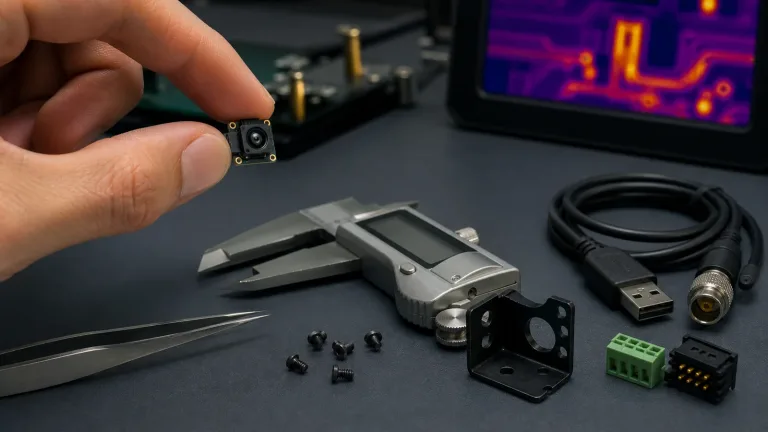
Compact 640 reference: AeroMini connector and cable
The following references apply only to the illustrated AeroMini USB + CVBS + MIPI tailboard, not a native 1280×1024 core or the separate Type-C + CVBS board. Match the board revision, physical connector orientation and full signal table before wiring. The schematic labels RS232_RX and RS232_TX; confirm electrical levels and any required transceiver before connecting a TTL-level UART. The 16-pin POWER_IN1 and the separate 26-pin guide’s POWER_IN2 are 5 V inputs; do not apply 12 V.


Consult the AeroMini FAQ for Linux drivers, examples and SDK resources, then confirm the supplied board, firmware, host, format and rate. A resource link does not establish host compatibility or an SDK test result. The four-page datasheet has no dimensioned assembly drawing; request matched CAD for the ordered lens and tailboard. The separate 7 mm STEP reference does not cover every assembly.
What to send with a high resolution thermal imaging camera RFQ
A high resolution thermal imaging camera RFQ should include the scene distance, target size, preferred lens range, expected frame-rate requirement, host board or recorder path, allowable payload mass, power window, and destination market. Buyers should also state whether they need raw thermal data handling, a serial control path, or a legacy display workflow during evaluation. That single page of context prevents weeks of back-and-forth.
This matters particularly when native 1280×1024 detail must survive the entire optical and video chain. A high resolution thermal imaging camera that looks impressive in a catalog can still be the wrong fit if the host only supports a simpler digital input or if the enclosure cannot accept the lens and mass combination. Strong RFQs reduce that risk before a sample is even ordered. Use the thermal imaging calculator only for preliminary scene geometry with supported inputs, then confirm the lens/FOV and validate representative scenes; calculator results do not guarantee resolved detail or operating range.
Common high resolution thermal imaging camera mistakes
- Assuming a high resolution thermal imaging camera automatically improves every application.
- Ignoring lens availability and scene geometry when comparing 640×512 and 1280×1024 paths.
- Overlooking host-side interface requirements such as BT1120, SDI, CameraLink, or serial control.
- Skipping mass and power review for drone and embedded payload programs.
- Forgetting to ask about legacy display or recorder needs until late in the evaluation.
- Treating compliance paperwork as an afterthought rather than part of the supplier decision.
When a high resolution thermal imaging camera is the cheaper long-term choice
A high resolution thermal imaging camera can look expensive on the first quote, but it may still reduce program cost if it prevents repeated flights, repeat inspections, or host redesign. The extra resolution can preserve more useful scene detail during early evaluation, which means engineering teams spend less time arguing over whether a target was truly visible. That is often worth more than the delta between one module price and another.
The reverse can also be true. If the host pipeline, payload, and operator workflow cannot use the extra detail, then the higher-resolution option only adds cost and schedule risk. This is why buyers should compare outcome economics instead of assuming that the biggest detector is automatically the commercial winner.
FAQ from high resolution thermal imaging camera buyers
When is a high resolution thermal imaging camera worth the cost?
It is worth it when the task benefits from more scene detail, more cropping room, or stronger long-range interpretation without changing the operating platform.
Does higher resolution replace the need for the right lens?
No. Lens choice and FOV still control how useful the extra pixels become in the real scene.
Is a 640×512 module still practical?
Yes. A compact 640×512 module can be the better choice when weight, USB-first integration, or tighter power limits dominate the project.
What supplier evidence should I request for a native 1280×1024 module?
Request the native detector specification, lens/FOV data, NETD test conditions, delivered frame size and rate, exact video and control interfaces, electrical levels, power limits and matched assembly drawings. Require evidence for the quoted configuration. A 640×512 module or upscaled 640 image does not meet a native 1280×1024 requirement.
Should I ask about CVBS on a high resolution thermal imaging camera project?
Yes if evaluation, legacy monitoring, or field viewing is part of the workflow. Ask whether the exact configuration supports CVBS, at what format and rate, and alongside which digital outputs. Confirm during RFQ; CVBS availability is not a promise that the host receives native 1280×1024 detail.
Why is NDAA wording relevant here?
High resolution thermal imaging camera projects may have destination-market or procurement documentation requirements. Request NDAA, origin and supplier documentation for the exact configuration and have the applicable requirements reviewed. A statement alone is not a blanket compliance guarantee.
What do community questions usually reveal?
The linked 2021 AskElectronics question asks about thermal resolution and frame-rate constraints. It is useful as a community question to consider when defining system requirements, not as technical, export-control or current-price authority. Check those requirements against current supplier documentation.
What should I send in my first RFQ?
Include use case, target distance, lens preference, host interface, power range, payload limits, destination market, and any documentation requirements.
Community-question reference: this 2021 AskElectronics thread on thermal resolution and frame rate. It provides a historical buyer question, not a verified specification, export rule or current pricing source.
Buyers should also remember that host-software effort scales with output format complexity. If a high resolution thermal imaging camera forces a new capture chain, synchronization routine, or recording workflow, the engineering budget must include that work from day one. That is another reason to compare module choice against the full project, not only the sensor headline.
Compare the high resolution thermal imaging camera path against your host constraints
Send CAMCUDA an RFQ through the contact page with your native resolution requirement, scene geometry, lens, host interface, payload and documentation constraints. If 640×512 meets the task, review the AeroMini compact-module configuration. If native 1280×1024 is mandatory, keep it explicit and request matching supplier evidence; AeroMini is not an equivalent substitute.