CAMCUDA / ENGINEERING TOOLS
Thermal RAW Module Selector
Choose the data your project needs. Compare AeroMini 640, ThermoCore 640 and FlexMini 640 by temperature measurement, RAW output rate and data format.
Three modules.
Different RAW workflows.
03 / TAKE THE NEXT STEP
Carry the requirements into your enquiry.
Copy or download a project brief with the selected inputs, candidate models, remaining configuration checks and calculated image payload. Add your host, lens, temperature requirements and quantity before sending it to CAMCUDA.
THE THREE DATA PATHS
Thermal RAW module selector: compare the key specifications.
All three models use a 640 × 512 detector. The meaningful choice here is the delivered data path: whether it supports temperature measurement, which RAW formats are available and the rate for that selected mode.
| Selection point | AeroMini 64060 Hz imaging | ThermoCore 640Radiometric USB RAW | FlexMini 64014-bit RAW · Y16 |
|---|---|---|---|
| Version compared | Radiometric RAW configuration | Radiometric RAW configuration | Non-radiometric RAW configuration |
| Detector resolution | 640 × 512 | 640 × 512 | 640 × 512 |
| RAW data | 14-bit / 16-bit RAW options | 14-bit / 16-bit RAW options | 14-bit data carried in a 16-bit container |
| RAW output rate | 15 Hz | 25–30 Hz, configuration dependent | 50 Hz |
| Rate to use for an initial shortlist | 15 Hz | 25 Hz; confirm the 30 Hz configuration | 50 Hz |
| Temperature measurement | Radiometric version; matching calibration and conversion required | Radiometric version; matching calibration and conversion required | Not provided by the non-radiometric version |
| Key integration check | RAW output mode and matching host capture path | Exact rate, firmware, RAW mode and matching SDK | Valid-bit location, byte order and RAW processing stage |
Keep the frame-rate labels attached to their modes.
AeroMini’s general radiometric imaging specification is 25 Hz; the radiometric RAW workflow compared here is 15 Hz. ThermoCore’s listed product configuration is 25 Hz, while its RAW selection range is 25–30 Hz depending on configuration. Select the exact module, firmware and output mode before treating an upper rate as an order specification.
CAMCUDA / PRODUCT FAMILIES
Explore the three module families.
Open the product pages for lens and interface configurations. These family reference images are not shown to scale and do not define the exact assembly for a selected RAW mode.
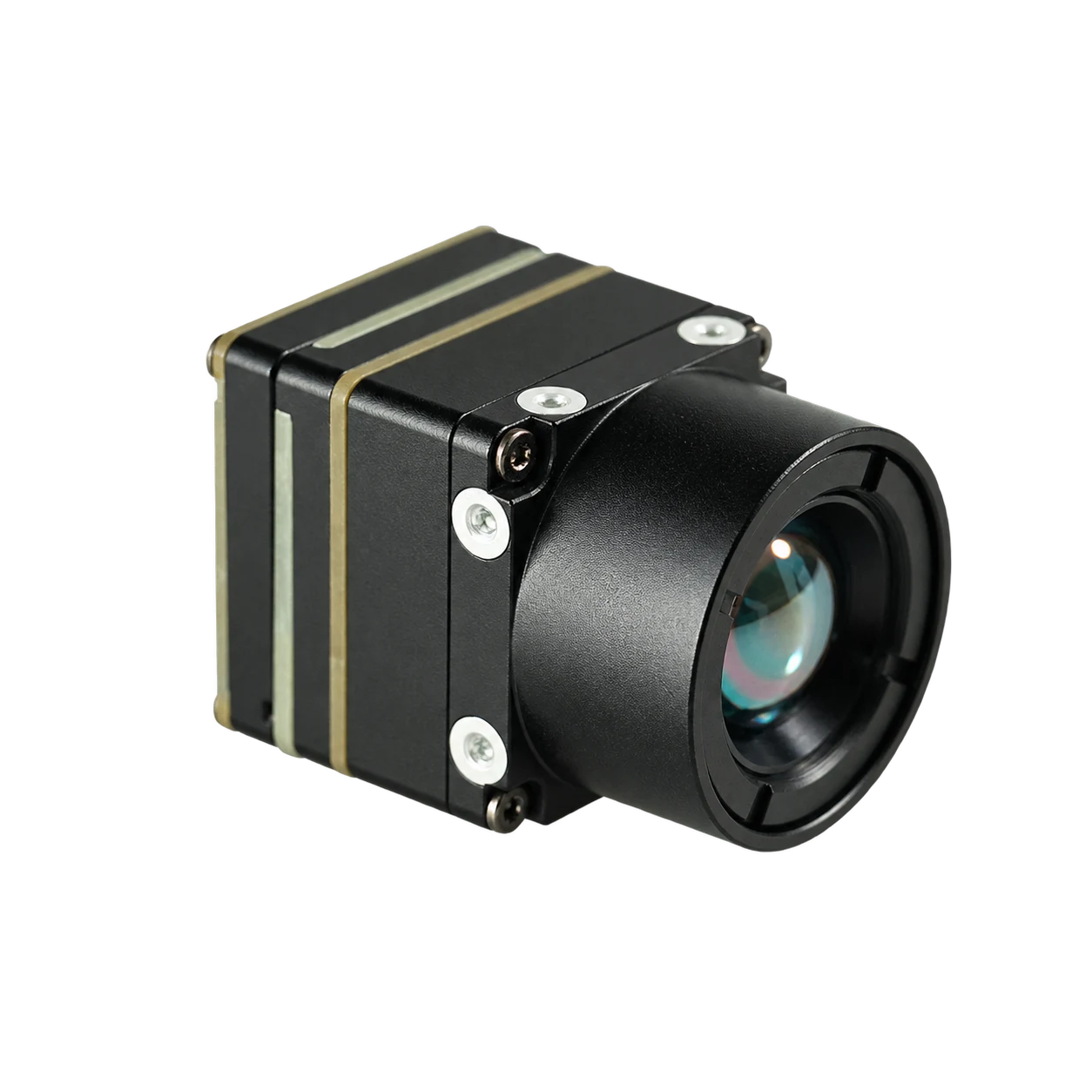
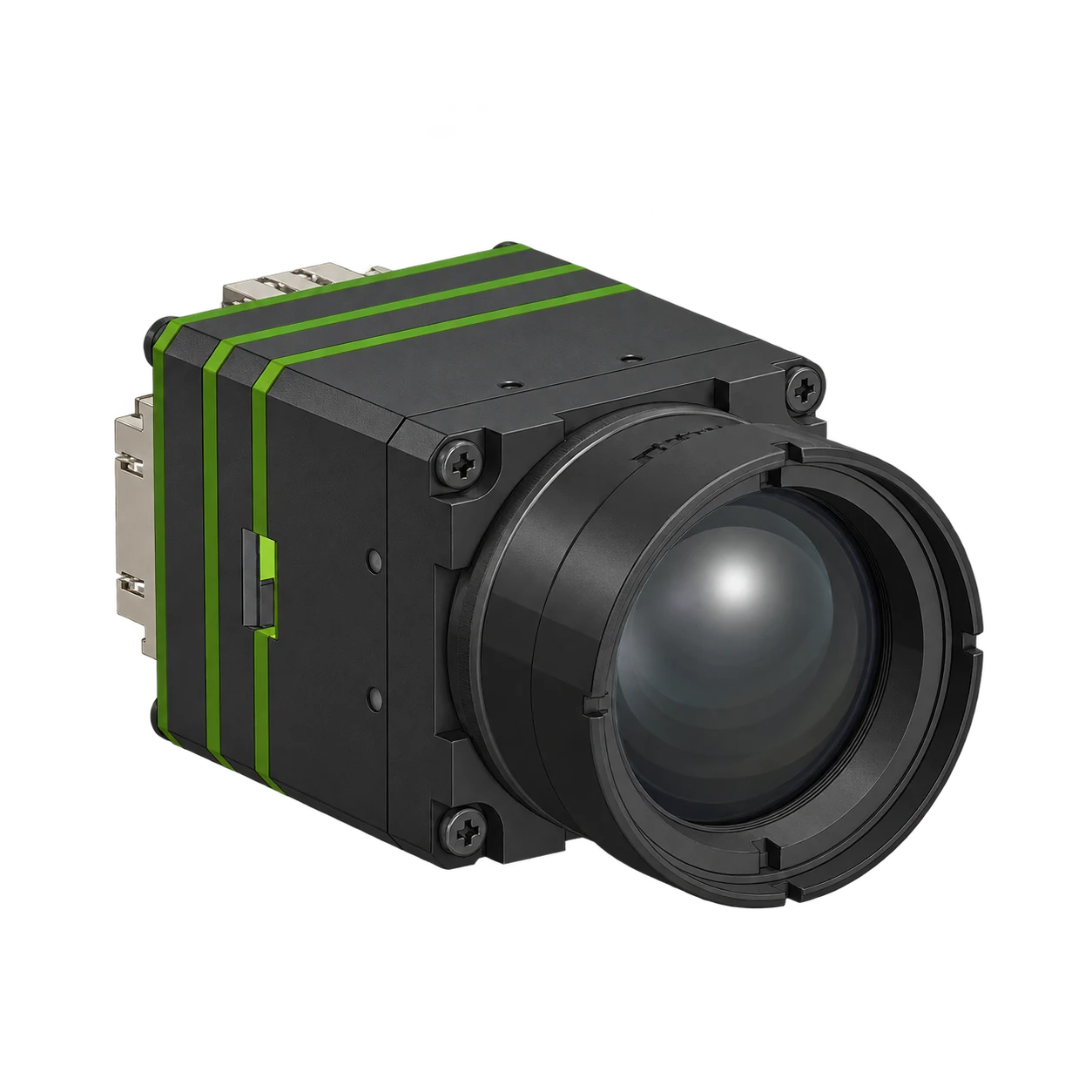
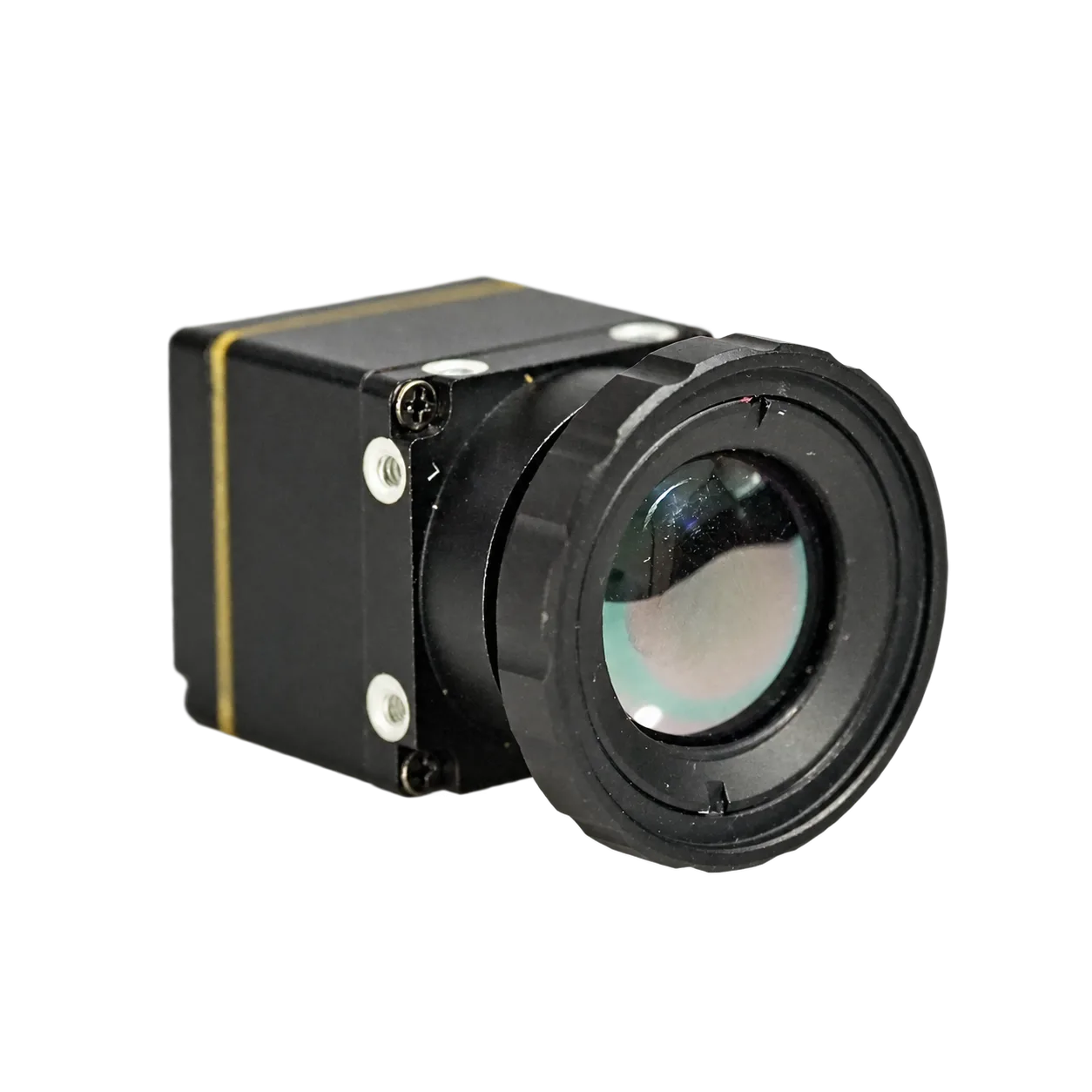
For the engineering background, read our RAW thermal camera module comparison covering radiometry, bit depth, processing stages and host capture.
READ THE RESULT CORRECTLY
How the thermal RAW module selector works.
Choose measurement or imaging.
If you need calibrated temperatures, start with a radiometric model. A high-bit-depth image from a non-radiometric model is still an imaging signal; the word size alone does not supply a temperature conversion or calibration. FlexMini therefore leaves the shortlist when temperature measurement is required.
Choose the RAW rate.
AeroMini enters a 15 Hz shortlist. ThermoCore enters a 25 Hz shortlist, and appears under configuration confirmation for a 30 Hz requirement. FlexMini supplies the listed 50 Hz imaging path. Asking for radiometry at 50 Hz produces no match in this three-model comparison.
Keep precision and packing separate.
The 14/16-bit option identifies the available RAW choices on the radiometric models. It does not prove native 16-bit detector accuracy. The 14-in-16 option directly matches FlexMini; a radiometric model needs confirmation of its selected 14-bit mode’s container and alignment.
The image-payload calculation
Bytes per frame = 640 × 512 × 2 = 655,360. Multiply by frames per second for bytes per second, then by recording time for image-only storage. Divide by 1,000,000 for MB/s, by 1,048,576 for MiB/s, or by 1,073,741,824 for GiB of storage.
For example, a 50-frame/s stream in a 16-bit container requires 32.768 MB/s of image payload. That number is a planning calculation, not a USB speed test. Line padding, telemetry, packet headers, file formats, disk behavior and capture software can change the actual resource requirement.
Use the command for the selected SDK.
ThermoCore’s product information identifies AGC level 0 as the setting that disables automatic gain control. FlexMini’s RAW source selector uses a different command field: source 0 identifies the RAW tap. These numbers are not a universal command shared across camera families. Confirm the matching SDK, source selection and gain-control setting for the chosen output path.
What the brief should settle
Specify the exact connector and interface board, camera firmware, host operating system and requested format. Ask where the stream is taken from the processing pipeline, whether correction remains active, how valid bits are aligned and which byte order is used. Obtain a representative capture and its matching format description before fixing the decoder.
For temperature measurement, also confirm the selected temperature range, conversion method, calibration conditions and required accuracy. Keep the recorded numeric data separate from the display image so contrast adjustments do not silently replace the values needed by your analysis.
The Linux V4L2 luma-format documentation explicitly distinguishes a Y16 storage format from the effective sampling precision. It is a useful format reference; the matching CAMCUDA SDK and capture sample determine the actual module layout.
Product references
AeroMini 640 configurations · ThermoCore 640 RAW & SDK · FlexMini 640 RAW integration · FlexMini 640 user manual · Documentation library
Configuration scope: 4 November 2026. Product pages carry current lens, interface and purchasing options. Confirm your selected RAW mode in the project quotation.
Thermal RAW module selector FAQ
Which module can I shortlist for radiometric RAW output at 15 Hz?
AeroMini 640’s radiometric RAW configuration is listed at 15 Hz. ThermoCore 640 also meets a minimum 15 Hz requirement with its listed 25 Hz configuration. Confirm the requested data format, output mode and temperature conversion for the selected module.
Does ThermoCore 640 always deliver 30 Hz RAW output?
No. Its RAW selection range is 25–30 Hz depending on configuration, and the listed product configuration is 25 Hz. The tool treats a 30 Hz requirement as a configuration check, rather than an unconditional match.
Is FlexMini 640 a radiometric 16-bit camera?
The compared FlexMini 640 version is non-radiometric. It carries 14-bit image data in a 16-bit container at 50 Hz. That transport format does not establish 16-bit native precision or calibrated temperature measurement.
Why does a 14-bit sample sometimes use two bytes?
A host format may store each sample in a 16-bit word for byte alignment. Fourteen valid bits still fit inside that word. Confirm the valid-bit location and byte order; do not assume a generic mask or shift from the word size alone.
Does the payload calculator include USB overhead?
No. It calculates only 640 × 512 image samples at two bytes per pixel. Metadata, padding, packet overhead, file headers and other traffic are excluded. Use a representative host capture to measure the complete system requirement.
Can I share the same selector inputs with my integration team?
Yes. Copy the selection link to preserve the chosen inputs. Copy or download the project brief to include the candidate models, conditional checks and image-payload calculation. Add the host, lens, measurement requirements and quantity before requesting a configuration review.