thermal drone camera: 6 costly handoff gaps between demo flight and repeatable inspection
Drone inspection handoff teardown
thermal drone camera: 6 costly handoff gaps between demo flight and repeatable inspection
The first demo flight can be misleading. A thermal drone camera may show a clean heat signature over a substation cabinet, the pilot may like the live view, and procurement may think the sample is ready to reorder. Then the field team asks for the recorded evidence, the engineer asks which interface the host board actually used, and the buyer realizes the RFQ never separated the pilot screen from the inspection data path.
That is the moment this article is written for: a UAV integrator or inspection solution team that wants a repeatable thermal payload, not a one-time good image.
Quick answer
A thermal drone camera becomes repeatable when six handoffs are clear before sample ordering: mission target, payload fit, live-view path, recording path, control path, and procurement documents. For CAMCUDA buyers, a current featured starting point is CAMCUDA AeroMini 640 in the non-radiometric 9 mm USB + CVBS + MIPI configuration. It provides 640 × 512 imaging at a 60 Hz factory default or optional 30 Hz factory configuration and does not measure temperature. Confirm the supplied board, actual output rates, host capture, matched control pins, lens/FOV and required documents during RFQ.
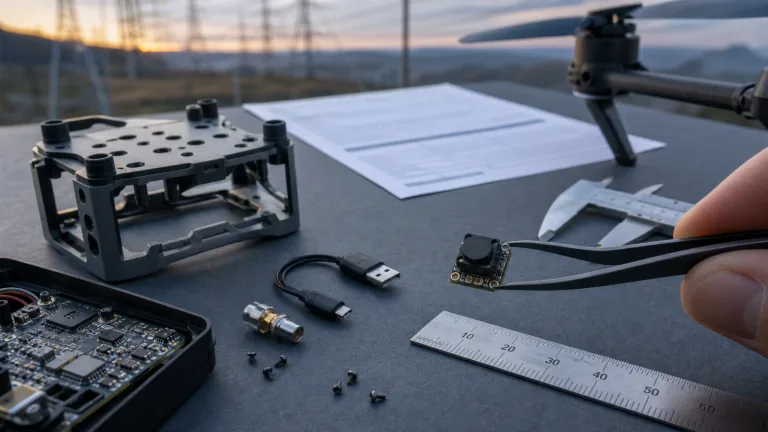
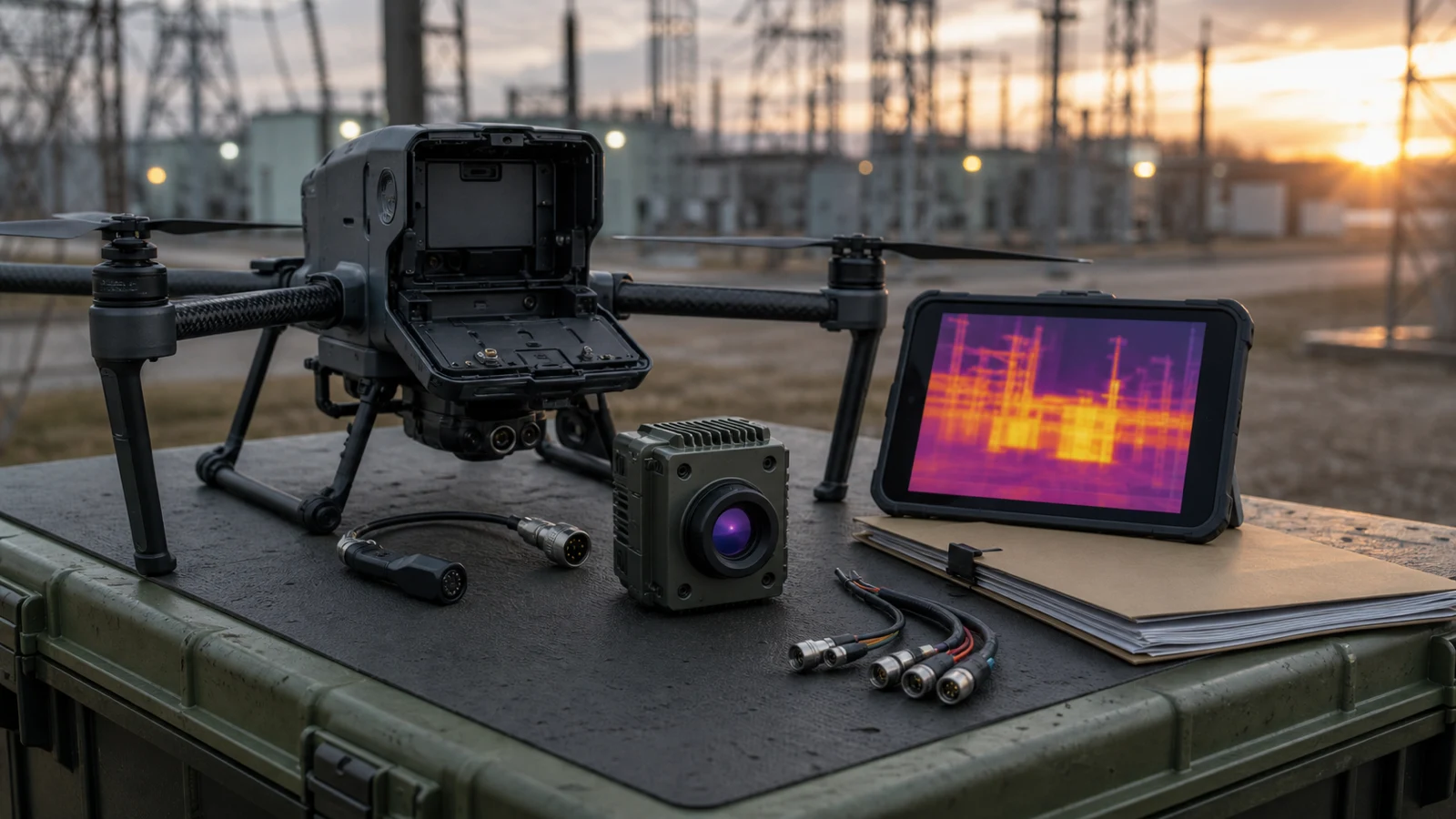
thermal drone camera handoff chart: where a good demo still fails
Industry coverage around edge AI and industrial vision points to a useful systems lesson: the sensor is only one part of the deployment chain. NVIDIA’s physical AI and edge robotics discussion concerns systems that operate in the physical world, while Micron’s edge AI coverage discusses local processing and data movement. For a thermal drone camera buyer, the practical inference is to review the full deployment chain. These background articles do not establish AeroMini host compatibility or field performance.
For a thermal payload, the practical question is simple: after the aircraft lands, can the team prove what it saw, repeat the flight, and reorder the same usable configuration?
| Handoff gap | What usually goes wrong | Decision to lock before RFQ |
|---|---|---|
| Mission target | The demo target is easy, but the real inspection target is smaller, farther away, or partly hidden. | Define target size, working distance, flight window, and required field of view. |
| Payload fit | The module image is acceptable, but weight, board stack, cable bend, or enclosure clearance is not. | Share payload envelope, mounting plan, power budget, and cooling/enclosure constraints. |
| Live view | The pilot sees a thermal image, but the route to the display is not the route needed in production. | Choose the pilot display route; confirm USB or CVBS output, PAL/NTSC where needed, end-to-end latency and the selected board during RFQ. |
| Recording | Recorded files do not match what the operator saw, or the evidence cannot support field review. | Separate pilot view, recorder path, timestamps, and review workflow. |
| Control | Brightness, contrast, palette, or correction controls are left to late firmware work. | Confirm the matched board control pins, electrical levels, serial commands and required image settings separately from the video path. |
| Documentation | Procurement approves the sample price but still needs compliance or interface documents before reorder. | Request the datasheet, ordered-assembly drawing and matched interface guide; ask which exact-model CE/RoHS or NDAA-related documents are available if the purchaser’s contract requires them. |
Product fit: start with the AeroMini 640 9 mm configuration
CAMCUDA AeroMini 640 is a current featured module for UAV payload evaluation. The configuration reviewed here is non-radiometric, with a 9 mm F/1 lens and a listed 48.7° horizontal × 38.6° vertical FOV. The USB + CVBS + MIPI kit includes the module with lens, one matching tailboard and a USB cable that requires customer soldering. It is a module-level imaging core: the aircraft, gimbal, host, recorder and complete payload still require integration and acceptance testing.
For broader category comparison, use the thermal imaging cores and uncooled thermal modules pages. Use the table below to review the selected AeroMini configuration, then request the complete lens, board, cable and mounting envelope for the assembly you intend to order.
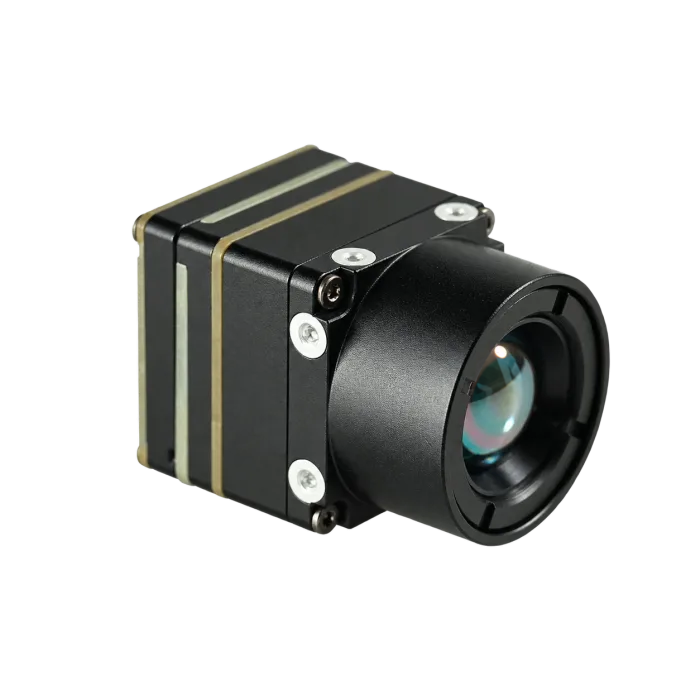
| Product | CAMCUDA AeroMini 640; non-radiometric 9 mm; USB + CVBS + MIPI |
|---|---|
| Detector type | Vanadium oxide uncooled infrared focal plane detector |
| Resolution | 640 x 512 |
| Pixel pitch | 12 um |
| Spectral range | 8-14 um |
| Detector frame rate | 60 Hz factory default / 30 Hz factory option; confirm each output rate and simultaneous-output requirement |
| NETD | <=30 mK at 25 °C, F/1.0 |
| Supply voltage | 5 V at the illustrated POWER_IN1 / POWER_IN2 inputs; do not apply 12 V; confirm the exact board |
| Typical power consumption | <0.5 W at 25 °C, typical module consumption; complete-kit and payload power must be checked separately |
| Digital video | USB + MIPI in the selected package; confirm board, firmware, video format, host and output rates |
| Communication | Illustrated 16-pin USB/CVBS: pins 3/4 labelled RS232_RX/TX; separate 26-pin MIPI/DVP: 3.3 V UART. Confirm the matched board and serial guide. |
| Analog video support | CVBS in the selected package; confirm PAL/NTSC, output combinations and recorder compatibility |
| Weight | <20 g, excluding lens and flange; not the complete payload weight |
| Dimensions | 21 × 21 × 28 mm, excluding lens and flange; request the complete ordered assembly envelope |
| Operating temperature | −40 °C to +80 °C; validate the complete payload under its enclosure and flight conditions |
| Storage temperature | −50 °C to +85 °C |
| Humidity | 5%-95%, non-condensing |
| Vibration | Request vibration qualification requirements and supporting evidence for the exact assembled payload; no value is established here |
| Shock | Request shock qualification requirements and supporting evidence for the exact assembled payload; no value is established here |
A field example: the utility inspection image was fine, the workflow was not
Consider an illustrative scenario, rather than a reported customer result: a small inspection team is building a thermal payload for utility yard patrol. The aircraft can carry a compact sensor and a light gimbal. The first mission is not heroic: a short morning route over cabinet doors, cable terminations, and a fenced equipment row. The team wants a thermal drone camera that helps flag relative heat patterns and gives enough image evidence for a supervisor to decide whether a ground technician should return. This non-radiometric configuration supplies images, not temperature readings.
The practical trade-off appears early. A digital USB path can serve host-side capture and development, while a CVBS path may be needed to feed an existing pilot display, recorder or video transmitter. Confirm the selected board, output format and measured end-to-end latency with the actual host and recorder. Neither choice is automatically better. The mistake is choosing the path only after the enclosure and recorder are already designed.
Teledyne FLIR’s SIRAS professional drone example provides separate field context for industrial and utility inspection; its complete-aircraft and radiometric capabilities are not AeroMini specifications. For CAMCUDA buyers, use the drone thermal camera application page to frame the UAV payload requirement, then check outdoor field thermal imaging if the same module path will also support fixed monitoring, site inspection or service workflows. Each installation needs its own environmental and evidence-path review.
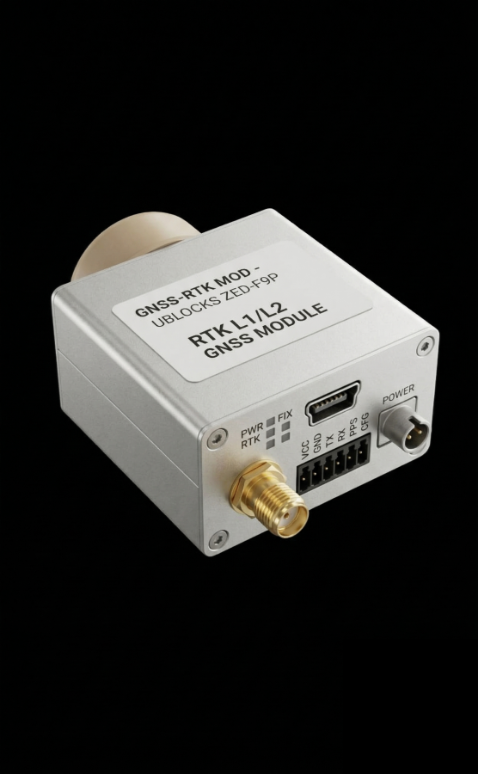
Interface path: do not merge pilot view, host capture, and control into one vague line
The most realistic mistake is writing “USB or analog output needed” in the RFQ and assuming engineering will resolve the rest. A thermal drone camera project needs a cleaner split.
First, define the pilot view. Is the operator watching a host display, a low-latency analog monitor, a ground-station screen, or a recorder preview? Second, define the evidence path. What file or stream will be reviewed after the flight, and who decides whether the target needs follow-up? Third, define the control path. Who adjusts brightness, contrast, pseudo color palette, non-uniformity correction, or other image settings?
USB-IF documentation is useful background on USB as a host/device ecosystem. It does not certify AeroMini compatibility with a particular host. For the selected USB + CVBS + MIPI package, confirm the host role, board revision, firmware, video format, capture software and required output rates. Plan control separately: the illustrated 16-pin USB/CVBS guide labels pins 3/4 RS232_RX/TX; the separate 26-pin MIPI/DVP guide lists 3.3 V UART. Do not assume that USB video also supplies USB serial control, or that every output can run at 60 Hz simultaneously.

For procurement, add the documentation handoff to the same conversation. Start with the AeroMini datasheet, model-specific SDK FAQ and technical documentation folder for manuals and serial-command resources. Match the resources to the exact board, firmware, host and video path; their availability does not prove host compatibility. Request a drawing for the ordered 9 mm assembly: the published 7 mm STEP resource is not a 9 mm lens assembly drawing. If the purchaser’s contract requires NDAA-related, CE/RoHS or other documentation, name the exact model, configuration, destination and intended use, ask which documents are available, and review their scope against that contract before sample release.
Common mistakes that make the second thermal drone camera order harder
Mistake 1: approving the image before approving the path
A good live image is useful evidence that the module can see the target. It is not proof that the production payload has a stable display route, recording route, control route, and documentation package.
Mistake 2: treating weight as the only payload constraint
AeroMini is listed at <20 g and 21 × 21 × 28 mm excluding lens and flange. Those figures do not establish the weight or envelope of the complete 9 mm lens, tailboard, cables, mount and enclosure. Payload fit also depends on cable bend radius, approved board input, power budget and enclosure temperature. The typical <0.5 W at 25 °C is a module figure; measure complete-kit and payload consumption separately.
Mistake 3: asking for CVBS too late
CVBS can be useful for legacy displays, drone video transmission and OEM retrofits. The selected AeroMini package includes CVBS, but the board, PAL/NTSC format, simultaneous outputs, recorder compatibility and end-to-end latency still need confirmation before the sample ships.
Mistake 4: leaving procurement documents until reorder
If the buyer’s contract calls for NDAA-related or CE/RoHS materials, ask which model- and configuration-specific evidence is available. Request the matched interface reference and ordered-assembly drawing early as well. Confirm document revisions and scope before approval; a delayed document request can stop a reorder even when the sample performed well.
thermal drone camera RFQ checklist for a cleaner sample order
Use this checklist before contacting CAMCUDA. It makes the conversation faster and reduces the chance that a good sample flight turns into a late integration problem.
- Target mission: utility inspection, roof review, perimeter monitoring, industrial equipment patrol, agriculture, or other commercial UAV use.
- Target details: object size, working distance, flight altitude range, expected background, and whether the scene is low-contrast.
- Payload constraints: available weight, module envelope, gimbal or fixed mount, enclosure plan, cooling, and cable routing.
- Video path: pilot display, USB/MIPI host capture, recorder, timestamps, required CVBS PAL/NTSC format, actual output rates and any simultaneous-output requirement.
- Control path: exact interface board, matched serial pins and electrical levels, commands, image adjustment needs and firmware expectations; keep control separate from USB video.
- Documentation: datasheet, ordered-assembly drawing, matched electrical reference and document revisions; identify any NDAA-related or CE/RoHS evidence the purchaser’s contract requires and confirm availability and scope.
- Commercial path: sample quantity, target reorder plan, destination country, intended use, and requested support timeline.
Review the module before the sample becomes the bottleneck
Start with the AeroMini 640 non-radiometric 9 mm product configuration, compare the thermal module category, then send CAMCUDA the mission, interface, payload and documentation details needed for a useful RFQ. Record the selected factory frame rate and acceptance checks so the reorder can match the approved sample.
Review AeroMini 640 Check support downloads Request engineering RFQ
Technical author: Daniel · Hardware Support
Sales contributors: Vivian, Lena and Sophie
FAQ
Is a thermal drone camera the same as a complete thermal drone?
No. In this article, thermal drone camera refers to the thermal imaging payload or module path used in a UAV system. AeroMini 640 is a module-level LWIR imaging core for integration, so the aircraft, gimbal, host electronics, enclosure and recorder still need engineering review. The selected non-radiometric version does not measure temperature.
Why does the article focus on handoffs instead of only resolution?
Resolution matters, but repeatable inspection also depends on payload fit, video route, control route, evidence review, and procurement documents. A 640 x 512 image can still be hard to use if the pilot view and recorded evidence are not planned.
When should I ask about CVBS analog output?
Ask early if the thermal feed must connect to a legacy display, recorder, analog video transmitter, pilot screen or OEM retrofit path. The selected AeroMini USB + CVBS + MIPI package includes CVBS; confirm the supplied board, PAL/NTSC format, output combinations, recorder compatibility and measured end-to-end latency during RFQ.
Can one module support both development capture and field viewing?
It may be possible depending on the selected configuration and host system, but do not assume every output operates simultaneously at the selected core rate. Share the host board, display, recorder, control interface and required output paths with CAMCUDA before sample ordering. Confirm the board, firmware, formats and actual rates, then test both live viewing and recorded evidence.
What makes AeroMini 640 relevant for UAV payload evaluation?
The selected non-radiometric 9 mm USB + CVBS + MIPI configuration provides 640 × 512 uncooled VOx imaging, 12 um pixel pitch, a 60 Hz factory default or 30 Hz factory option, and a 48.7° horizontal × 38.6° vertical FOV with the F/1 lens. It does not measure temperature. The listed <20 g and 21 × 21 × 28 mm exclude lens and flange; verify the complete lens, board, cable, power and mounting requirements before payload approval.
Do I need an NDAA statement for a thermal drone camera RFQ?
Ask during RFQ if the purchaser’s applicable contract requires one. Name the exact model, configuration, destination and intended use, and ask which model-specific NDAA-related documents are available. Confirm availability and scope, then have the purchaser review the evidence against the contract requirements. This article does not establish procurement eligibility.
What should I send before asking for a sample?
Send the mission, target distance, payload envelope, power budget, host board, video path, control path, lens/FOV need, destination country, intended use, and required documents. This is more useful than asking only for price and availability.
How do I avoid a demo flight that cannot be repeated?
Record the exact module configuration, lens/FOV, interface path, host device, display route, recorder route, power setup, firmware expectations, and field conditions. Then make those details part of the RFQ and reorder record.
Where should I go next on the CAMCUDA site?
Review the AeroMini 640 configuration, the drone thermal camera application page and outdoor field thermal imaging for mission context. Use support downloads and the AeroMini SDK FAQ for resources, then send configuration-specific questions through the contact page.