AI camera module buying guide / Civilian OEM projects
Two AI camera series. Choose your configuration.
Compare CAMCUDA AI VisionCube and AI Track for civilian inspection, observation and robotics imaging. Select visible-only or visible-plus-thermal hardware, review the exact configuration and start with an evaluation sample.
Configuration-specific specifications · Sample to volume
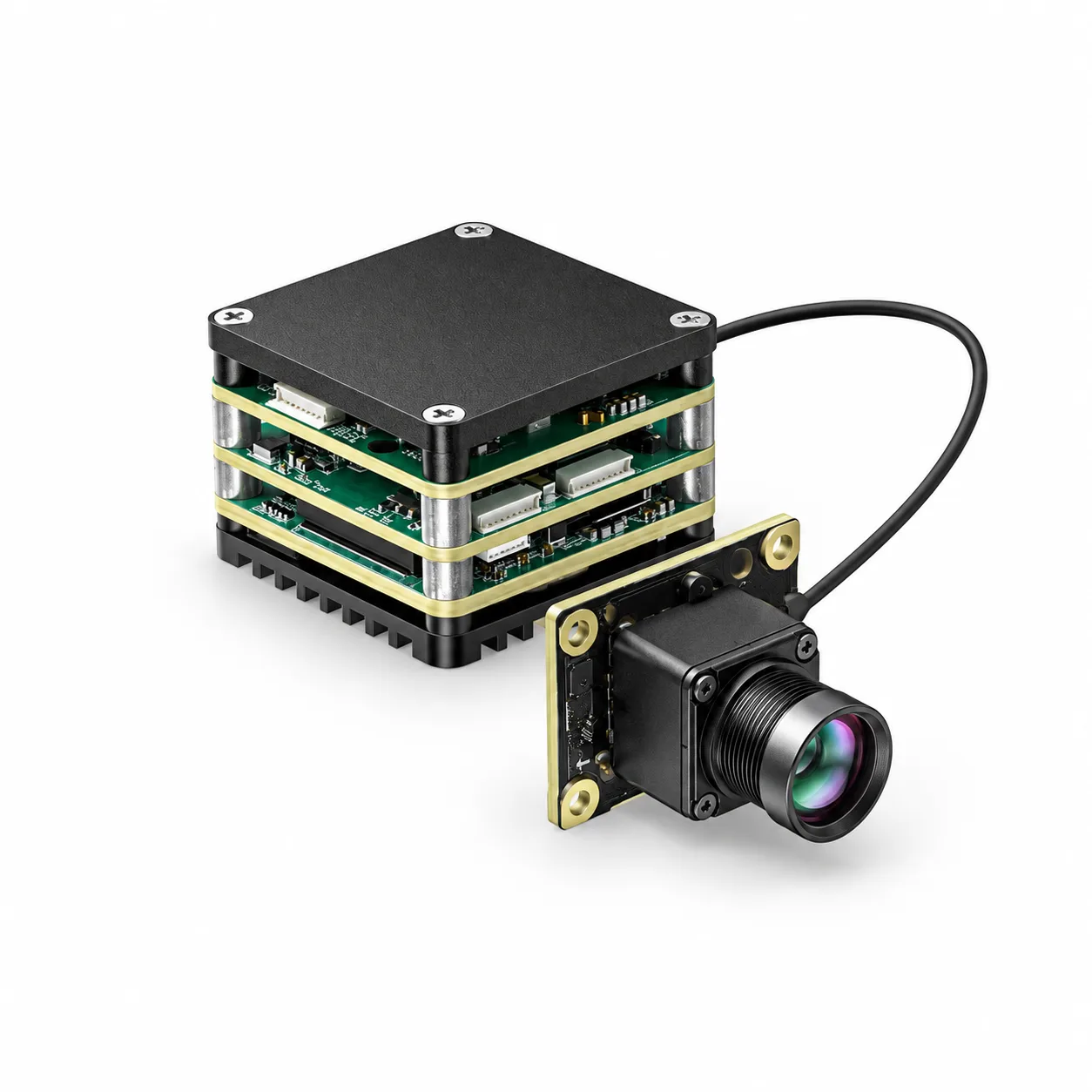
Product selection
Two series. Ten camera configurations.
Compare six VisionCube and four AI Track configurations. Each product page brings together camera specifications, configuration images, sample pricing and availability.
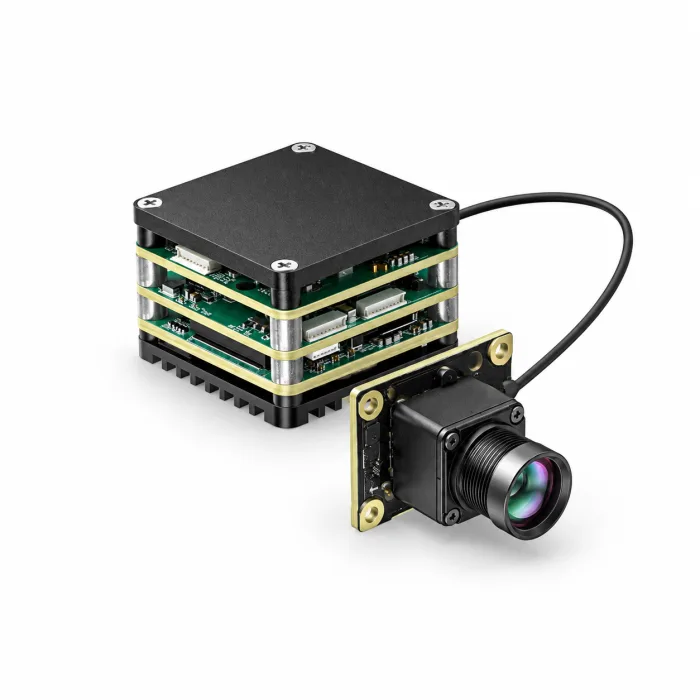
CAMCUDA AI VisionCube Visible & Thermal Camera Modules
Six configurations for civilian inspection and observation: S / D visible imaging, ST / DT with 384 thermal imaging, and ST Pro / DT Pro with 640 thermal imaging.S-series: single visible…
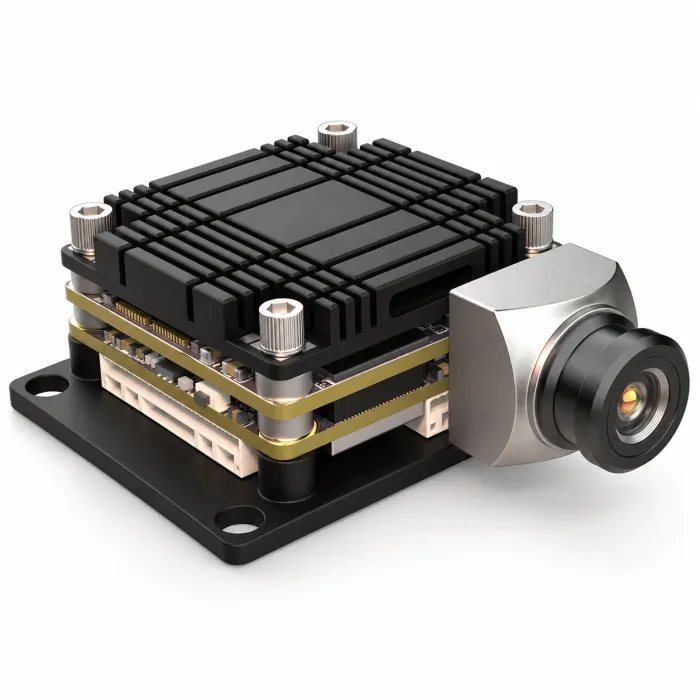
CAMCUDA AI Track EO & Thermal UAV Camera Modules
CAMCUDA AI Track offers four EO and EO + thermal camera configurations for civilian inspection, observation and robotics imaging. Choose a 4 TOPS or 6 TOPS processing platform, with optional 640…
Selection guide
Match the cameras and processing to your application.
VisionCube · Six configurations
S / D are visible-only; ST / DT add 384 × 288 thermal imaging; ST Pro / DT Pro add 640 × 512 thermal imaging. S-family models use one visible camera; D-family models use two.
AI Track · Four configurations
Choose 4T EO, 4T Dual 640, 6T EO 1080p or 6T Dual 640. EO configurations use a visible camera; Dual 640 combines one visible camera with one 640 × 512 thermal camera.
Camera-only alternative
If processing is already handled by your host, compare standalone thermal cores. An AI camera module and a thermal imaging core solve different integration needs.
| Series / configuration | Visible cameras | Visible output | Thermal option | Processing |
|---|---|---|---|---|
| VisionCube S / ST / ST Pro | Single visible | 1920 × 1080 / 30 Hz | S: none ST: 384 × 288 / 25 Hz ST Pro: 640 × 512 / 50 Hz | 1 TOPS |
| VisionCube D / DT / DT Pro | Dual visible | 1920 × 1080 / 30 Hz | D: none DT: 384 × 288 / 25 Hz DT Pro: 640 × 512 / 50 Hz | 6 TOPS |
| AI Track 4T EO / 4T Dual 640 | Single visible | 2160 × 1440 / 60 Hz | EO: none Dual 640: 640 × 512 / 50 Hz | 4 TOPS |
| AI Track 6T EO / 6T Dual 640 | Single visible | 1920 × 1080 / 120 Hz | EO: none Dual 640: 640 × 512 / 50 Hz | 6 TOPS |
Camera frame rates apply to the listed configurations. We specify the external output, interface and firmware for your selected hardware. For calibrated temperature data, request a thermographic configuration.
Video demonstration
Watch the single-spectrum demo.
Explore the supplied visible-camera workflow. Evaluate the thermal channel and selected hardware in your configuration-specific sample.
Project checklist
Confirm the details that change the result.
Camera inputs
Choose one or two visible cameras and the thermal resolution your project needs. VisionCube D uses two visible cameras; AI Track Dual 640 pairs a visible camera with a thermal camera.
Processing and imagery
VisionCube S-family: 1 TOPS; D-family: 6 TOPS. AI Track: 4 or 6 TOPS. Match processing capacity, camera resolution and frame rate to your host workflow.
Documents and hardware
We specify the supplied board revision, camera and lens set, full assembly dimensions, interface package and software documentation in the configuration review.
Sample evaluation
Evaluate image quality with your host, enclosure and software for the intended inspection, observation or robotics project. We quote the camera module and agreed accessories.
Sample / OEM / Volume RFQ
Tell us what you need to see.
Send the selected product, application, lens or viewing distance, host interface, size and power limits, quantity, destination and schedule. For thermography, include the measurement requirements. We will confirm the configuration and quotation.
Civilian and commercial end use only. We do not supply military end users.
FAQ
Questions before you choose.
Do these thermal options provide calibrated temperature measurements?
The listed thermal channels provide imaging. For numerical temperature measurements, include the required measurement specification in your inquiry so we can review a suitable thermographic configuration.
What does the demonstration show?
The supplied video shows a visible-camera, single-spectrum workflow. Use it to review that demonstration; evaluate the thermal channel and selected hardware in your configuration-specific sample.
How do I buy samples or request volume pricing?
Choose the exact configuration on the product page for sample pricing and availability. For 100 or more units, use the form on this page for a configuration-specific production quotation.
AEROMINI 640 · VISIBLE LIGHT & THERMAL IMAGING
See rain droplets on clothing.
Rain droplets on clothing, seen in thermal and visible light.
Explore AeroMini 640Rain droplets and wet areas produce the visible spot pattern in this thermal image; no temperature values are inferred. Faces anonymized for privacy.
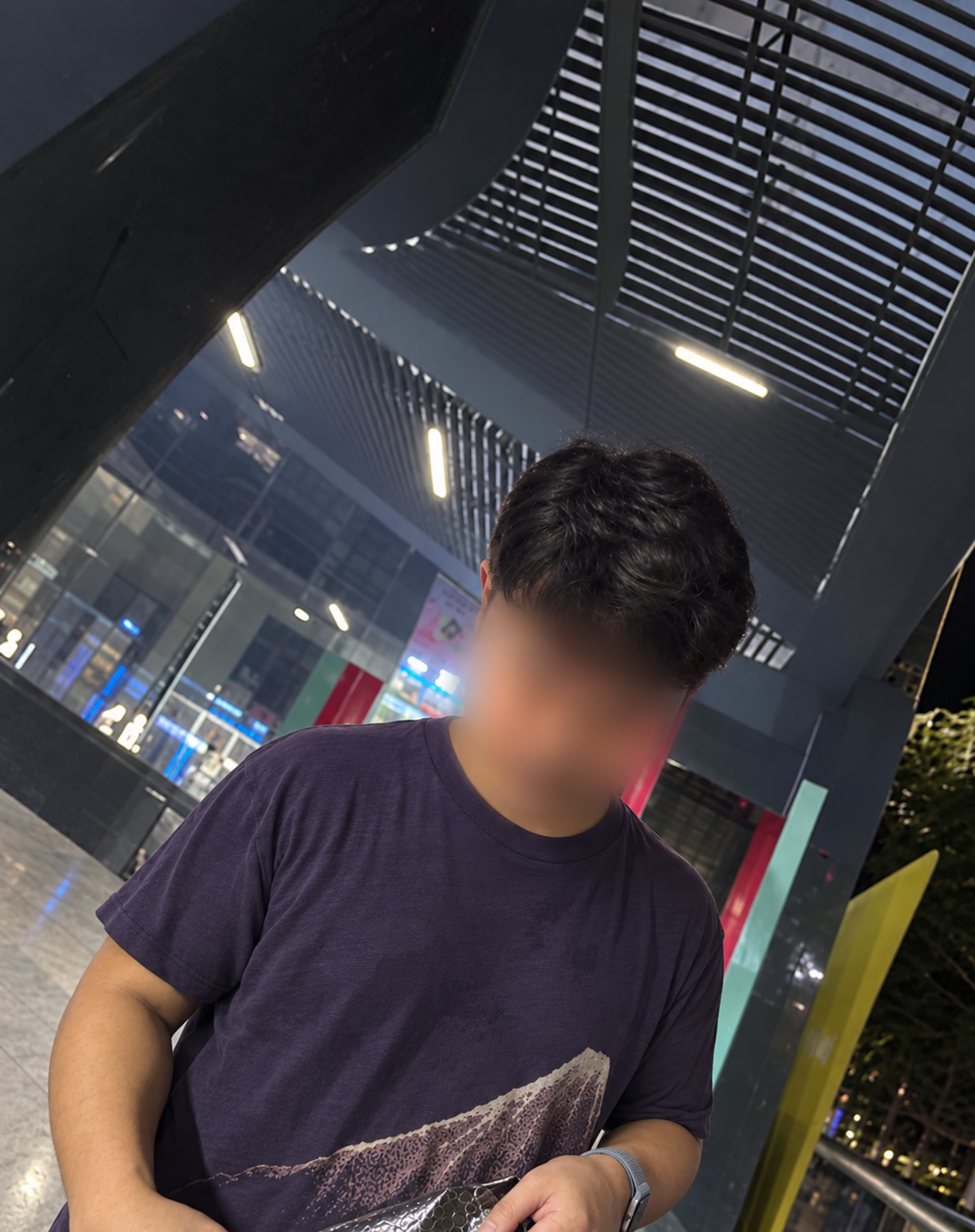 Corresponding clothing area
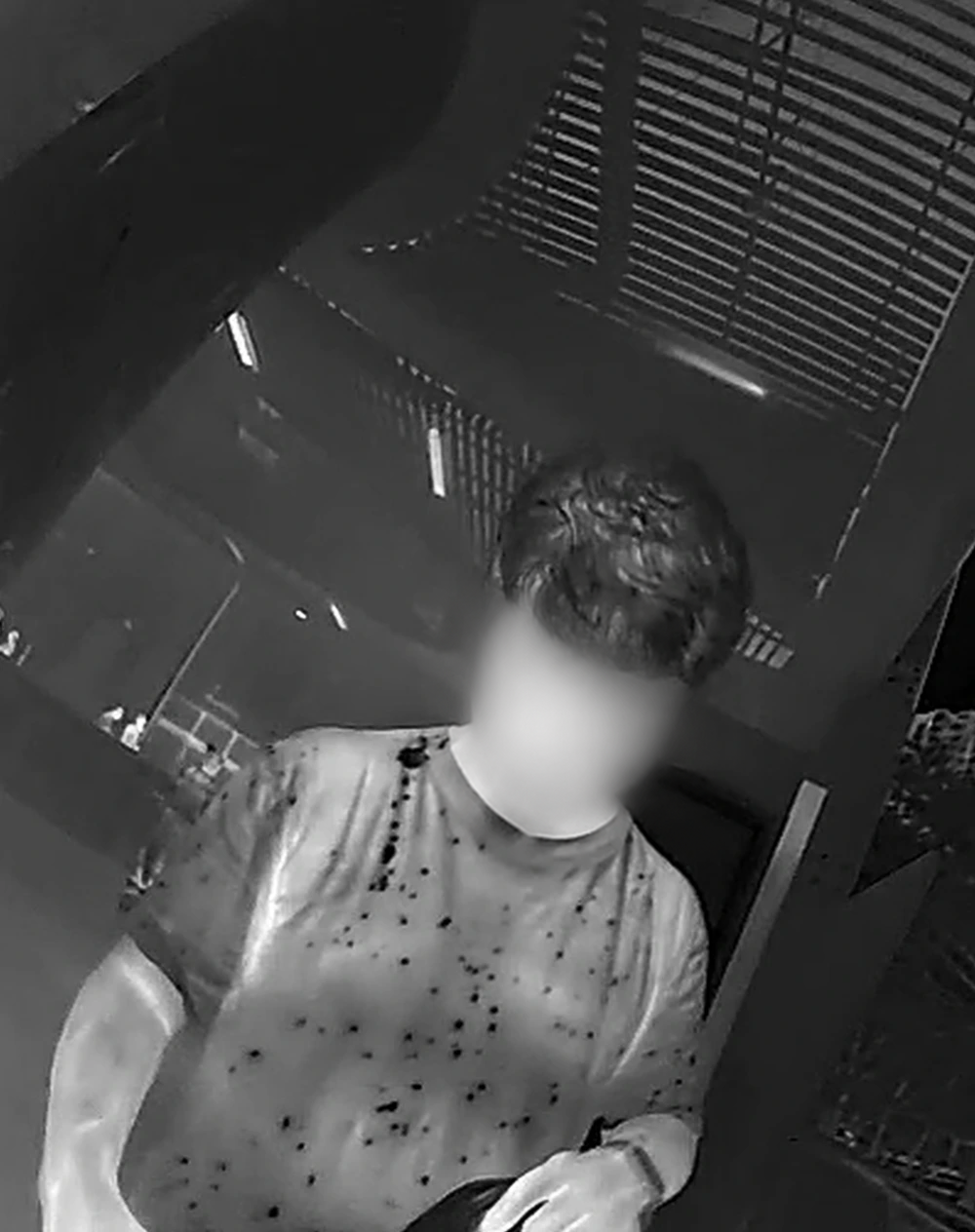 Rain droplets & wet areas
Drag to compare · Use arrow keys for precise control
Supplier review, made clear
A registered Hong Kong supplier you can verify.
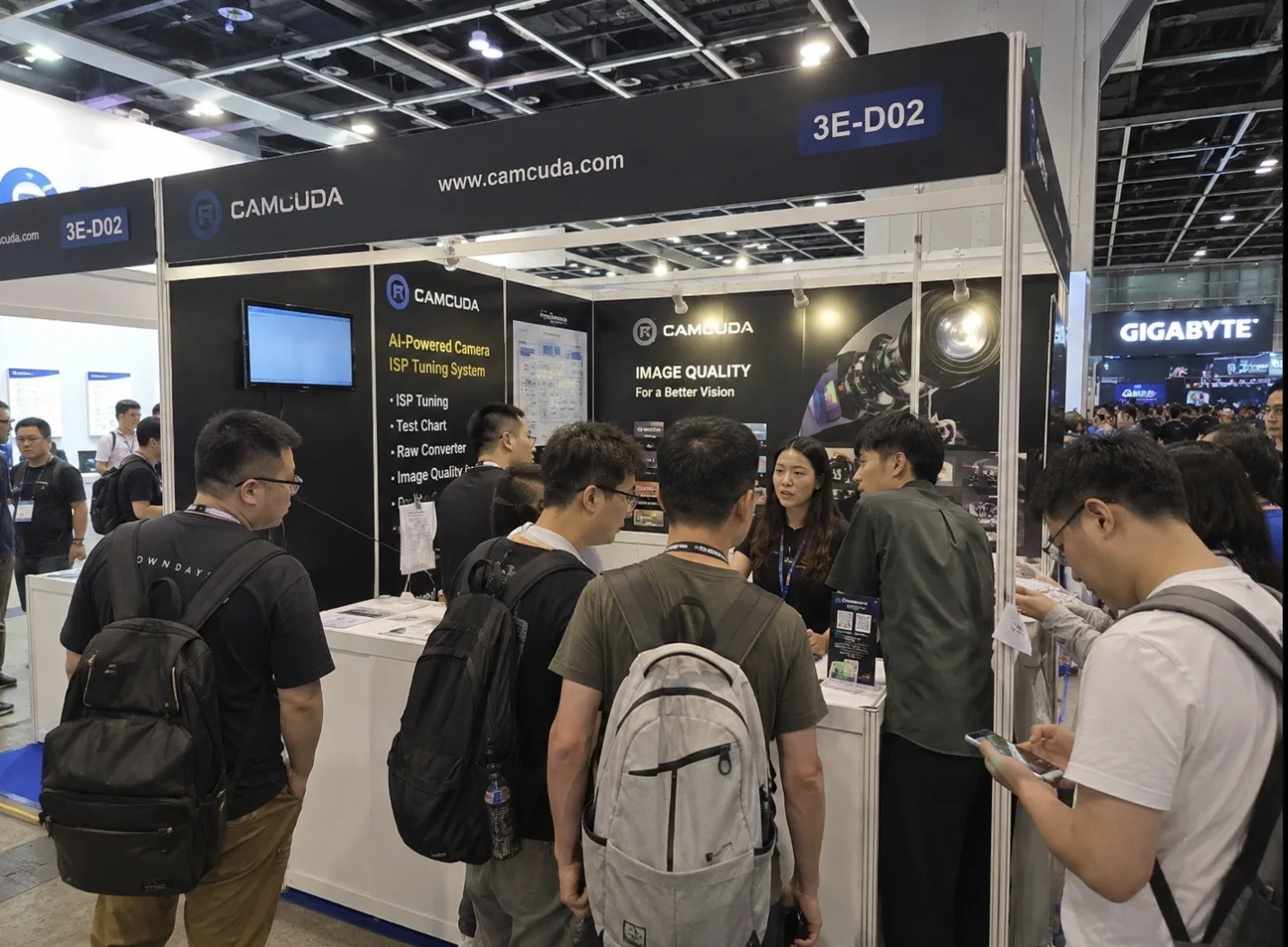
Review our company registration details and exhibition photograph. Contact us for the documents relevant to your supplier review.
Request company verificationCompany registration information
CAMCUDA is the thermal-imaging product brand of Robocuda Limited. Company details are provided for procurement verification.
- Hong Kong Business Registration No.
- 78737025
- Registered address
- Unit 9, 1/F, The Cloud, 111 Tung Chau Street, Tai Kok Tsui, Kowloon, Hong Kong
 ROBOCUDA / CAMCUDA
02
ROBOCUDA / CAMCUDA
02
CAMCUDA at an industry event
Our exhibition booth is shown in the photograph. Contact us to discuss products, integration requirements and supplier review.
Arrange a supplier review


